Radiant Harmony: Sun & Blooms - Flux.1 dev
Eingabe
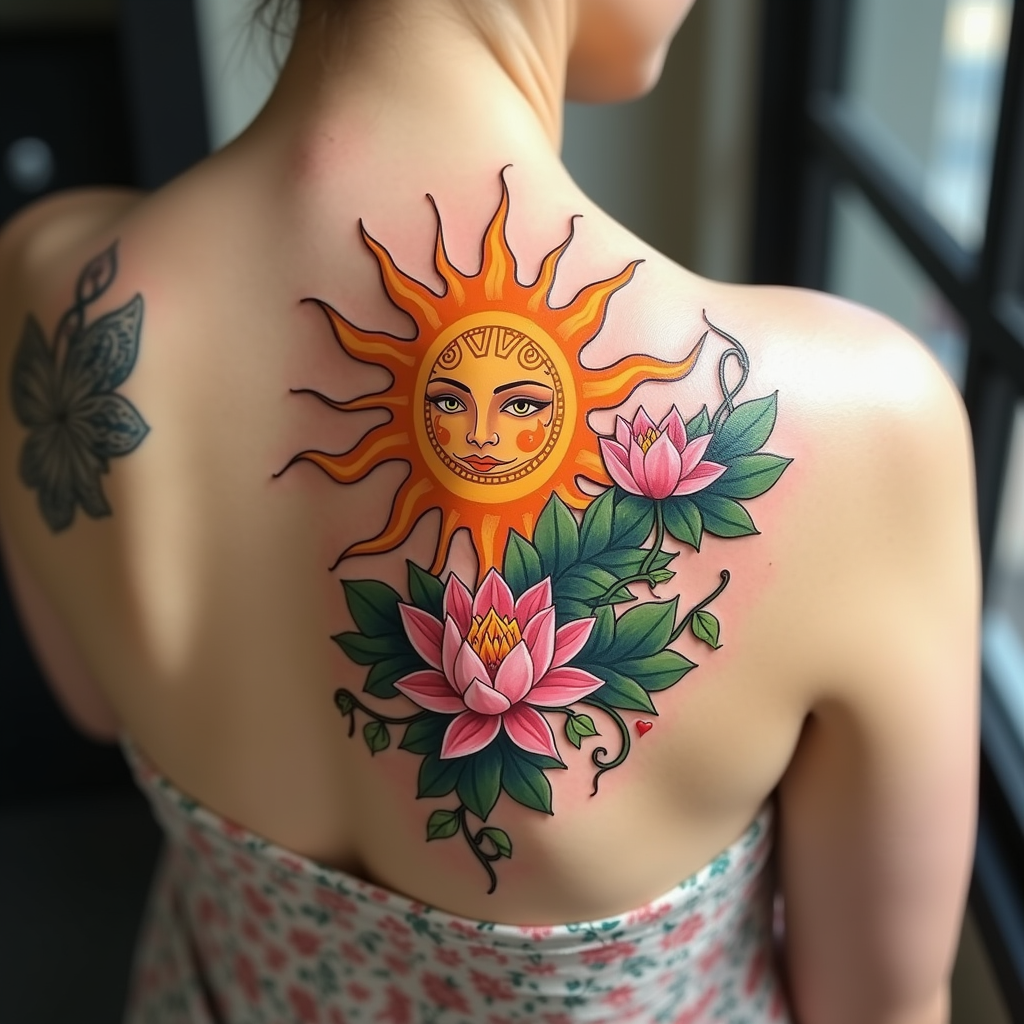
Create a tattoo design for the side of the upper back featuring a stylized sun at the center, with bold, sweeping rays extending outward. Surround the sun with delicate floral accents, including blooming lotus flowers and intertwining vines that wrap gently around the sun's rays. The artistic style should be a blend of traditional and modern, incorporating intricate line work and shading for depth. The tattoo should be medium to large in size, allowing for detailed patterns and textures within the sun and flowers. A vibrant color palette of warm yellows, oranges, and soft greens should be used, enhancing the natural beauty of the design. Incorporate subtle geometric patterns within the sun to symbolize harmony and balance. The overall mood should evoke a sense of warmth, positivity, and connection to nature, reflecting themes of growth and enlightenment.
Detaillierte Analyse des Flux KI Image Prompt
Analysiere den detaillierten Prompt, der zur Erstellung des Bildes mit dem Flux KI Image Generator verwendet wurde.
Flux-Prompts für den KI-Bildgenerator erkunden
Wie man ein Bild generiert von Flux.1 dev
Folge diesen vier einfachen Schritten, um das gewünschte Bild zu erstellen.
Schritt 1: Gib deinen Text ein (Fühle dich frei, deinen Prompt für bessere Ergebnisse zu verfeinern)
Schritt 2: Wähle das Bildseitenverhältnis
Schritt 3: Wähle dein Flux-Modell:
Schritt 4: Klicke auf die Generieren-Schaltfläche und warte ein paar Sekunden auf dein Bild
Verwandte Flux KI Tools für Prompts über Flux.1 dev
Entdecke fortschrittliche Tools von Flux KI, um deinen kreativen Workflow zu verbessern.