Focused Innovation: Engineer's Portrait - Flux.1 schnell
Eingabe
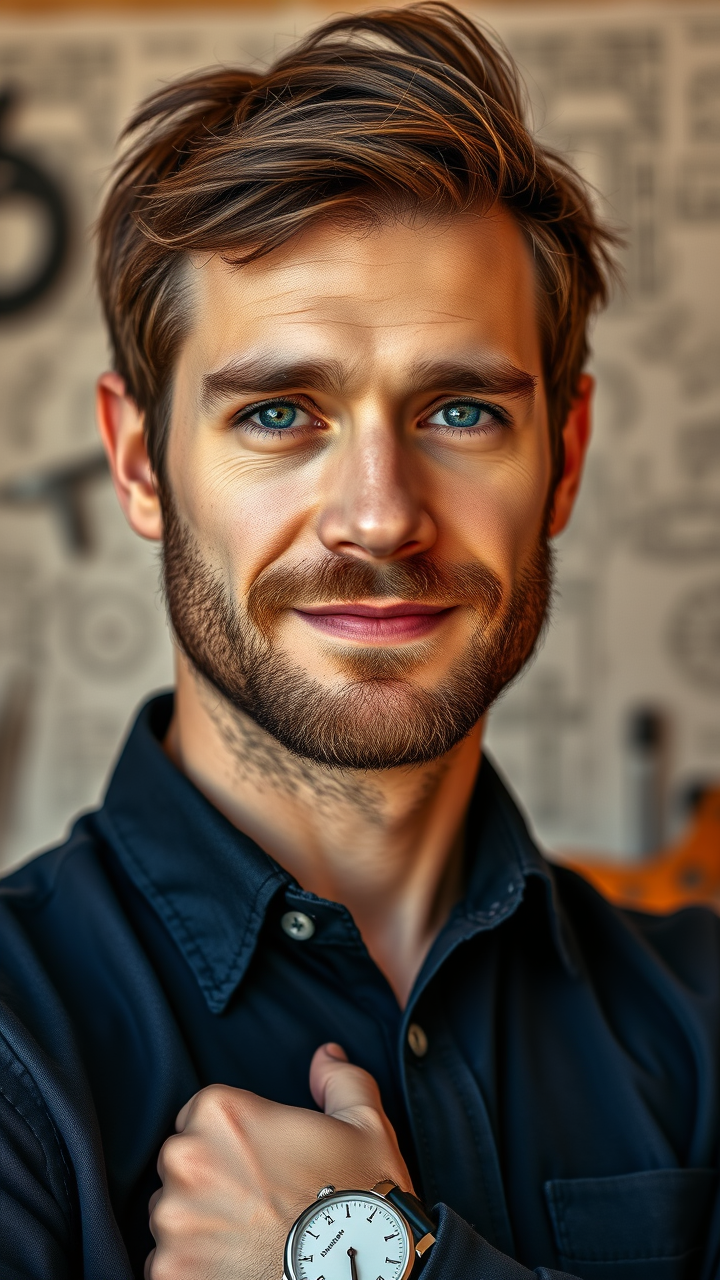
Create a portrait of a Caucasian male engineer in his mid-30s, with short, tousled brown hair and a well-groomed beard. His sharp blue eyes convey intelligence and determination, framed by subtle crow’s feet that hint at years of problem-solving. He wears a navy blue button-up shirt with rolled sleeves, revealing a sleek wristwatch, symbolizing precision and time management. The engineer's expression is focused yet approachable, with a slight smile that suggests confidence and creativity. Set against a softly blurred background of engineering blueprints and tools, utilize warm, natural lighting to enhance his features and create depth. The composition should be a three-quarter view, capturing his profile and the intensity in his gaze. Render in a realistic style reminiscent of contemporary portrait photography, using a 50mm lens effect to create a shallow depth of field, ensuring he stands out as the focal point of the image.
Detaillierte Analyse des Flux KI Image Prompt
Analysiere den detaillierten Prompt, der zur Erstellung des Bildes mit dem Flux KI Image Generator verwendet wurde.
Flux-Prompts für den KI-Bildgenerator erkunden
Wie man ein Bild generiert von Flux.1 schnell
Folge diesen vier einfachen Schritten, um das gewünschte Bild zu erstellen.
Schritt 1: Gib deinen Text ein (Fühle dich frei, deinen Prompt für bessere Ergebnisse zu verfeinern)
Schritt 2: Wähle das Bildseitenverhältnis
Schritt 3: Wähle dein Flux-Modell:
Schritt 4: Klicke auf die Generieren-Schaltfläche und warte ein paar Sekunden auf dein Bild
Verwandte Flux KI Tools für Prompts über Flux.1 schnell
Entdecke fortschrittliche Tools von Flux KI, um deinen kreativen Workflow zu verbessern.