Neon Shadows: Rebellion Awaits - Flux.1 schnell
Eingabe
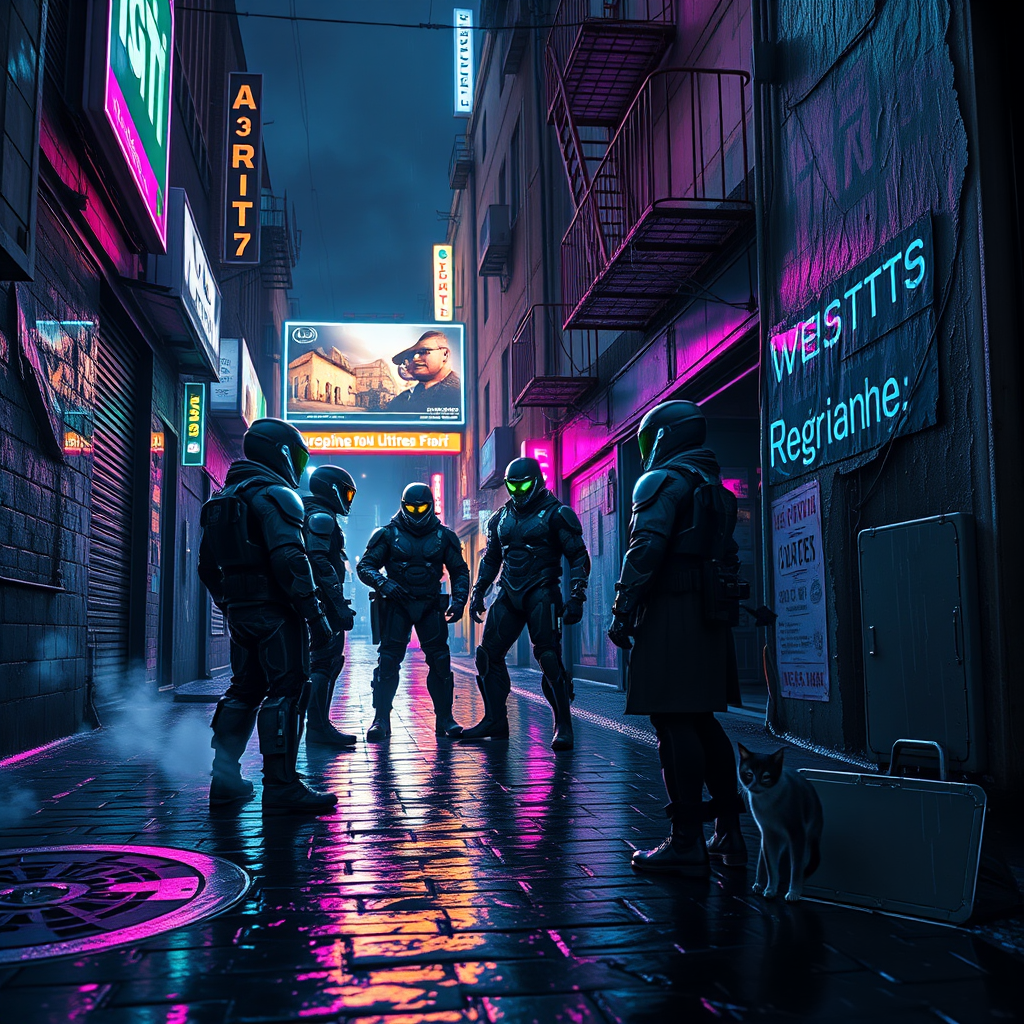
In a rain-soaked alley, neon lights flicker against the slick cobblestones, casting a kaleidoscope of colors—electric blue, acid green, and vibrant magenta—onto the glistening surface. Shadows dance as augmented mercenaries, clad in sleek, high-tech armor adorned with glowing circuitry, huddle beneath the crumbling overhang of a dilapidated building. Their cybernetic eyes glint with intensity, reflecting the distant glow of a holographic billboard advertising a dystopian utopia. Wisps of steam rise from manhole covers, mingling with the cool, damp air, while droplets cascade from rusted fire escapes above, creating a rhythmic symphony of water. The atmosphere is thick with tension as the mercenaries exchange hushed whispers, their breath visible in the humid night, plotting a rebellion against the oppressive regime that looms over the city like a specter. A stray cat, its fur slicked down and eyes glowing eerily, watches from the shadows, embodying the resilience of the forgotten.
Detaillierte Analyse des Flux KI Image Prompt
Analysiere den detaillierten Prompt, der zur Erstellung des Bildes mit dem Flux KI Image Generator verwendet wurde.
Flux-Prompts für den KI-Bildgenerator erkunden
Wie man ein Bild generiert von Flux.1 schnell
Folge diesen vier einfachen Schritten, um das gewünschte Bild zu erstellen.
Schritt 1: Gib deinen Text ein (Fühle dich frei, deinen Prompt für bessere Ergebnisse zu verfeinern)
Schritt 2: Wähle das Bildseitenverhältnis
Schritt 3: Wähle dein Flux-Modell:
Schritt 4: Klicke auf die Generieren-Schaltfläche und warte ein paar Sekunden auf dein Bild
Verwandte Flux KI Tools für Prompts über Flux.1 schnell
Entdecke fortschrittliche Tools von Flux KI, um deinen kreativen Workflow zu verbessern.