Neon Secrets: Futures Unveiled - Flux.1 dev
Eingabe
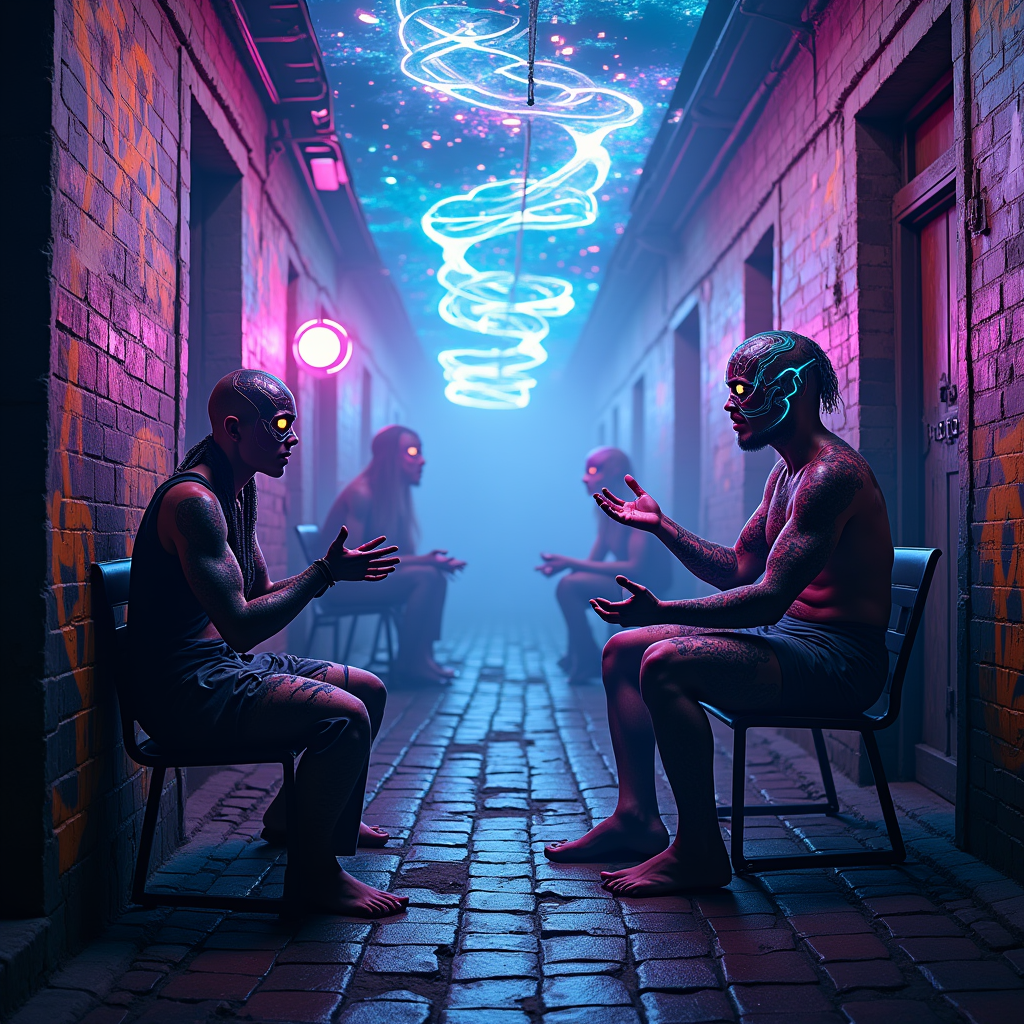
In a neon-drenched alleyway, electric tendrils of vibrant blue and pulsating purple snake through the damp cobblestones, illuminating the shadows with an otherworldly glow. The air is thick with a mist that refracts the light, creating a surreal haze. Augmented fortune tellers, adorned with cybernetic enhancements and shimmering tattoos, sit beneath flickering holographic canopies, their eyes glowing with augmented reality projections of swirling futures. One fortune teller, draped in a cascade of iridescent fabrics, gestures towards a floating crystal orb, while another, with intricate circuitry embedded in their skin, reads the flickering data streams above. Graffiti art, pulsating with luminescent colors, covers the crumbling brick walls, depicting visions of hope and despair. A distant hum of machinery and the soft crackle of electricity fill the atmosphere, creating an immersive sense of anticipation and mystery as the alleyway beckons with secrets waiting to be unveiled.
Detaillierte Analyse des Flux KI Image Prompt
Analysiere den detaillierten Prompt, der zur Erstellung des Bildes mit dem Flux KI Image Generator verwendet wurde.
Flux-Prompts für den KI-Bildgenerator erkunden
Wie man ein Bild generiert von Flux.1 dev
Folge diesen vier einfachen Schritten, um das gewünschte Bild zu erstellen.
Schritt 1: Gib deinen Text ein (Fühle dich frei, deinen Prompt für bessere Ergebnisse zu verfeinern)
Schritt 2: Wähle das Bildseitenverhältnis
Schritt 3: Wähle dein Flux-Modell:
Schritt 4: Klicke auf die Generieren-Schaltfläche und warte ein paar Sekunden auf dein Bild
Verwandte Flux KI Tools für Prompts über Flux.1 dev
Entdecke fortschrittliche Tools von Flux KI, um deinen kreativen Workflow zu verbessern.