Milan Cathedral - Flux.1.1 pro
Eingabe
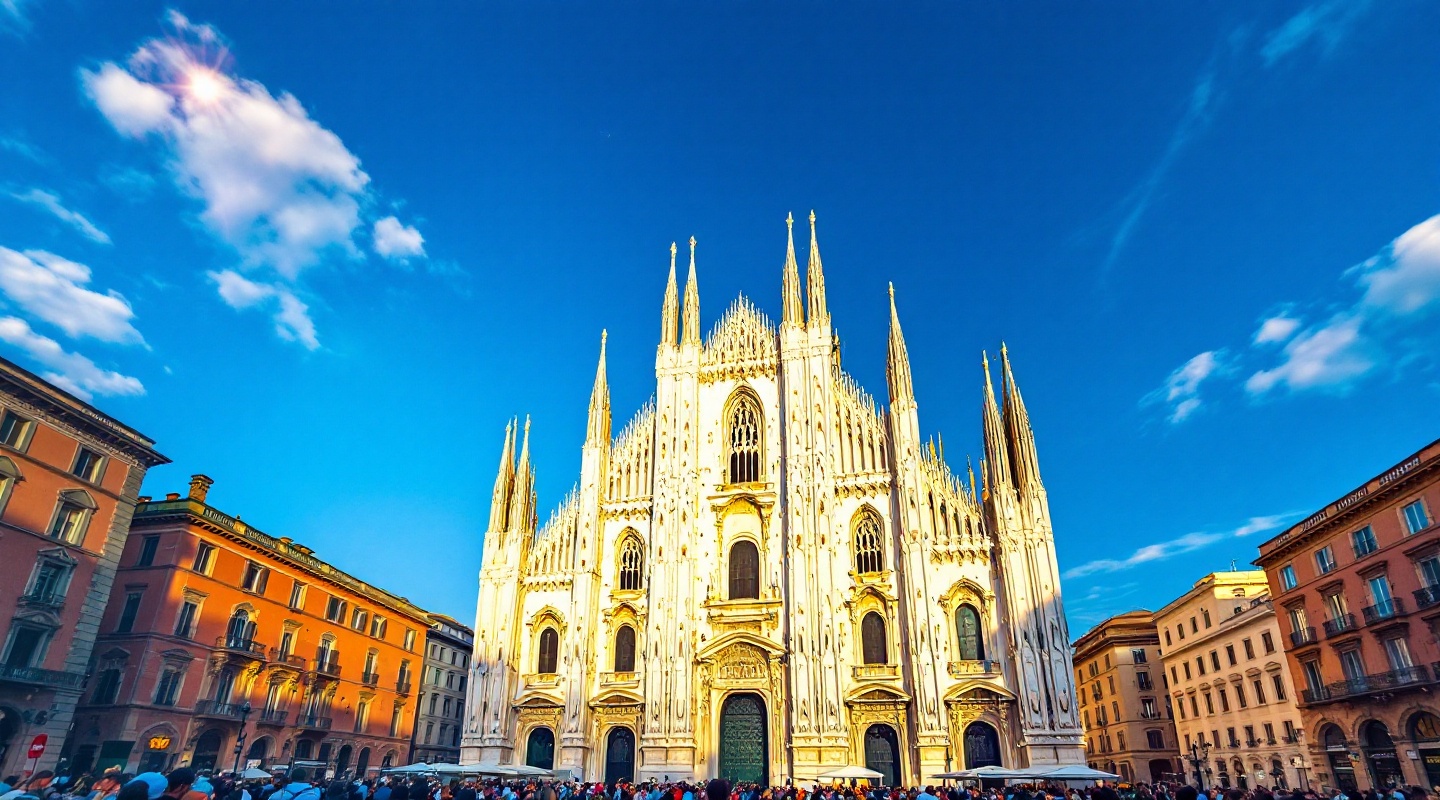
Create a stunning image of Milan Cathedral, showcasing its intricate Gothic architecture with soaring spires and elaborate statues. Highlight the cathedral's façade, adorned with white Candoglia marble that glistens in the sunlight, contrasting against the deep blue sky. Capture the delicate details of the ornate carvings and the iconic Madonnina statue atop the central spire. Surround the cathedral with the bustling Piazza del Duomo, featuring lively crowds and vibrant cafés, framed by historic buildings in warm terracotta tones. Opt for a late afternoon setting, where the golden hour casts a soft, warm glow, enhancing the cathedral’s intricate details and the textures of the surrounding stone. Incorporate a slight lens flare to evoke a dreamlike quality. Emphasize a photographic style that combines wide-angle perspective with a touch of HDR to bring out the richness of colors and the depth of the scene, reflecting the cultural significance and grandeur of this iconic landmark.
Detaillierte Analyse des Flux KI Image Prompt
Analysiere den detaillierten Prompt, der zur Erstellung des Bildes mit dem Flux KI Image Generator verwendet wurde.
Flux-Prompts für den KI-Bildgenerator erkunden
Wie man ein Bild generiert von Flux.1.1 pro
Folge diesen vier einfachen Schritten, um das gewünschte Bild zu erstellen.
Schritt 1: Gib deinen Text ein (Fühle dich frei, deinen Prompt für bessere Ergebnisse zu verfeinern)
Schritt 2: Wähle das Bildseitenverhältnis
Schritt 3: Wähle dein Flux-Modell:
Schritt 4: Klicke auf die Generieren-Schaltfläche und warte ein paar Sekunden auf dein Bild
Verwandte Flux KI Tools für Prompts über Flux.1.1 pro
Entdecke fortschrittliche Tools von Flux KI, um deinen kreativen Workflow zu verbessern.