Neon Dreams: Crafting Sentience - Flux.1 schnell
Eingabe
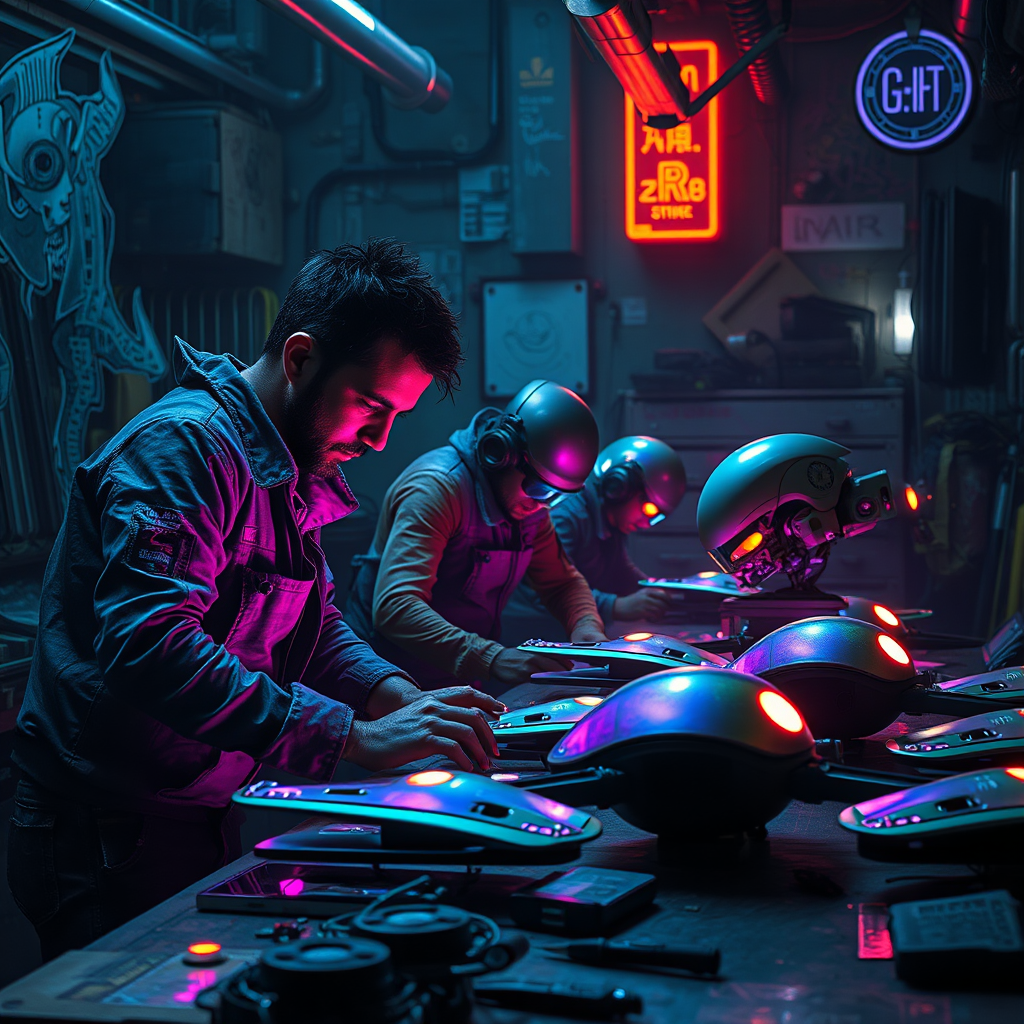
In a dimly lit, neon-drenched workshop nestled within a sprawling cyberpunk metropolis, rogue engineers hunch over a makeshift assembly line, their faces illuminated by the pulsating glow of flickering holograms. Glimmering blues and electric pinks dance across their rugged attire, reflecting the chaotic beauty of their surroundings. The air is thick with the scent of solder and ozone, while ethereal projections of mechanical schematics swirl around them, casting ghostly shadows on the graffiti-covered walls. Amidst the clutter of tools and discarded tech, sentient drones take shape, their sleek, metallic bodies adorned with iridescent panels that shimmer like the surface of a dream. Each drone, with glowing eyes that pulse with an inner light, embodies a unique blend of artistry and engineering, as the engineers, with intense focus and fervent passion, breathe life into their creations, forging a new era of autonomous beings in a world where imagination meets technology.
Detaillierte Analyse des Flux KI Image Prompt
Analysiere den detaillierten Prompt, der zur Erstellung des Bildes mit dem Flux KI Image Generator verwendet wurde.
Flux-Prompts für den KI-Bildgenerator erkunden
Wie man ein Bild generiert von Flux.1 schnell
Folge diesen vier einfachen Schritten, um das gewünschte Bild zu erstellen.
Schritt 1: Gib deinen Text ein (Fühle dich frei, deinen Prompt für bessere Ergebnisse zu verfeinern)
Schritt 2: Wähle das Bildseitenverhältnis
Schritt 3: Wähle dein Flux-Modell:
Schritt 4: Klicke auf die Generieren-Schaltfläche und warte ein paar Sekunden auf dein Bild
Verwandte Flux KI Tools für Prompts über Flux.1 schnell
Entdecke fortschrittliche Tools von Flux KI, um deinen kreativen Workflow zu verbessern.