Kenshin Takahashi - Flux.1 schnell
Eingabe
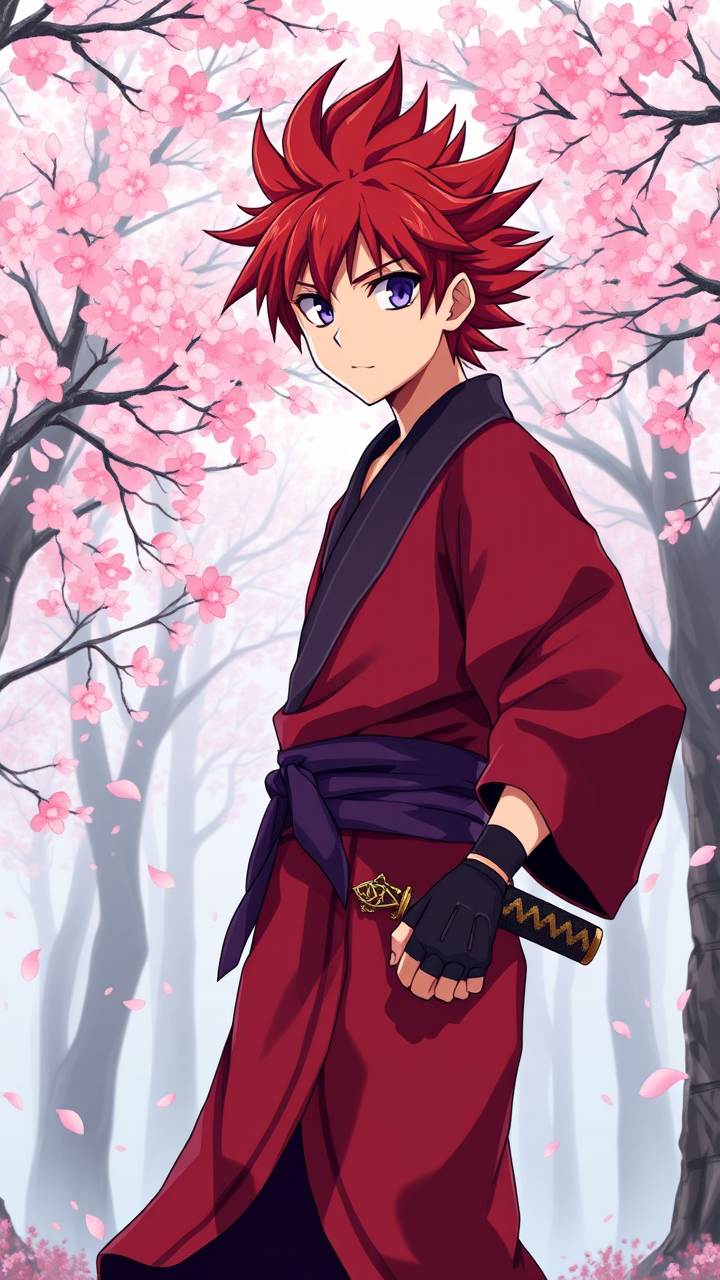
Create an anime-style image of Kenshin Takahashi, a young warrior with striking crimson hair styled in a wild, spiky manner, and sharp, expressive violet eyes. He wears a traditional, tattered kimono with a deep red and navy color palette, adorned with intricate patterns that signify his noble lineage. A pair of fingerless gloves and a simple, ornate katana sheathed at his side add to his rugged charm. Kenshin stands in a dynamic pose, one foot slightly forward, with a determined expression that conveys both strength and compassion. His gaze is focused, hinting at a deep resolve. The background features a serene, misty forest with cherry blossom trees in full bloom, their petals gently falling around him, enhancing the scene's tranquility. The art style should reflect a vibrant, bold anime aesthetic, with clean lines and vivid colors, capturing the essence of classic shonen anime while incorporating subtle sticker-like elements for added charm.
Detaillierte Analyse des Flux KI Image Prompt
Analysiere den detaillierten Prompt, der zur Erstellung des Bildes mit dem Flux KI Image Generator verwendet wurde.
Flux-Prompts für den KI-Bildgenerator erkunden
Wie man ein Bild generiert von Flux.1 schnell
Folge diesen vier einfachen Schritten, um das gewünschte Bild zu erstellen.
Schritt 1: Gib deinen Text ein (Fühle dich frei, deinen Prompt für bessere Ergebnisse zu verfeinern)
Schritt 2: Wähle das Bildseitenverhältnis
Schritt 3: Wähle dein Flux-Modell:
Schritt 4: Klicke auf die Generieren-Schaltfläche und warte ein paar Sekunden auf dein Bild
Verwandte Flux KI Tools für Prompts über Flux.1 schnell
Entdecke fortschrittliche Tools von Flux KI, um deinen kreativen Workflow zu verbessern.