Stonehenge - Flux.1 schnell
Eingabe
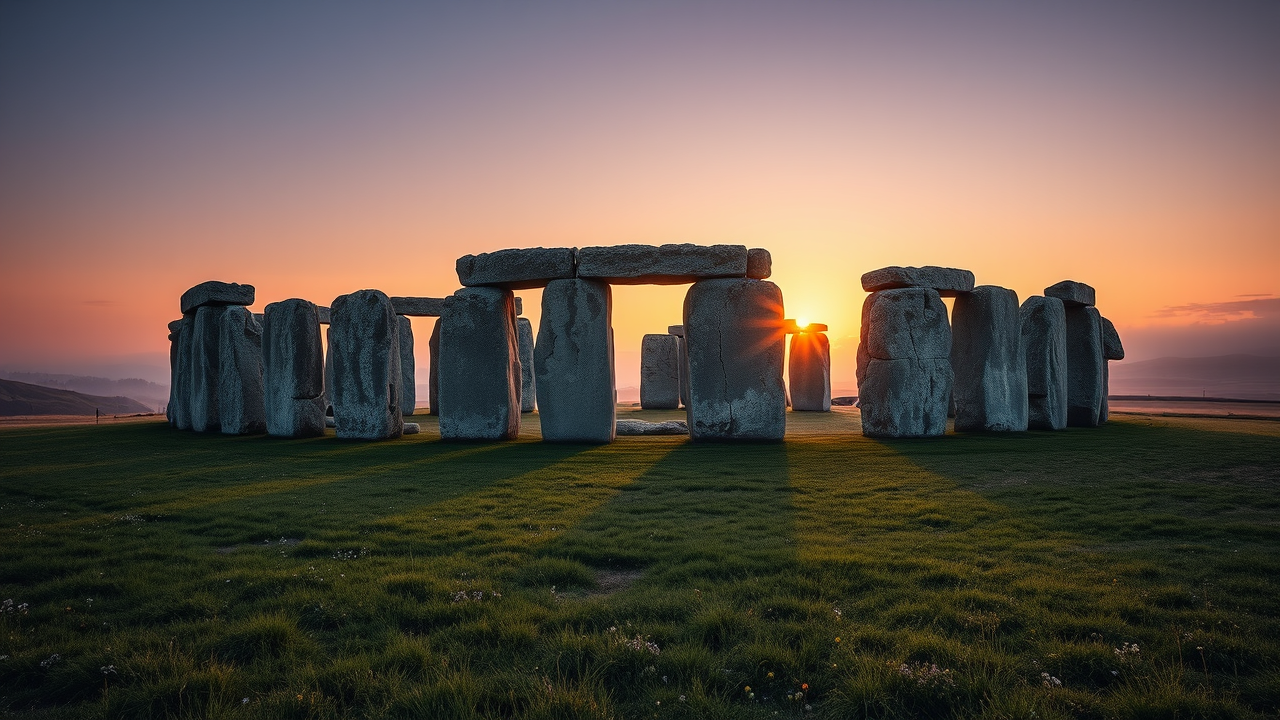
Create a breathtaking scene of Stonehenge at dawn, with the first light of day casting a warm golden hue across the ancient stones. The iconic megaliths, composed of weathered sarsen stones and bluestones, stand in a circular formation, their rough textures contrasting against the smooth, dewy grass beneath. The sky transitions from deep indigo to soft pastel shades of pink and orange, reflecting the mystical aura of this prehistoric monument. Surrounding the site, gentle rolling hills and a misty landscape enhance the serene atmosphere, while scattered wildflowers add splashes of color. Capture the scene in a high-resolution, wide-angle format to emphasize both the grandeur of Stonehenge and its connection to the natural world, evoking a sense of wonder and timelessness that speaks to its cultural significance as a site of ancient rituals and astronomical alignment.
Detaillierte Analyse des Flux KI Image Prompt
Analysiere den detaillierten Prompt, der zur Erstellung des Bildes mit dem Flux KI Image Generator verwendet wurde.
Flux-Prompts für den KI-Bildgenerator erkunden
Wie man ein Bild generiert von Flux.1 schnell
Folge diesen vier einfachen Schritten, um das gewünschte Bild zu erstellen.
Schritt 1: Gib deinen Text ein (Fühle dich frei, deinen Prompt für bessere Ergebnisse zu verfeinern)
Schritt 2: Wähle das Bildseitenverhältnis
Schritt 3: Wähle dein Flux-Modell:
Schritt 4: Klicke auf die Generieren-Schaltfläche und warte ein paar Sekunden auf dein Bild
Verwandte Flux KI Tools für Prompts über Flux.1 schnell
Entdecke fortschrittliche Tools von Flux KI, um deinen kreativen Workflow zu verbessern.