Kazuma Hoshizora - Flux.1.1 pro
Eingabe
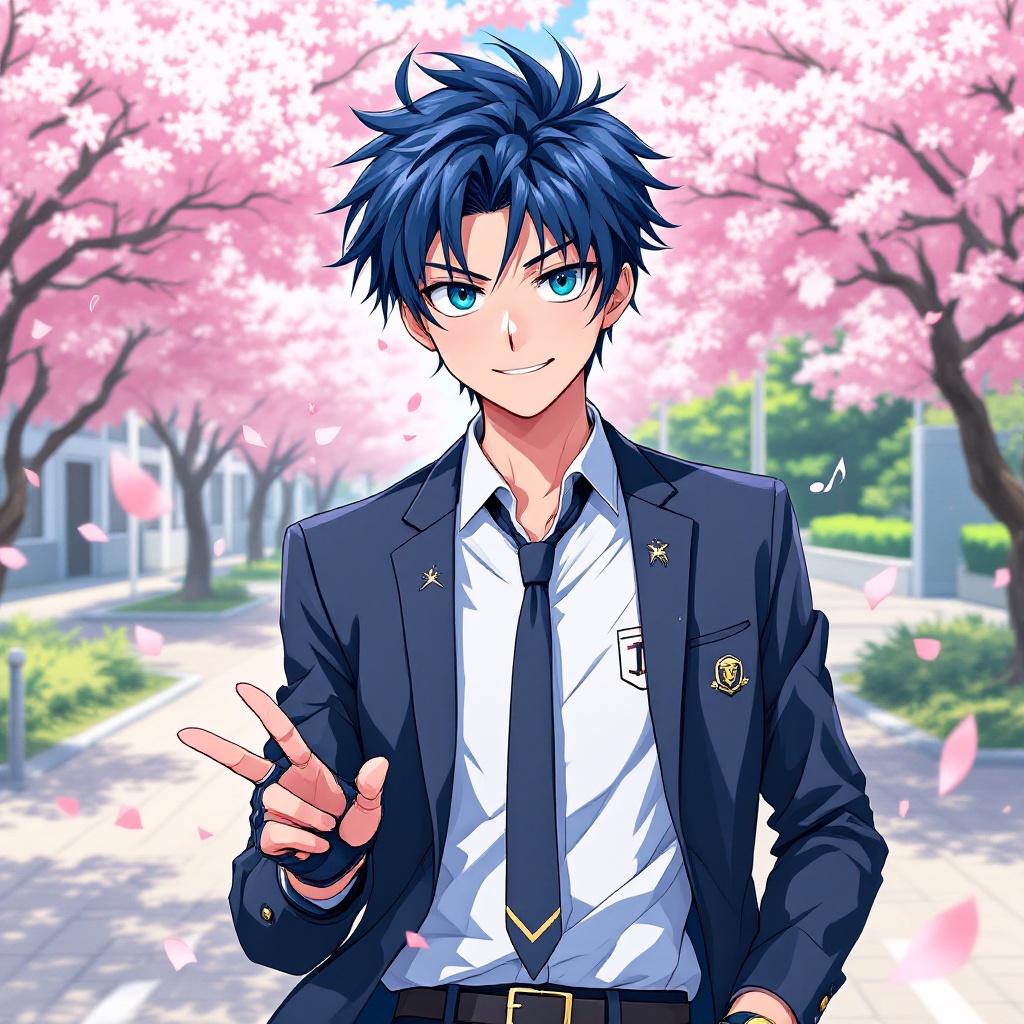
Create an image of Kazuma Hoshizora in a vibrant anime style, focusing on his striking features: short, spiky dark blue hair and bright teal eyes that convey a sense of determination. He wears a stylish, modern school uniform with a fitted blazer, a crisp white shirt, and a loose tie, accented by a unique emblem on the chest. Add a pair of fingerless gloves and a stylish wristwatch for a contemporary touch. Kazuma's expression should be confident and slightly mischievous, with a playful smile as he strikes a dynamic pose, one hand on his hip and the other raised in a peace sign. Set the scene in a lively school courtyard filled with cherry blossom trees, petals gently falling around him, enhancing the cheerful atmosphere. Use a colorful, cel-shaded anime art style, emphasizing clean lines and vibrant colors. Include subtle musical notes in the background, reflecting his passion for music, as a signature element of his character.
Detaillierte Analyse des Flux KI Image Prompt
Analysiere den detaillierten Prompt, der zur Erstellung des Bildes mit dem Flux KI Image Generator verwendet wurde.
Flux-Prompts für den KI-Bildgenerator erkunden
Wie man ein Bild generiert von Flux.1.1 pro
Folge diesen vier einfachen Schritten, um das gewünschte Bild zu erstellen.
Schritt 1: Gib deinen Text ein (Fühle dich frei, deinen Prompt für bessere Ergebnisse zu verfeinern)
Schritt 2: Wähle das Bildseitenverhältnis
Schritt 3: Wähle dein Flux-Modell:
Schritt 4: Klicke auf die Generieren-Schaltfläche und warte ein paar Sekunden auf dein Bild
Verwandte Flux KI Tools für Prompts über Flux.1.1 pro
Entdecke fortschrittliche Tools von Flux KI, um deinen kreativen Workflow zu verbessern.