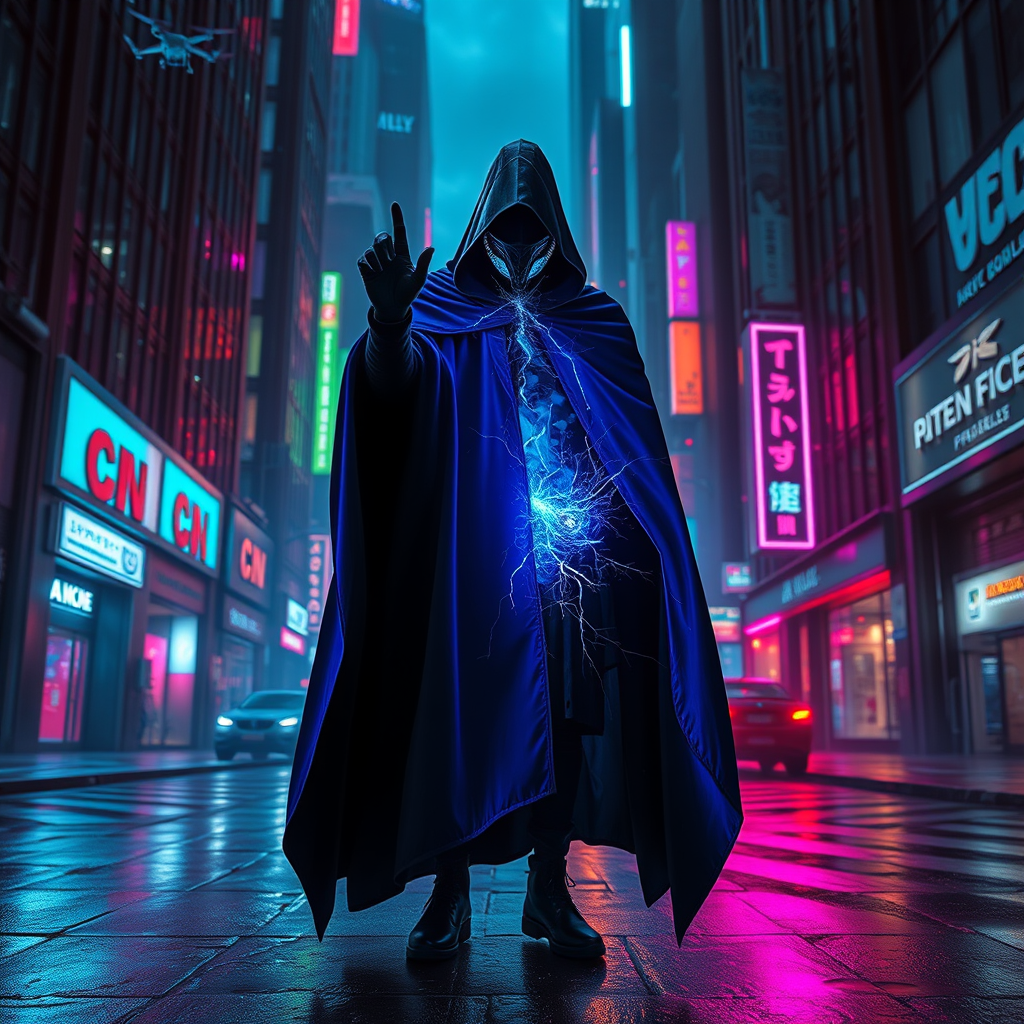
Riftwalker: Neon Dreams Unbound - Flux.1 schnell
Eingabe
In a neon-drenched alleyway of a sprawling cyberpunk metropolis, a lone figure stands shrouded in a billowing cloak, woven from shadows and flickering holograms, its edges pulsating with electric blue and deep violet hues. The air is thick with the scent of rain-soaked asphalt and the distant hum of drones buzzing overhead, casting erratic beams of light that dance across the slick surfaces. The figure, their face obscured by a high-tech visor displaying swirling data streams, raises a gloved hand, fingertips crackling with energy as they tear at the very fabric of reality, revealing a shimmering rift that pulses with iridescent colors. Surrounding them, towering skyscrapers loom like silent sentinels, their glass facades reflecting a kaleidoscope of neon signs and advertisements, while the distant echo of urban life fades into a haunting silence, amplifying the tension of this moment where the boundaries of existence blur.
Detaillierte Analyse des Flux KI Image Prompt
Analysiere den detaillierten Prompt, der zur Erstellung des Bildes mit dem Flux KI Image Generator verwendet wurde.
Flux-Prompts für den KI-Bildgenerator erkunden
Wie man ein Bild generiert von Flux.1 schnell
Folge diesen vier einfachen Schritten, um das gewünschte Bild zu erstellen.
Schritt 1: Gib deinen Text ein (Fühle dich frei, deinen Prompt für bessere Ergebnisse zu verfeinern)
Schritt 2: Wähle das Bildseitenverhältnis
Schritt 3: Wähle dein Flux-Modell:
Schritt 4: Klicke auf die Generieren-Schaltfläche und warte ein paar Sekunden auf dein Bild
Verwandte Flux KI Tools für Prompts über Flux.1 schnell
Entdecke fortschrittliche Tools von Flux KI, um deinen kreativen Workflow zu verbessern.