Diving Petrel - Flux.1 schnell
Eingabe
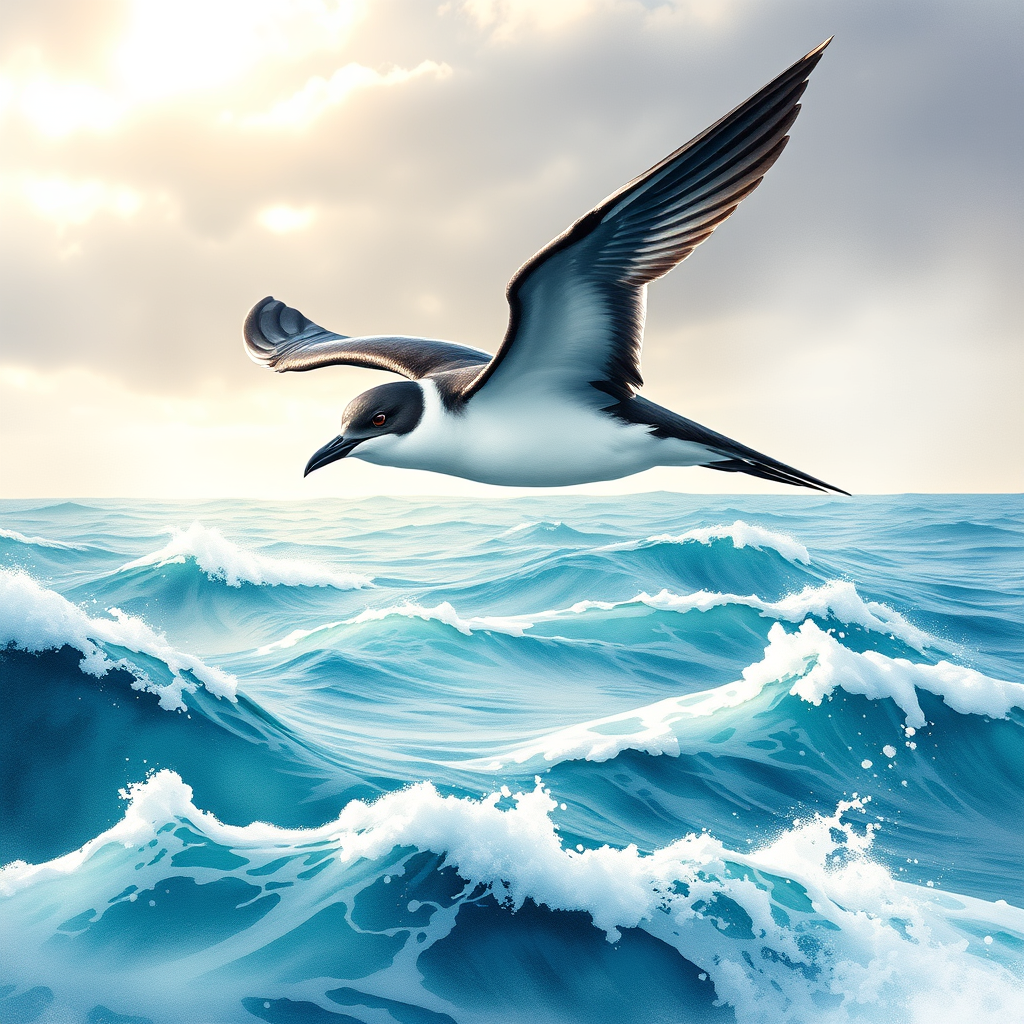
**Image Prompt:** A sleek, agile **diving petrel** in mid-flight, its wings slightly arched as it skims just above the ocean’s surface. Its dark, storm-gray plumage glistens with droplets, contrasting with its white underbelly. The bird’s sharp, black beak parts slightly, as if calling into the wind. Surrounding it, **choppy turquoise waves** crest with foam, and a misty seabreeze blurs the horizon. The sky is a moody blend of slate and pale gold, with soft sunlight breaking through scattered clouds. **Art Style:** Semi-realistic watercolor with loose, expressive brushstrokes, capturing movement and atmosphere. **Lighting:** Diffuse, ethereal glow with subtle rim lighting on the petrel’s edges. **Color Palette:** Cool blues, steely grays, and muted golds, with pops of white for contrast. **Mood:** Wild, fleeting, and dynamic—a moment of freedom over the untamed sea. **Composition:** Low-angle shot, slightly off-center, with the petrel dominating the foreground. The ocean fills the lower third, merging into the hazy sky. A distant rocky cliff adds depth. **Extras:** A few streaking seabirds in the background, and faint reflections of wings on the water’s surface.
Detaillierte Analyse des Flux KI Image Prompt
Analysiere den detaillierten Prompt, der zur Erstellung des Bildes mit dem Flux KI Image Generator verwendet wurde.
Flux-Prompts für den KI-Bildgenerator erkunden
Wie man ein Bild generiert von Flux.1 schnell
Folge diesen vier einfachen Schritten, um das gewünschte Bild zu erstellen.
Schritt 1: Gib deinen Text ein (Fühle dich frei, deinen Prompt für bessere Ergebnisse zu verfeinern)
Schritt 2: Wähle das Bildseitenverhältnis
Schritt 3: Wähle dein Flux-Modell:
Schritt 4: Klicke auf die Generieren-Schaltfläche und warte ein paar Sekunden auf dein Bild
Verwandte Flux KI Tools für Prompts über Flux.1 schnell
Entdecke fortschrittliche Tools von Flux KI, um deinen kreativen Workflow zu verbessern.