Upper Arm-Compass & Map - Flux.1 schnell
Eingabe
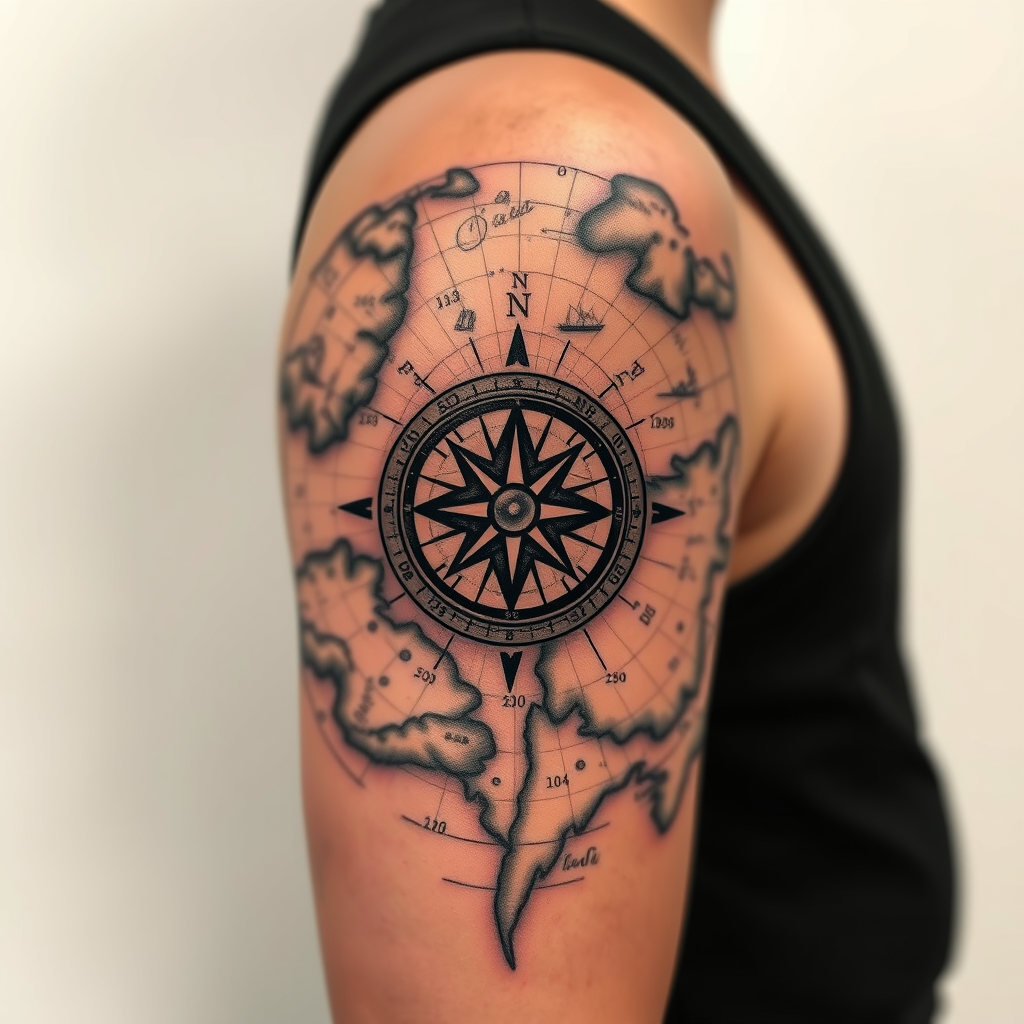
**Prompt:** A detailed **upper arm tattoo** featuring a **compass and antique map motif** in a **realistic style** with subtle **traditional tattoo influences**. The compass, positioned at the center, has **intricate engravings** and a **vibrant rose-wind dial**, while the map unfolds around it with **weathered parchment textures**, **delicate longitude/latitude lines**, and **small landmarks** (e.g., mountains, ships). **Black and grey shading** dominates, with **selective pops of color** (deep blues, burnt oranges) for emphasis. The design wraps the arm naturally, blending into **subtle cloud or wave patterns** at the edges. Symbolizes **adventure, guidance, and discovery**. Mood: **timeless, exploratory, and slightly weathered**. Size: **medium-large**, covering the outer bicep and tapering toward the shoulder.
Detaillierte Analyse des Flux KI Image Prompt
Analysiere den detaillierten Prompt, der zur Erstellung des Bildes mit dem Flux KI Image Generator verwendet wurde.
Flux-Prompts für den KI-Bildgenerator erkunden
Wie man ein Bild generiert von Flux.1 schnell
Folge diesen vier einfachen Schritten, um das gewünschte Bild zu erstellen.
Schritt 1: Gib deinen Text ein (Fühle dich frei, deinen Prompt für bessere Ergebnisse zu verfeinern)
Schritt 2: Wähle das Bildseitenverhältnis
Schritt 3: Wähle dein Flux-Modell:
Schritt 4: Klicke auf die Generieren-Schaltfläche und warte ein paar Sekunden auf dein Bild
Verwandte Flux KI Tools für Prompts über Flux.1 schnell
Entdecke fortschrittliche Tools von Flux KI, um deinen kreativen Workflow zu verbessern.