America's Cup - Flux.1 dev
Eingabe
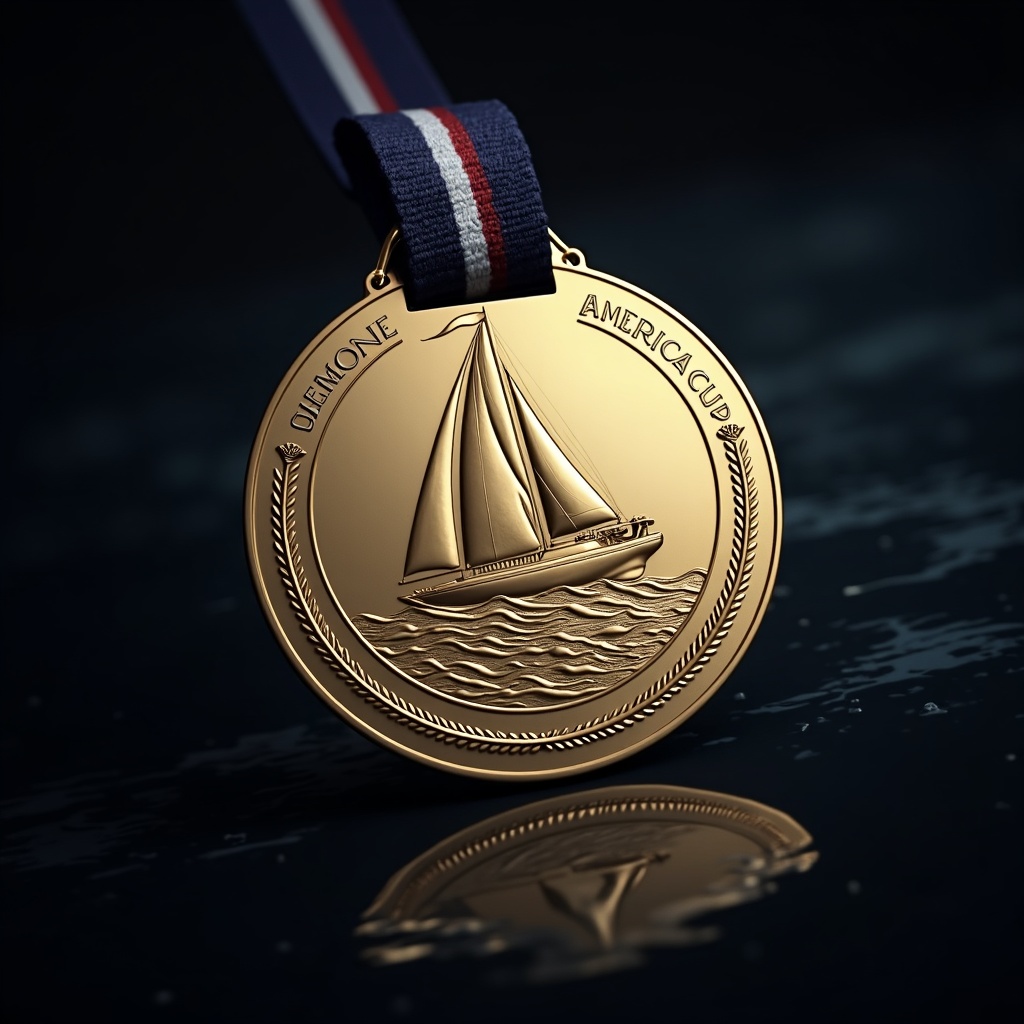
**Prompt:** "A highly detailed, photorealistic America's Cup medal, circular with a diameter of 8cm, crafted from polished gold with a brushed silver inlay. The front features an embossed sailing yacht in full speed, waves crashing beneath, surrounded by intricate nautical rope motifs. The reverse side is engraved with 'America's Cup Champion' in elegant serif font, flanked by laurel wreaths. The ribbon is navy blue with white stripes, attached to a sleek gold chain. The medal gleams under soft, directional lighting, casting subtle reflections on a dark, ocean-inspired background with a shallow depth of field. The composition is a close-up, slightly angled to showcase both the front and ribbon details.
Detaillierte Analyse des Flux KI Image Prompt
Analysiere den detaillierten Prompt, der zur Erstellung des Bildes mit dem Flux KI Image Generator verwendet wurde.
Flux-Prompts für den KI-Bildgenerator erkunden
Wie man ein Bild generiert von Flux.1 dev
Folge diesen vier einfachen Schritten, um das gewünschte Bild zu erstellen.
Schritt 1: Gib deinen Text ein (Fühle dich frei, deinen Prompt für bessere Ergebnisse zu verfeinern)
Schritt 2: Wähle das Bildseitenverhältnis
Schritt 3: Wähle dein Flux-Modell:
Schritt 4: Klicke auf die Generieren-Schaltfläche und warte ein paar Sekunden auf dein Bild
Verwandte Flux KI Tools für Prompts über Flux.1 dev
Entdecke fortschrittliche Tools von Flux KI, um deinen kreativen Workflow zu verbessern.