Bicep-Japanese Peony - Flux.1.1 pro
Eingabe
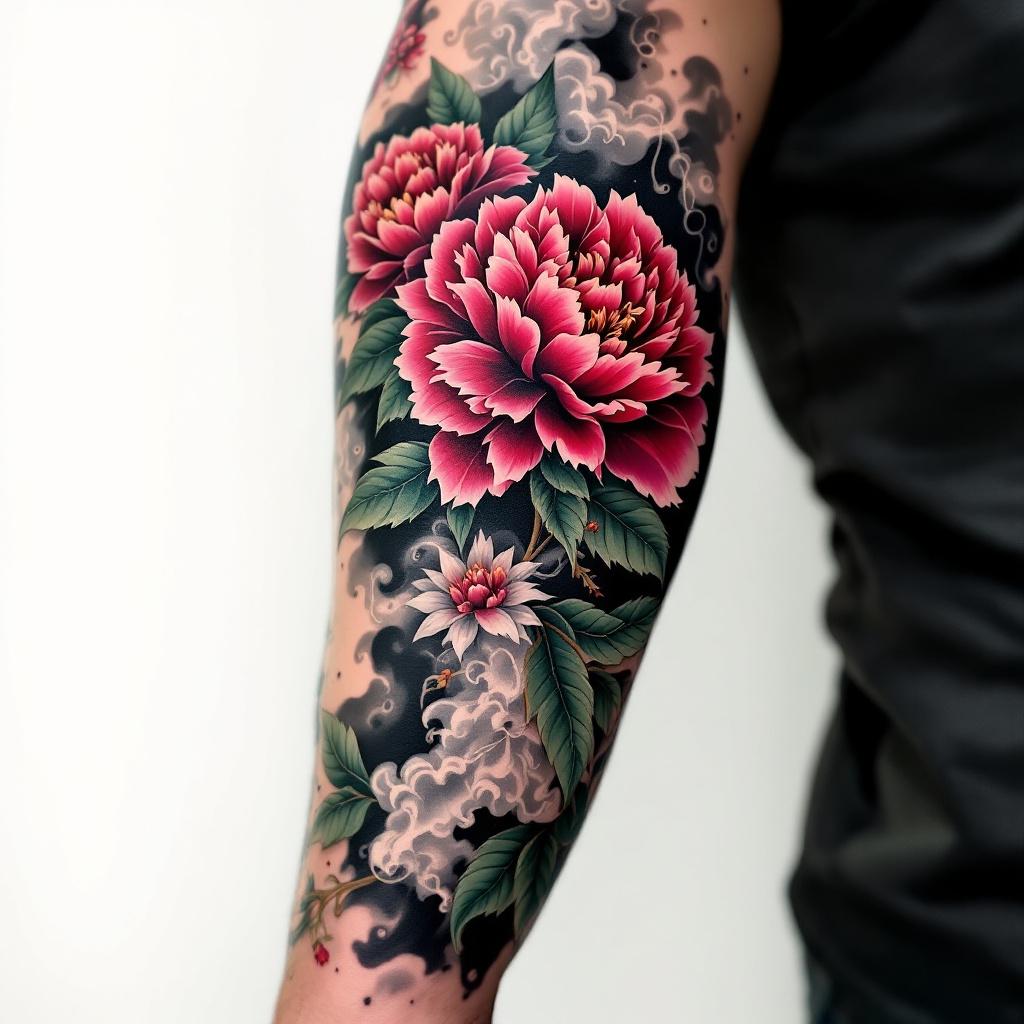
Japanese Peony bicep tattoo, traditional irezumi, full-sleeve extension potential. Vibrant crimson and magenta peonies with lush green leaves, dark linework, dynamic flow, wrapping the bicep. Mottled black background with delicate grey smoke/mist elements. Symbolizes honor and beauty. Intricate petal layering, naturalistic form. Medium-large scale, fills the bicep from shoulder to elbow. Rich, saturated full color. Powerful, elegant aesthetic.
Detaillierte Analyse des Flux KI Image Prompt
Analysiere den detaillierten Prompt, der zur Erstellung des Bildes mit dem Flux KI Image Generator verwendet wurde.
Flux-Prompts für den KI-Bildgenerator erkunden
Wie man ein Bild generiert von Flux.1.1 pro
Folge diesen vier einfachen Schritten, um das gewünschte Bild zu erstellen.
Schritt 1: Gib deinen Text ein (Fühle dich frei, deinen Prompt für bessere Ergebnisse zu verfeinern)
Schritt 2: Wähle das Bildseitenverhältnis
Schritt 3: Wähle dein Flux-Modell:
Schritt 4: Klicke auf die Generieren-Schaltfläche und warte ein paar Sekunden auf dein Bild
Verwandte Flux KI Tools für Prompts über Flux.1.1 pro
Entdecke fortschrittliche Tools von Flux KI, um deinen kreativen Workflow zu verbessern.