Neon Dreams: Rewiring Tomorrow - Flux.1 dev
Indicador
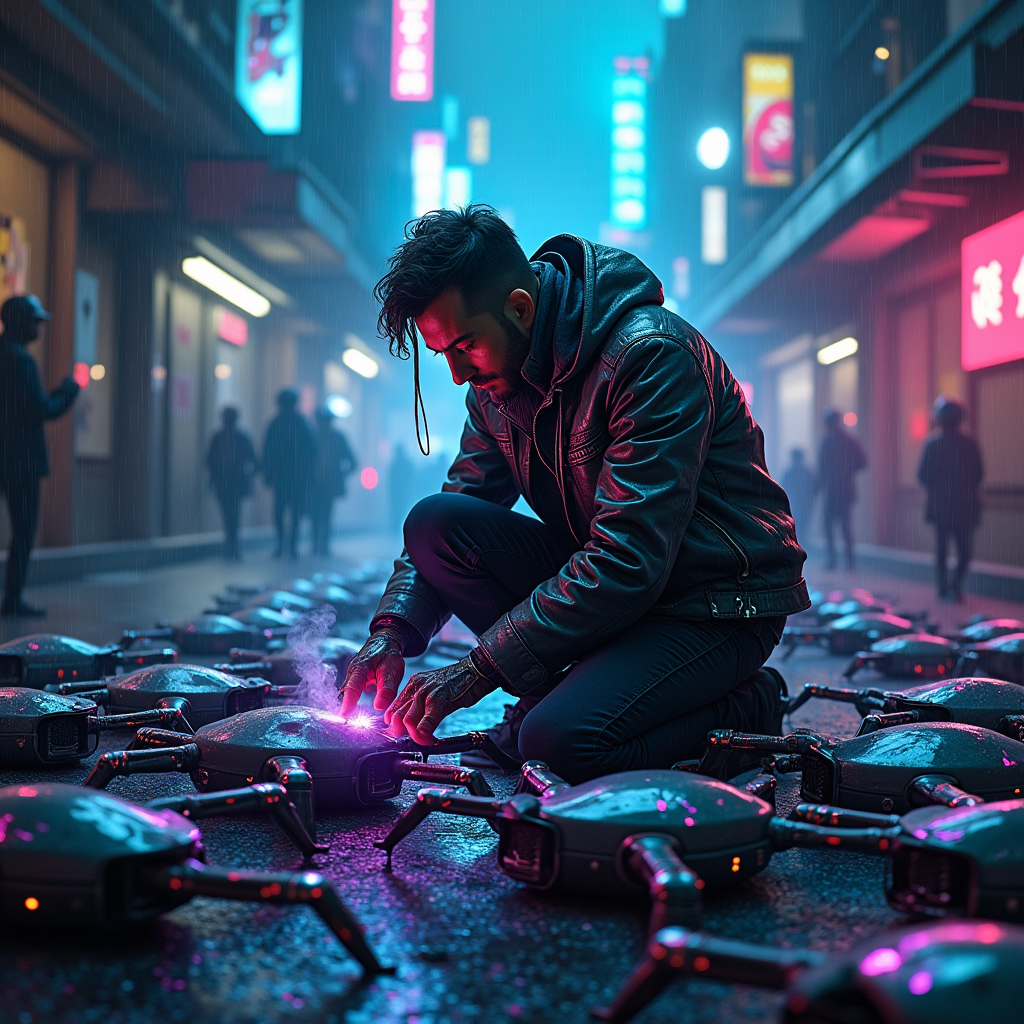
In a dimly lit, rain-soaked alleyway of a sprawling cyberpunk metropolis, a rogue engineer crouches amidst a chaotic array of discarded ancient drones, their metallic bodies covered in vibrant neon graffiti. The air is thick with the hum of electricity, as glowing circuit pathways pulse in rhythmic patterns, casting an eerie blue and violet light that dances across the engineer's focused face, accentuating their cybernetic implants. Clad in a patched leather jacket adorned with flickering LED strips, they deftly rewire the drones, their nimble fingers working against a backdrop of towering skyscrapers adorned with holographic advertisements. Wisps of steam rise from the ground, illuminated by the soft glow of nearby street lamps, while a distant thunderstorm rumbles, adding to the atmosphere of urgency and danger. The engineer's eyes gleam with ambition, reflecting the shimmering circuitry as they prepare to unleash a new wave of drone technology for profit in this gritty, neon-drenched world.
Análisis Detallado del Prompt de Imagen de Flux IA
Analiza el prompt detallado utilizado para generar la imagen con Flux IA Image Generator.
Explorar Mensajes para Flux IA
Cómo generar una imagen por Flux.1 dev
Sigue estos cuatro sencillos pasos para crear la imagen que deseas.
Paso 1: Ingresa tu texto (No dudes en refinar tu prompt para mejores resultados)
Paso 2: Elige la relación de aspecto de la imagen
Paso 3: Selecciona tu modelo Flux:
Paso 4: Haz clic en el botón Generar y espera unos segundos para tu imagen
Herramientas Flux IA relacionadas para prompts sobre Flux.1 dev
Descubre herramientas avanzadas de Flux IA para potenciar tu flujo de trabajo creativo.