Neon Shadows: Tech Salvage Rebellion - Flux.1 dev
Indicador
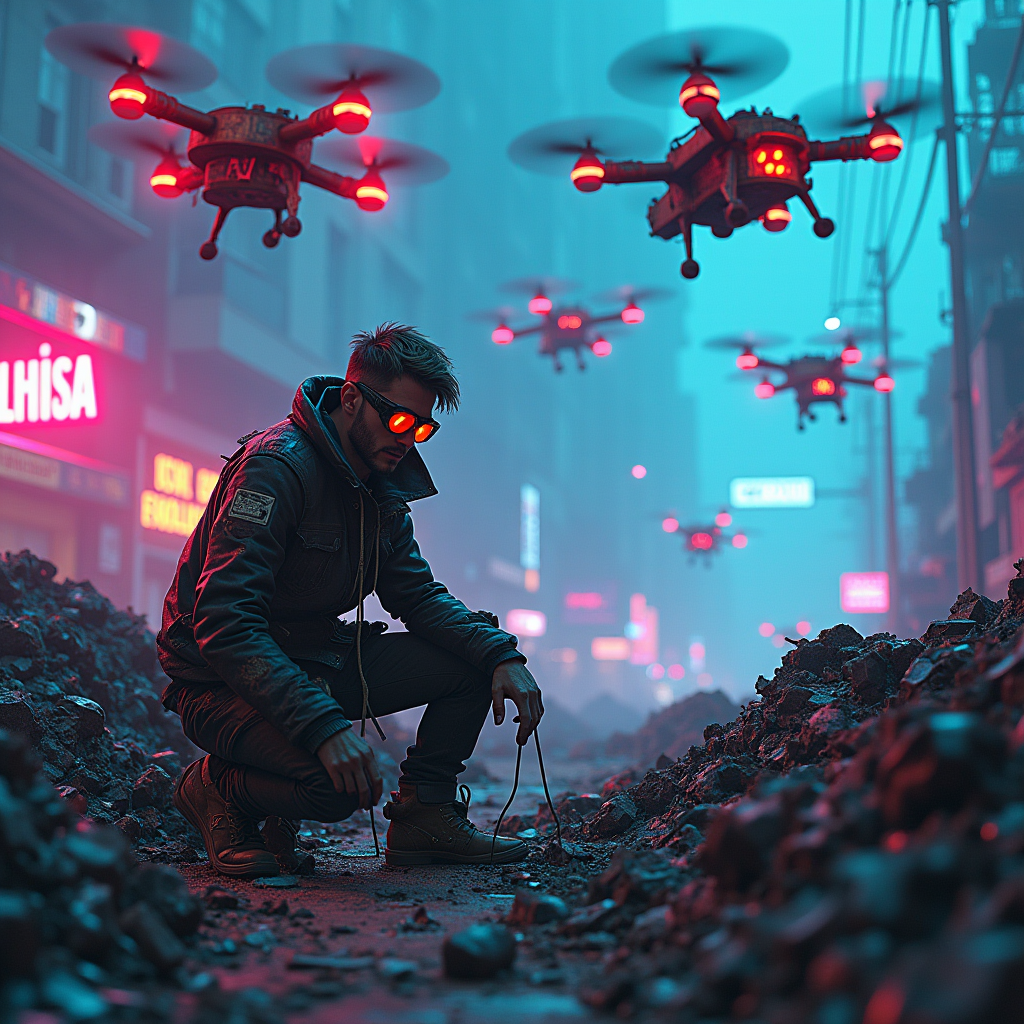
In a dystopian cyberpunk landscape, rusted drones hover silently above sprawling neon-lit scrap heaps, their metallic bodies adorned with patches of vibrant graffiti and flickering LED lights. The air is thick with a haze of electric blue and magenta, casting an otherworldly glow on the scene below. A renegade engineer, clad in a tattered leather jacket and augmented goggles, meticulously sifts through the debris, his hands stained with grease and grime. He is surrounded by towering piles of discarded tech, illuminated by the pulsating neon signs of a nearby derelict cityscape. Shadows dance across the ground as the drones emit a soft hum, their sensors scanning for movement. The atmosphere is charged with a sense of urgency and rebellion, as the engineer uncovers hidden treasures within the chaos, his eyes glinting with determination against the backdrop of a crumbling urban jungle.
Análisis Detallado del Prompt de Imagen de Flux IA
Analiza el prompt detallado utilizado para generar la imagen con Flux IA Image Generator.
Explorar Mensajes para Flux IA
Cómo generar una imagen por Flux.1 dev
Sigue estos cuatro sencillos pasos para crear la imagen que deseas.
Paso 1: Ingresa tu texto (No dudes en refinar tu prompt para mejores resultados)
Paso 2: Elige la relación de aspecto de la imagen
Paso 3: Selecciona tu modelo Flux:
Paso 4: Haz clic en el botón Generar y espera unos segundos para tu imagen
Herramientas Flux IA relacionadas para prompts sobre Flux.1 dev
Descubre herramientas avanzadas de Flux IA para potenciar tu flujo de trabajo creativo.