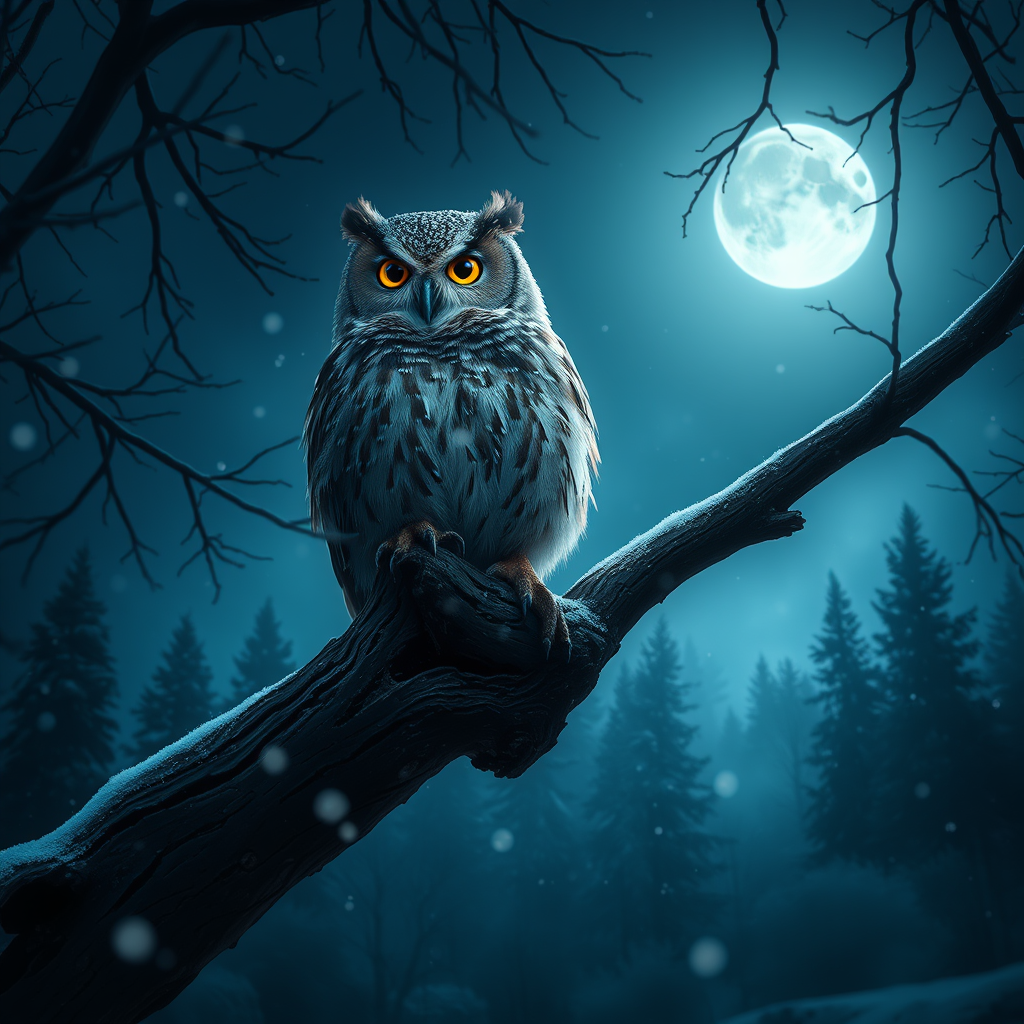
Screech Owl - Flux.1 schnell
Indicador
**Prompt:** A majestic Eastern Screech Owl perched on a gnarled oak branch, its tufted ears raised and piercing yellow eyes glowing in the moonlight. The owl's mottled gray and rust-brown feathers blend seamlessly with the bark, while delicate snowflakes drift through the frosty air. The scene is rendered in a hyper-realistic style with soft, diffused lighting, casting ethereal shadows. A deep indigo and silver color palette evokes a serene, mystical mood. The composition uses a low-angle shot, emphasizing the owl's dominance over the misty forest floor below. In the background, distant evergreens fade into the twilight, and a single star twinkles through the branches. The atmosphere is quiet, magical, and slightly haunting.
Análisis Detallado del Prompt de Imagen de Flux IA
Analiza el prompt detallado utilizado para generar la imagen con Flux IA Image Generator.
Explorar Mensajes para Flux IA
Cómo generar una imagen por Flux.1 schnell
Sigue estos cuatro sencillos pasos para crear la imagen que deseas.
Paso 1: Ingresa tu texto (No dudes en refinar tu prompt para mejores resultados)
Paso 2: Elige la relación de aspecto de la imagen
Paso 3: Selecciona tu modelo Flux:
Paso 4: Haz clic en el botón Generar y espera unos segundos para tu imagen
Herramientas Flux IA relacionadas para prompts sobre Flux.1 schnell
Descubre herramientas avanzadas de Flux IA para potenciar tu flujo de trabajo creativo.