Pamukkale - Flux.1 dev
Indicador
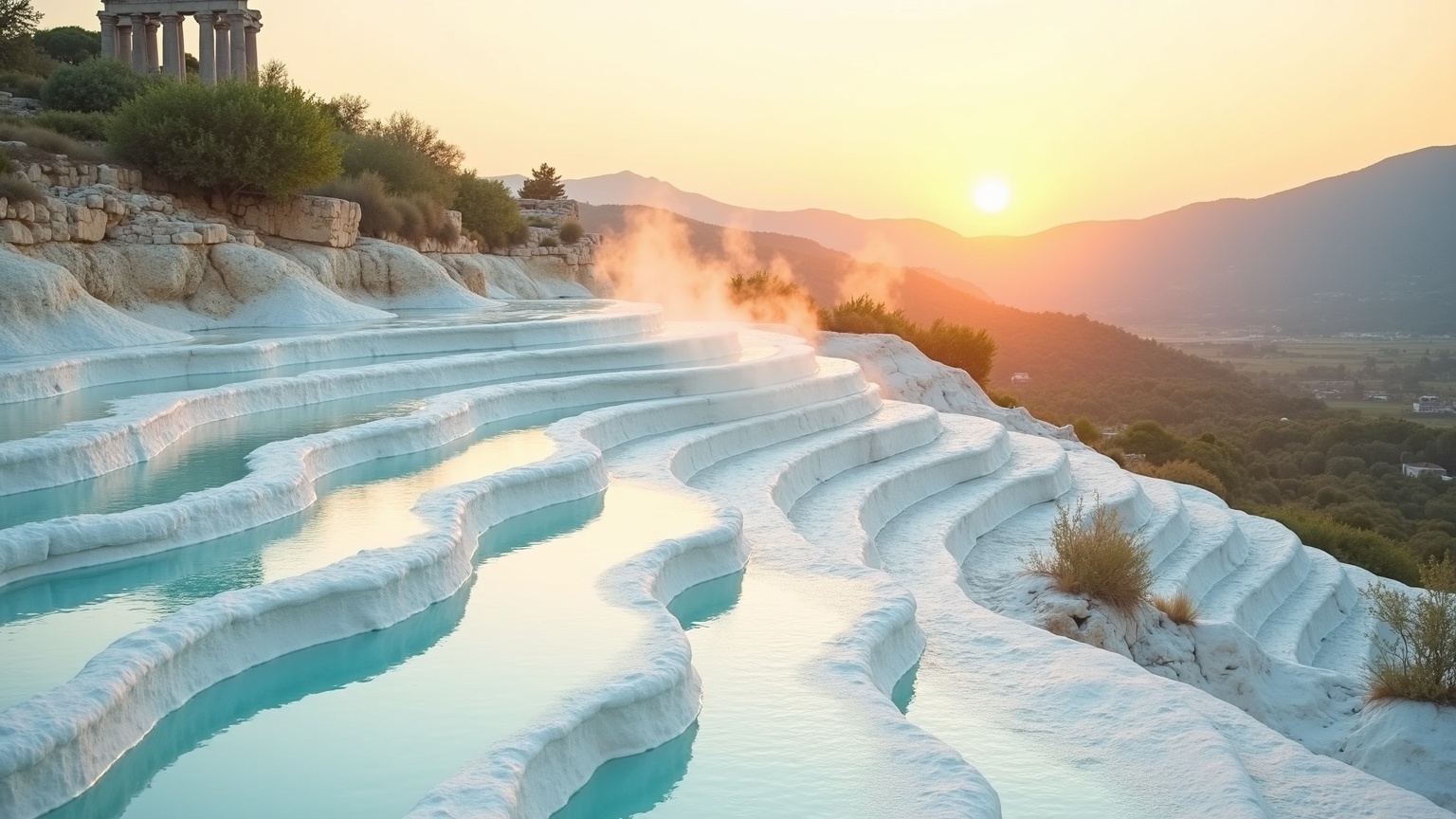
**Prompt:** "A breathtaking view of Pamukkale's iconic terraced thermal pools, gleaming in brilliant white travertine under a golden sunset. The cascading mineral-rich waters create smooth, undulating terraces with shallow turquoise pools, reflecting the warm hues of the sky. Ancient ruins of Hierapolis stand atop the cliffs, their weathered stone columns and arches adding historical grandeur. Lush greenery and distant mountains frame the scene, enhancing the contrast between nature and human heritage. Soft mist rises from the thermal waters, lending an ethereal glow. Capture the serene beauty in a high-detail, hyper-realistic style with a slightly warm-toned filter, emphasizing the interplay of light on water and stone." (996 characters)
Análisis Detallado del Prompt de Imagen de Flux IA
Analiza el prompt detallado utilizado para generar la imagen con Flux IA Image Generator.
Explorar Mensajes para Flux IA
Cómo generar una imagen por Flux.1 dev
Sigue estos cuatro sencillos pasos para crear la imagen que deseas.
Paso 1: Ingresa tu texto (No dudes en refinar tu prompt para mejores resultados)
Paso 2: Elige la relación de aspecto de la imagen
Paso 3: Selecciona tu modelo Flux:
Paso 4: Haz clic en el botón Generar y espera unos segundos para tu imagen
Herramientas Flux IA relacionadas para prompts sobre Flux.1 dev
Descubre herramientas avanzadas de Flux IA para potenciar tu flujo de trabajo creativo.