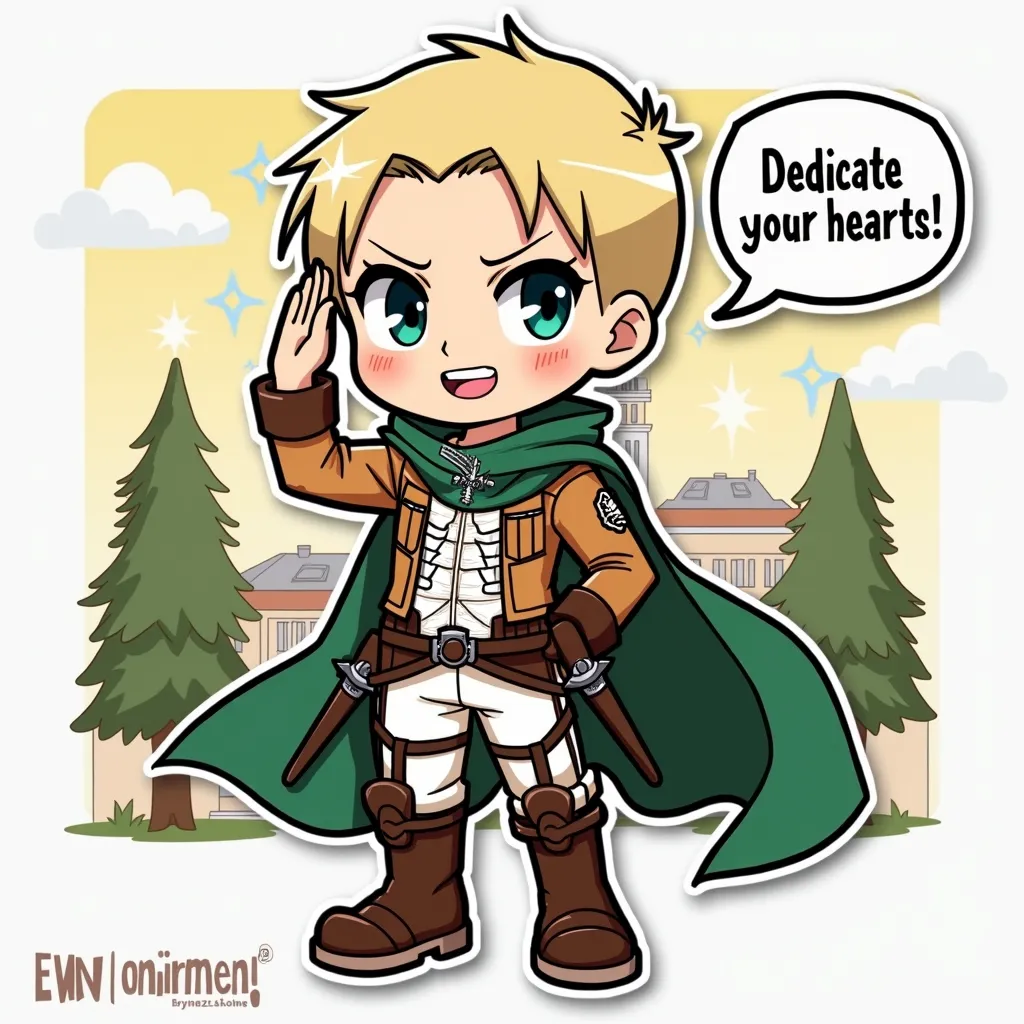
Erwin Smith - Flux.1 dev
prompt
Anime sticker style, Erwin Smith from Attack on Titan, chibi proportions, large expressive eyes, exaggerated facial features. Blonde hair with undercut, thick eyebrows, strong jawline. Wearing Survey Corps uniform: brown jacket, white pants, knee-high boots, green cape with Wings of Freedom emblem. Determined expression, confident smile. Posed saluting with right fist over heart, left arm behind back. Background: simplified Survey Corps headquarters, stylized trees. Cute kawaii aesthetic, bold outlines, flat colors, minimal shading. Signature elements: 3D maneuver gear harness visible, small swords at hips. Floating speech bubble with "Dedicate your hearts!" text. Subtle sparkles and speed lines for dynamic effect. Sticker-like appearance with slight white border. Vibrant color palette with emphasis on greens and browns.
Detailed Analysis of the Flux AI Image Prompt
Analyze the detailed prompt used to generate the image with Flux AI Image Generator.
Explore Flux Prompts for the Flux AI Image Generator
How to generate image by Flux.1 dev
Follow these four simple steps to create your desired image.
Step 1: Enter Your Text (Feel free to refine your prompt for better results)
Step 2: Choose Image Aspect Ratio
Step 3: Select Your Flux Model:
Step 4: Click the Generate Button and Wait a Few Seconds for Your Image
Related Flux AI tools for prompts about Flux.1 dev
Discover advanced tools from Flux AI to boost your creative workflow.