Erwin Smith - Flux.1 dev
プロンプト
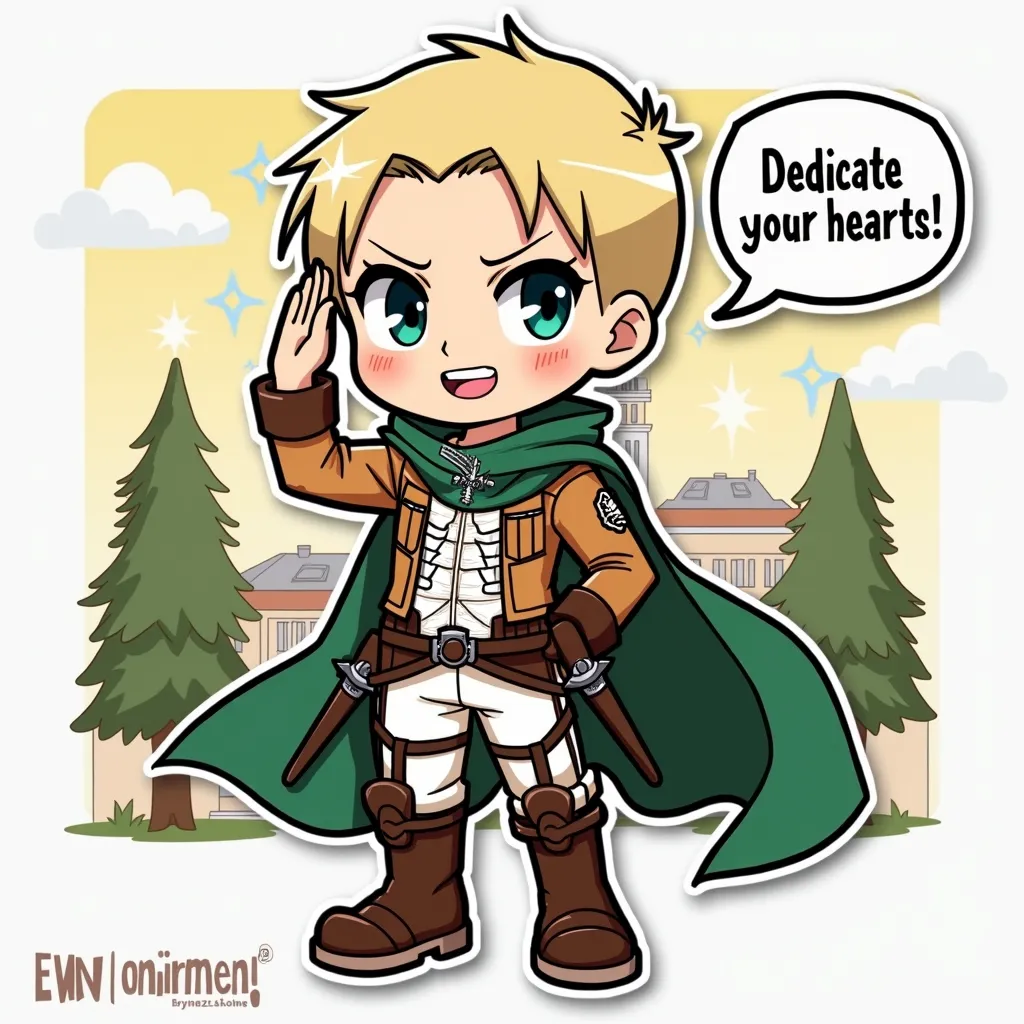
Anime sticker style, Erwin Smith from Attack on Titan, chibi proportions, large expressive eyes, exaggerated facial features. Blonde hair with undercut, thick eyebrows, strong jawline. Wearing Survey Corps uniform: brown jacket, white pants, knee-high boots, green cape with Wings of Freedom emblem. Determined expression, confident smile. Posed saluting with right fist over heart, left arm behind back. Background: simplified Survey Corps headquarters, stylized trees. Cute kawaii aesthetic, bold outlines, flat colors, minimal shading. Signature elements: 3D maneuver gear harness visible, small swords at hips. Floating speech bubble with "Dedicate your hearts!" text. Subtle sparkles and speed lines for dynamic effect. Sticker-like appearance with slight white border. Vibrant color palette with emphasis on greens and browns.
Flux AI Image Promptの詳細分析
Flux AI Image Generatorを使用して画像を生成するために使用された詳細なプロンプトを分析します。
Flux AI画像生成のプロンプトを探索
で画像を生成する方法 Flux.1 dev
以下の4つの簡単なステップに従って、希望する画像を作成してください。
ステップ 1: テキストを入力 (より良い結果のためにプロンプトを調整してください)
ステップ 2: 画像のアスペクト比を選択
ステップ 3: Fluxモデルを選択:
ステップ 4: 生成ボタンをクリックして数秒待ち、画像を取得
プロンプトに関連するFlux AIツール Flux.1 dev
Flux AIの高度なツールを発見して、クリエイティブな作業フローを強化しましょう。