Fern Elegance: Nature's Tattoo - Flux.1.1 pro
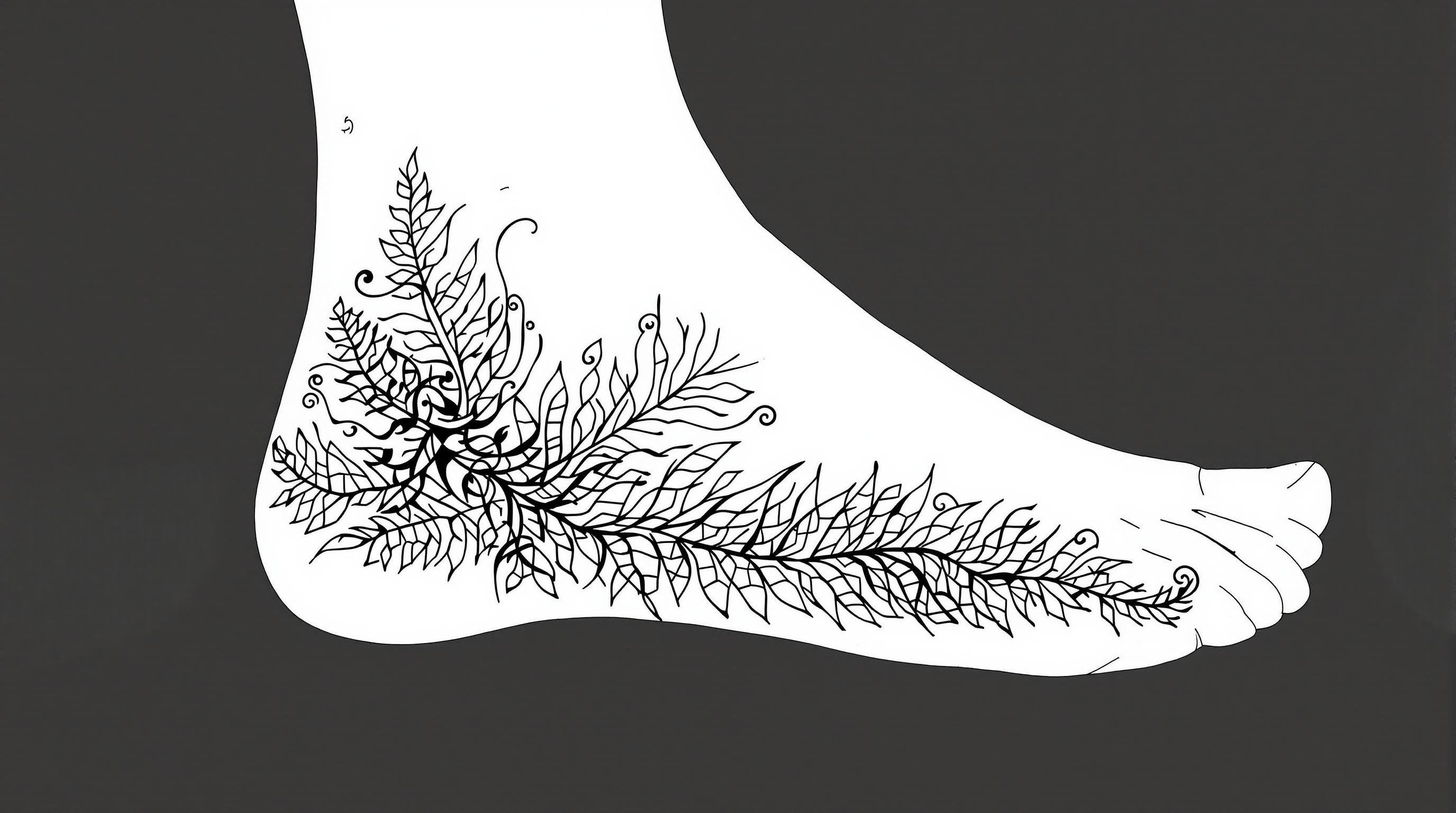
prompt
Create a tattoo design for the side of the foot featuring a stylized fern with intricate leaf details. The fern should have a flowing, organic shape that wraps gracefully around the contours of the foot, extending from the ankle down to the arch. Emphasize a realistic artistic style, capturing the delicate textures of the leaves with fine line work and shading to create depth. The size should be medium, allowing the design to be prominent yet not overwhelming. Utilize a monochromatic color palette in black and gray, highlighting the intricate patterns with varying shades for a dynamic effect. Incorporate subtle tribal elements within the fern to add cultural significance, symbolizing growth and resilience. The overall mood should evoke a sense of tranquility and connection to nature, making it a perfect adornment for those who appreciate botanical artistry.
Detailed Analysis of the Flux AI Image Prompt
Analyze the detailed prompt used to generate the image with Flux AI Image Generator.
Explore Flux Prompts for the Flux AI Image Generator
How to generate image by Flux.1.1 pro
Follow these four simple steps to create your desired image.
Step 1: Enter Your Text (Feel free to refine your prompt for better results)
Step 2: Choose Image Aspect Ratio
Step 3: Select Your Flux Model:
Step 4: Click the Generate Button and Wait a Few Seconds for Your Image
Related Flux AI tools for prompts about Flux.1.1 pro
Discover advanced tools from Flux AI to boost your creative workflow.