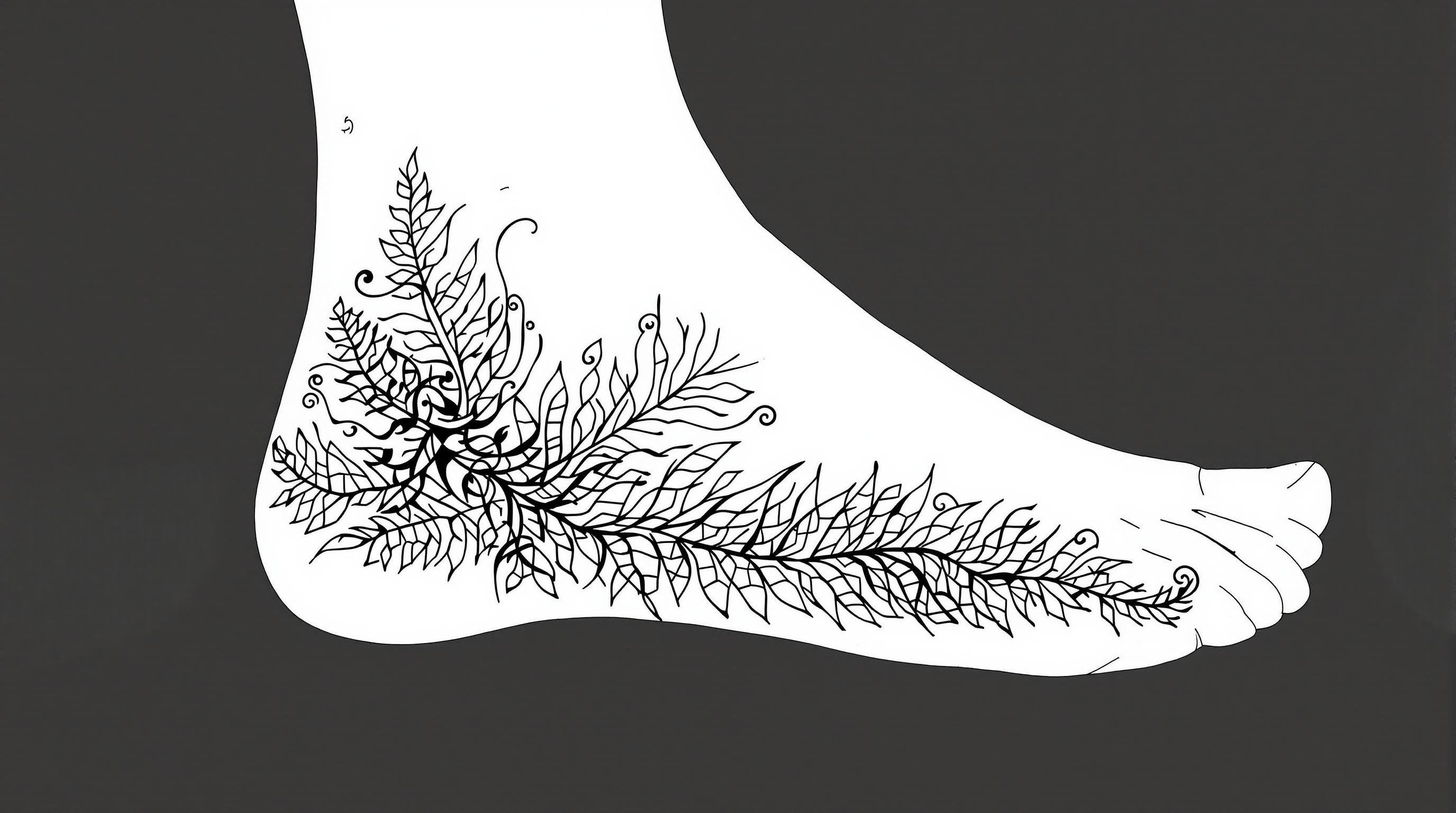
Fern Elegance: Nature's Tattoo - Flux.1.1 pro
提示
Create a tattoo design for the side of the foot featuring a stylized fern with intricate leaf details. The fern should have a flowing, organic shape that wraps gracefully around the contours of the foot, extending from the ankle down to the arch. Emphasize a realistic artistic style, capturing the delicate textures of the leaves with fine line work and shading to create depth. The size should be medium, allowing the design to be prominent yet not overwhelming. Utilize a monochromatic color palette in black and gray, highlighting the intricate patterns with varying shades for a dynamic effect. Incorporate subtle tribal elements within the fern to add cultural significance, symbolizing growth and resilience. The overall mood should evoke a sense of tranquility and connection to nature, making it a perfect adornment for those who appreciate botanical artistry.
Flux AI 图像提示的详细分析
分析用于通过 Flux AI 图像生成器生成图像的详细提示。
探索Flux AI图像生成器的提示词
如何通过 Flux.1.1 pro
按照以下四个简单步骤创建您想要的图像。
步骤 1:输入您的文字 (可以优化您的提示以获得更好的结果)
步骤 2:选择图片宽高比
步骤 3:选择您的 Flux 模型:
步骤 4:点击生成按钮,等待几秒钟获取您的图像
与提示相关的 Flux AI 工具 Flux.1.1 pro
发现来自 Flux AI 的高级工具,提升您的创意工作流程。