Neon Dreams: Fashion Reimagined - Flux.1.1 pro
Invite
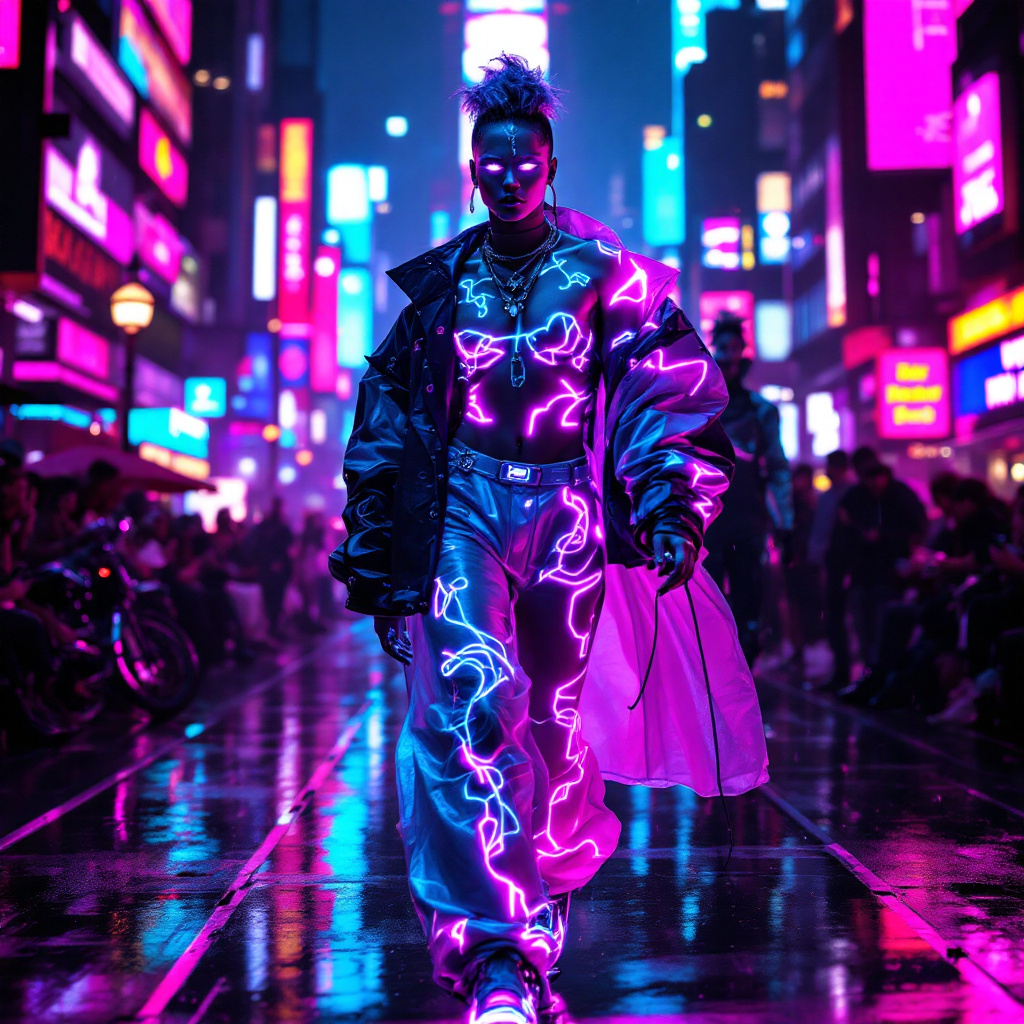
In a pulsating cyberpunk metropolis, neon-lit catwalks glow with electric hues of magenta and cyan, casting vibrant reflections on the sleek, rain-slicked pavement. Augmented fashionistas strut confidently, their bodies adorned with bioware enhancements that shimmer like liquid chrome, seamlessly integrated with high-tech fabrics that shift colors with their movements. Holographic accessories hover around them, projecting intricate designs that dance in sync with the thumping bass of the underground music. The atmosphere is charged with energy, filled with the scent of ozone and the hum of machinery. A striking figure at the forefront boasts luminescent tattoos that snake across their skin, while their eyes, enhanced with glowing irises, scan the crowd. Behind them, a backdrop of towering skyscrapers adorned with flickering advertisements creates a kaleidoscope of light, enveloping the scene in a surreal, dreamlike quality, where fashion and technology collide in a dazzling display of futuristic artistry.
Analyse Détaillée du Prompt d'Image Flux IA
Analysez le prompt détaillé utilisé pour générer l'image avec Flux IA Image Generator.
Explorez les invites Flux IA
Comment générer une image par Flux.1.1 pro
Suivez ces quatre étapes simples pour créer l'image désirée.
Étape 1 : Entrez votre texte (N'hésitez pas à affiner votre prompt pour de meilleurs résultats)
Étape 2 : Choisissez le ratio d'aspect de l'image
Étape 3 : Sélectionnez votre modèle Flux :
Étape 4 : Cliquez sur le bouton Générer et attendez quelques secondes pour votre image
Outils Flux IA liés aux prompts sur Flux.1.1 pro
Découvrez des outils avancés de Flux IA pour booster votre flux de travail créatif.