Awakening Hope at Dawn - Flux.1 dev
Invite
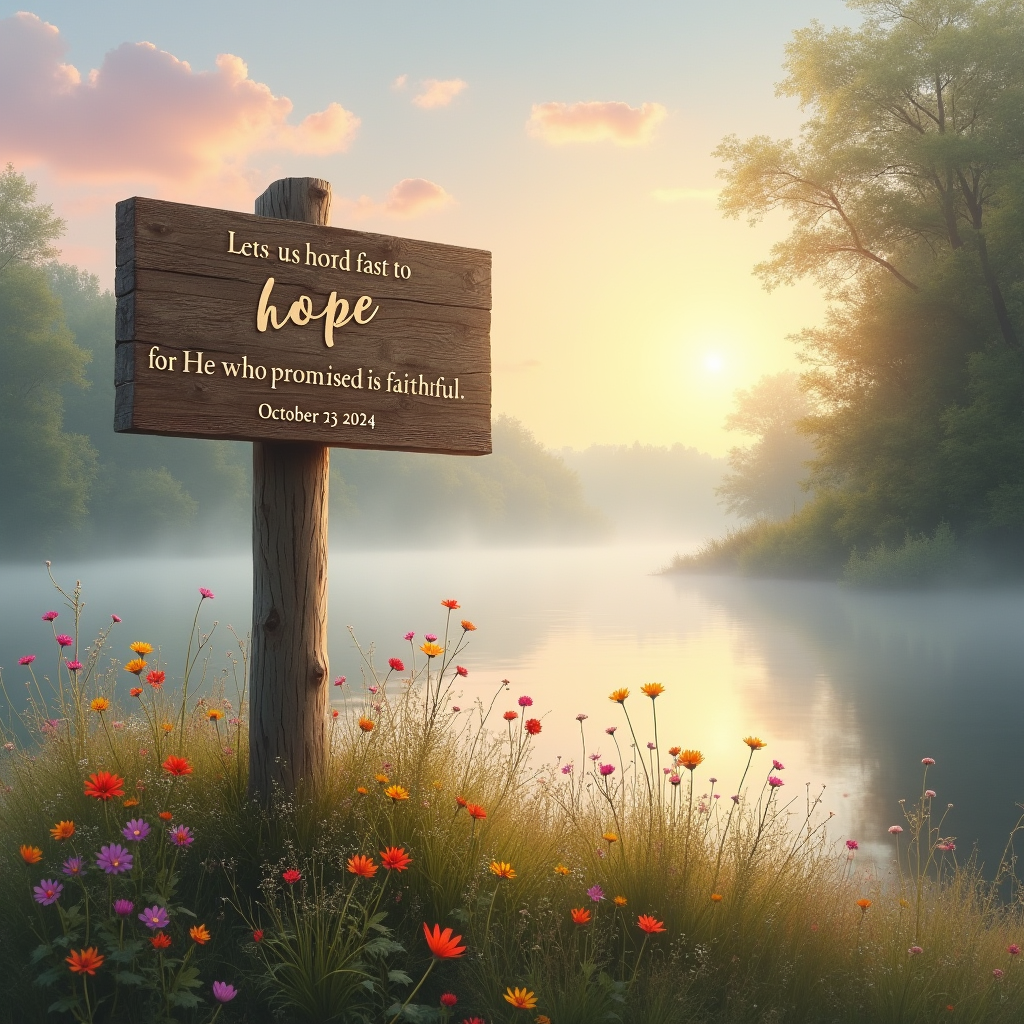
A serene landscape at dawn, where a gentle mist rises from a tranquil lake reflecting the soft hues of a pastel sky—pinks, oranges, and soft blues merging. In the foreground, a weathered wooden signpost stands tall, engraved with the words “Let us hold fast to hope, for He who promised is faithful.-October 23, 2024” in elegant, flowing script. Surrounding the sign, wildflowers bloom in vibrant colors, symbolizing renewal and faith. Ethereal light filters through delicate trees, casting dappled shadows on the ground, evoking a sense of peace and tranquility. The mood is hopeful and uplifting, reminiscent of impressionist paintings, with soft brush strokes and a dreamlike quality. The scene invites viewers to embrace hope, capturing a moment of stillness and reflection.
Analyse Détaillée du Prompt d'Image Flux IA
Analysez le prompt détaillé utilisé pour générer l'image avec Flux IA Image Generator.
Explorez les invites Flux IA
Comment générer une image par Flux.1 dev
Suivez ces quatre étapes simples pour créer l'image désirée.
Étape 1 : Entrez votre texte (N'hésitez pas à affiner votre prompt pour de meilleurs résultats)
Étape 2 : Choisissez le ratio d'aspect de l'image
Étape 3 : Sélectionnez votre modèle Flux :
Étape 4 : Cliquez sur le bouton Générer et attendez quelques secondes pour votre image
Outils Flux IA liés aux prompts sur Flux.1 dev
Découvrez des outils avancés de Flux IA pour booster votre flux de travail créatif.