Neon Shadows: Echoes of Urgency - Flux.1 dev
Invite
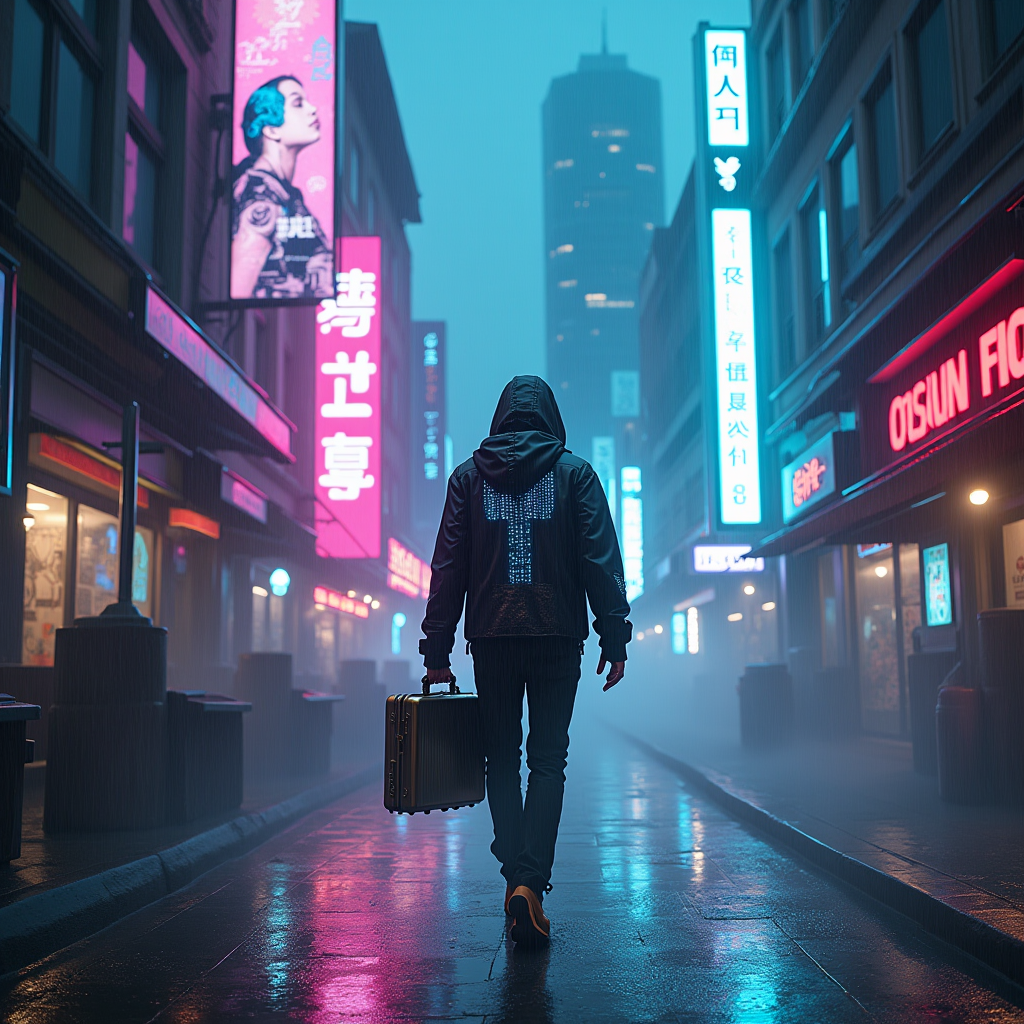
In a neon-drenched cyberpunk cityscape, a rogue courier zips through rain-slicked alleys, their silhouette framed by towering holographic advertisements flickering in electric blues and vibrant pinks. Augmented reality overlays shimmer around them, distorting the world into a kaleidoscope of shifting shapes and fragmented memories, like ghostly echoes of the past. The courier, clad in a sleek, dark jacket with glowing circuitry patterns, clutches a metallic briefcase pulsating with a soft, eerie light. Wisps of digital data swirl around, creating ethereal trails that illuminate the damp air with a surreal glow. Above, the skyline bristles with jagged skyscrapers, their windows reflecting a chaotic tapestry of colors, while a low-hanging fog wraps the scene in an enigmatic haze. The atmosphere is charged with urgency, as the courier navigates a labyrinth of shadows, each step resonating with the pulse of a city alive with secrets waiting to be uncovered.
Analyse Détaillée du Prompt d'Image Flux IA
Analysez le prompt détaillé utilisé pour générer l'image avec Flux IA Image Generator.
Explorez les invites Flux IA
Comment générer une image par Flux.1 dev
Suivez ces quatre étapes simples pour créer l'image désirée.
Étape 1 : Entrez votre texte (N'hésitez pas à affiner votre prompt pour de meilleurs résultats)
Étape 2 : Choisissez le ratio d'aspect de l'image
Étape 3 : Sélectionnez votre modèle Flux :
Étape 4 : Cliquez sur le bouton Générer et attendez quelques secondes pour votre image
Outils Flux IA liés aux prompts sur Flux.1 dev
Découvrez des outils avancés de Flux IA pour booster votre flux de travail créatif.