Neon Dreams in Urban Shadows - Flux.1 dev
Invite
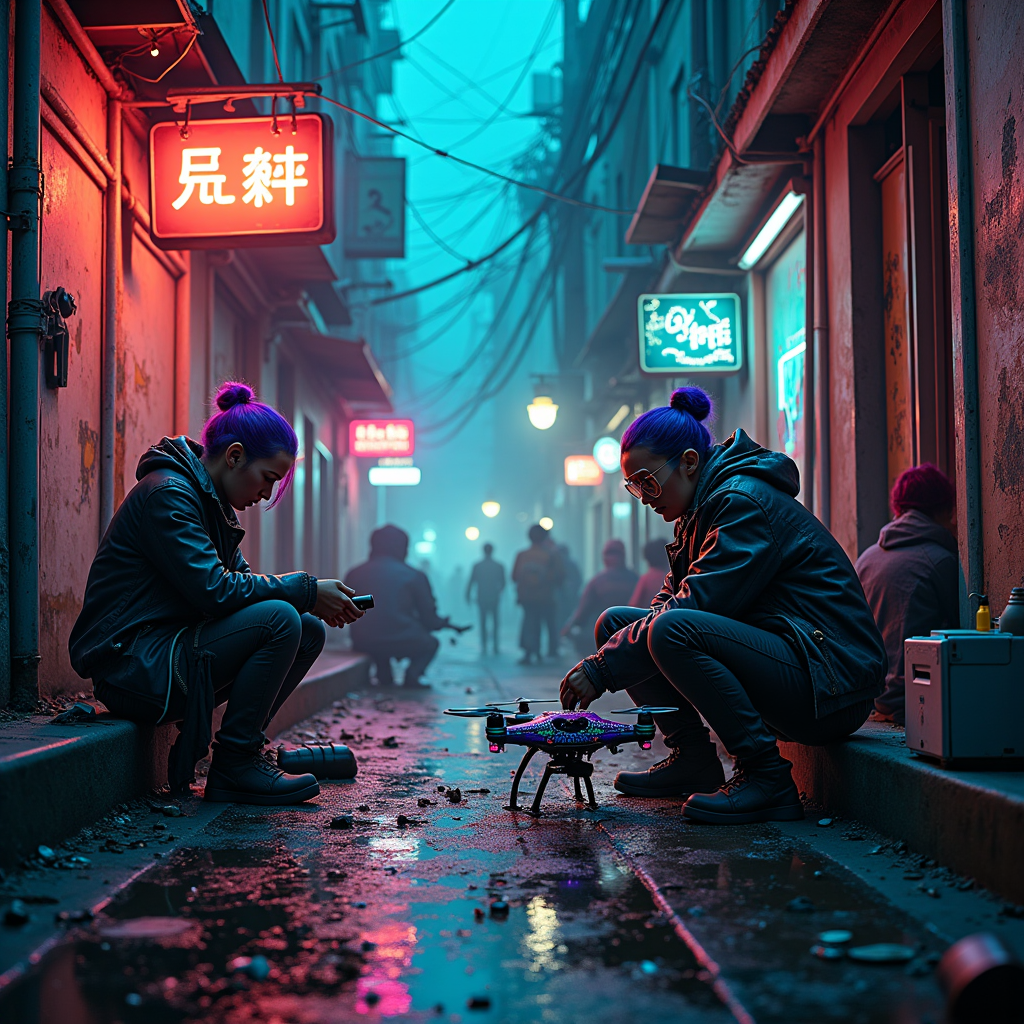
In a narrow, rain-soaked alley, vibrant neon signs flicker in hues of electric blue, fiery pink, and acid green, casting a surreal glow on the slick cobblestones. Shadows dance as rogue engineers, clad in tattered leather jackets adorned with glowing circuit patterns, hunch over a makeshift workbench cluttered with discarded tech—rusted drone parts, shattered screens, and tangled wires. The air hums with the sound of soldering tools and the distant thrum of city life, while steam rises from a nearby manhole, adding a mystical haze. One engineer, a woman with vivid purple hair and cybernetic goggles, meticulously assembles a sleek drone, its body shimmering with iridescent paint. Above, a tangle of power lines crisscrosses the sky, illuminated by the pulsing glow of a nearby billboard advertising a futuristic lifestyle. The atmosphere is charged with creativity and defiance, embodying the spirit of a world where innovation thrives amidst urban decay.
Analyse Détaillée du Prompt d'Image Flux IA
Analysez le prompt détaillé utilisé pour générer l'image avec Flux IA Image Generator.
Explorez les invites Flux IA
Comment générer une image par Flux.1 dev
Suivez ces quatre étapes simples pour créer l'image désirée.
Étape 1 : Entrez votre texte (N'hésitez pas à affiner votre prompt pour de meilleurs résultats)
Étape 2 : Choisissez le ratio d'aspect de l'image
Étape 3 : Sélectionnez votre modèle Flux :
Étape 4 : Cliquez sur le bouton Générer et attendez quelques secondes pour votre image
Outils Flux IA liés aux prompts sur Flux.1 dev
Découvrez des outils avancés de Flux IA pour booster votre flux de travail créatif.