Whiskered Chaos: A Cozy Workspace - Flux.1 schnell
Invite
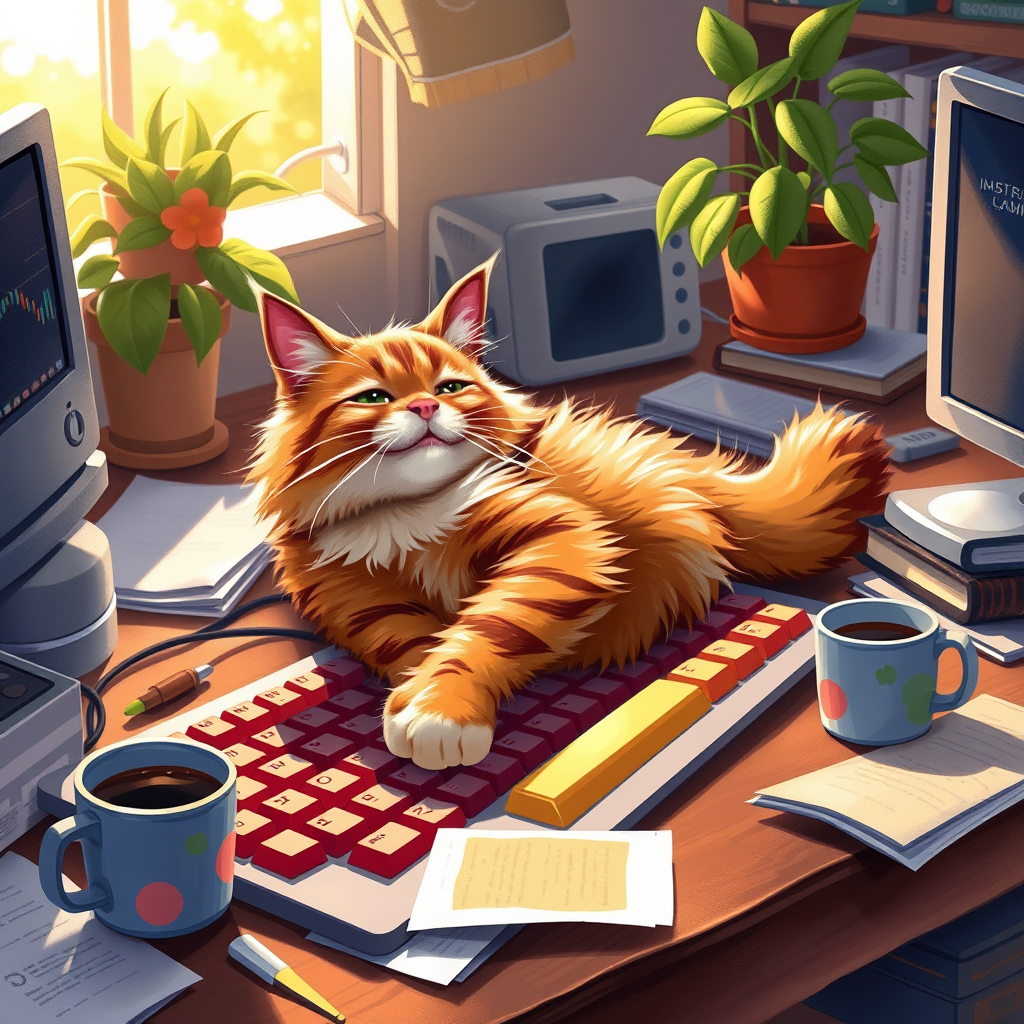
A cozy home office scene featuring a fluffy, mischievous tabby cat lounging on a colorful, cluttered keyboard, its paws playfully tapping the keys. The cat's fur is a mix of warm oranges and browns, glistening in the soft, golden afternoon light streaming through a nearby window, casting gentle shadows. Surrounding the keyboard are scattered papers, a steaming mug of coffee, and a potted plant, adding a touch of life to the scene. The background is softly blurred, emphasizing the cat as the main focus. The atmosphere is warm and inviting, with a hint of chaos, capturing the humorous moment. Artistic style: a blend of realism and whimsical illustration, with vibrant colors and soft brush strokes to enhance the playful nature of the scene.
Analyse Détaillée du Prompt d'Image Flux IA
Analysez le prompt détaillé utilisé pour générer l'image avec Flux IA Image Generator.
Explorez les invites Flux IA
Comment générer une image par Flux.1 schnell
Suivez ces quatre étapes simples pour créer l'image désirée.
Étape 1 : Entrez votre texte (N'hésitez pas à affiner votre prompt pour de meilleurs résultats)
Étape 2 : Choisissez le ratio d'aspect de l'image
Étape 3 : Sélectionnez votre modèle Flux :
Étape 4 : Cliquez sur le bouton Générer et attendez quelques secondes pour votre image
Outils Flux IA liés aux prompts sur Flux.1 schnell
Découvrez des outils avancés de Flux IA pour booster votre flux de travail créatif.