Neon Shadows: Alliances in the Dark - Flux.1 schnell
Invite
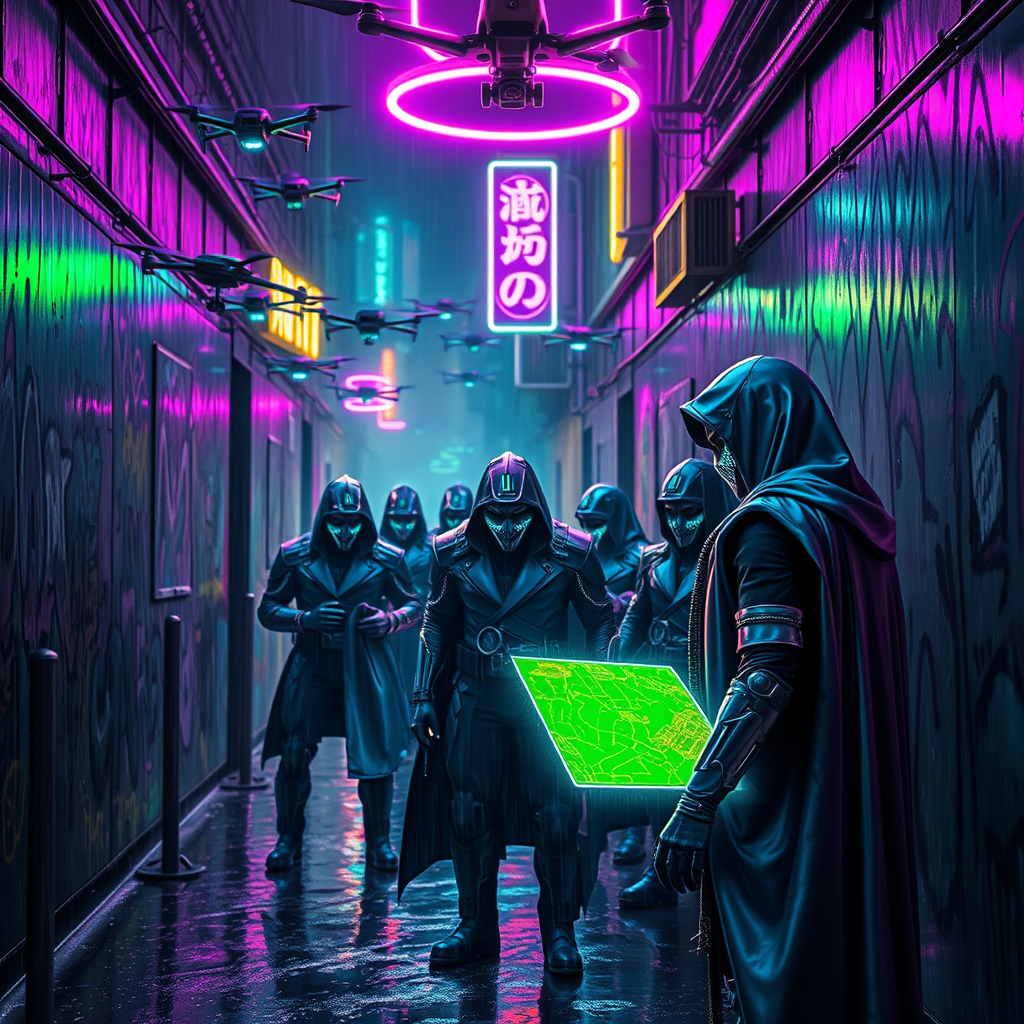
In a rain-soaked urban alleyway, the air thick with neon haze, a swarm of sleek, metallic drones buzz overhead, their blinking lights casting an eerie glow on the graffiti-laden walls. Shadows dance as cloaked vigilantes, adorned in iridescent armor that glimmers with shades of electric blue and hot pink, huddle in the dim corners, their faces obscured by high-tech masks displaying shifting digital patterns. A flickering neon sign overhead illuminates the scene with a pulsating violet hue, reflecting off puddles that shimmer like liquid glass. In the foreground, a rugged figure extends a hand, revealing a holographic map projected in vibrant greens and yellows, while a nearby ally, with cybernetic enhancements glinting under the neon light, scans the area for threats. The atmosphere crackles with tension and anticipation, as the city’s heartbeat thrums beneath the surface, a testament to the alliances forged in the shadows of a dystopian future.
Analyse Détaillée du Prompt d'Image Flux IA
Analysez le prompt détaillé utilisé pour générer l'image avec Flux IA Image Generator.
Explorez les invites Flux IA
Comment générer une image par Flux.1 schnell
Suivez ces quatre étapes simples pour créer l'image désirée.
Étape 1 : Entrez votre texte (N'hésitez pas à affiner votre prompt pour de meilleurs résultats)
Étape 2 : Choisissez le ratio d'aspect de l'image
Étape 3 : Sélectionnez votre modèle Flux :
Étape 4 : Cliquez sur le bouton Générer et attendez quelques secondes pour votre image
Outils Flux IA liés aux prompts sur Flux.1 schnell
Découvrez des outils avancés de Flux IA pour booster votre flux de travail créatif.