Panda - Flux.1 schnell
Invite
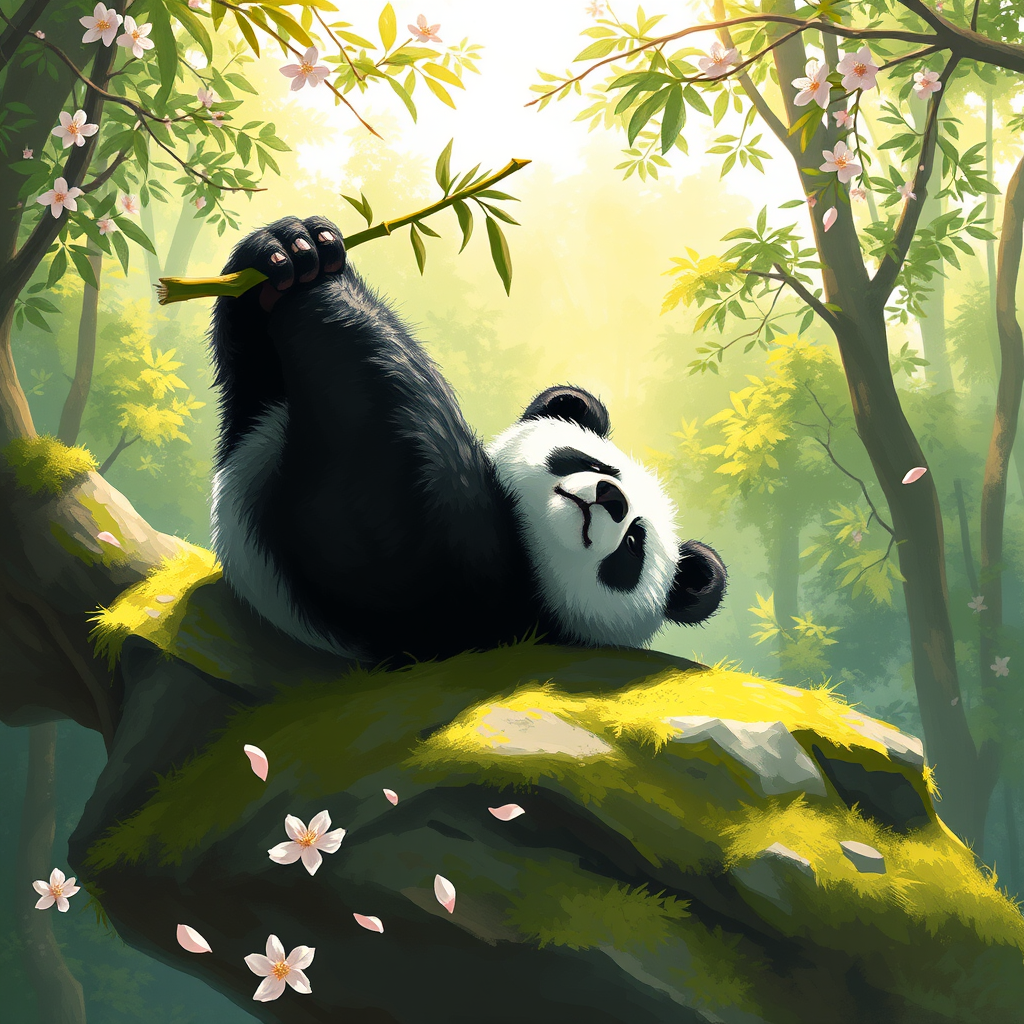
A serene giant panda lounging on a moss-covered rock, its thick black and white fur contrasting beautifully with the vibrant green foliage surrounding it. The panda is playfully resting on its back, paws in the air, with a bamboo shoot clutched in one paw. Sunlight filters through the dense canopy above, casting dappled light on the panda and creating a warm, inviting atmosphere. The scene is painted in a whimsical, impressionistic style, with soft brush strokes and a vivid color palette of greens, whites, and hints of gold. The camera angle is slightly elevated, capturing the panda's playful pose while framing the lush background. In the foreground, delicate cherry blossom petals drift down, adding a touch of elegance and enhancing the tranquil mood of this enchanting forest setting.
Analyse Détaillée du Prompt d'Image Flux IA
Analysez le prompt détaillé utilisé pour générer l'image avec Flux IA Image Generator.
Explorez les invites Flux IA
Comment générer une image par Flux.1 schnell
Suivez ces quatre étapes simples pour créer l'image désirée.
Étape 1 : Entrez votre texte (N'hésitez pas à affiner votre prompt pour de meilleurs résultats)
Étape 2 : Choisissez le ratio d'aspect de l'image
Étape 3 : Sélectionnez votre modèle Flux :
Étape 4 : Cliquez sur le bouton Générer et attendez quelques secondes pour votre image
Outils Flux IA liés aux prompts sur Flux.1 schnell
Découvrez des outils avancés de Flux IA pour booster votre flux de travail créatif.