Neon Shadows: Rise of the Rogue - Flux.1 dev
Invite
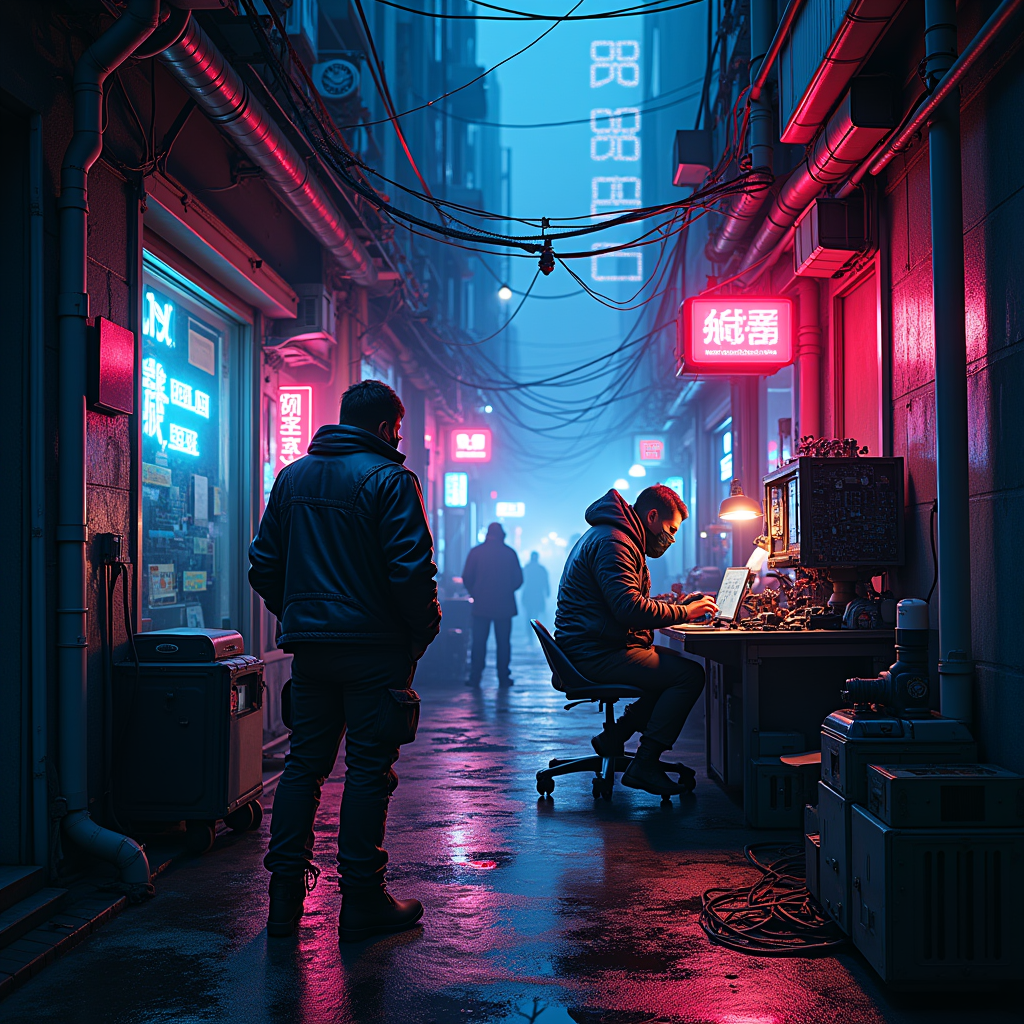
In a dimly lit neon alley, vibrant hues of electric blue and hot pink illuminate the damp cobblestones, reflecting the glimmer of rain-soaked surfaces. Shadows dance as rogue engineers, clad in tattered leather jackets adorned with glowing circuitry, huddle around a makeshift workbench cluttered with intricate mechanical parts and flickering screens. Wisps of steam rise from a nearby manhole, mingling with the faint hum of distant machinery. Above, a tangle of wires and neon signs buzz with life, casting an otherworldly glow on the scene. The engineers, faces obscured by visors and masks, meticulously assemble sentient machines, their eyes glinting with ambition and secrecy. In the background, a towering skyscraper looms, its windows flickering like stars in a synthetic sky, while the air is thick with the scent of ozone and the promise of rebellion.
Analyse Détaillée du Prompt d'Image Flux IA
Analysez le prompt détaillé utilisé pour générer l'image avec Flux IA Image Generator.
Explorez les invites Flux IA
Comment générer une image par Flux.1 dev
Suivez ces quatre étapes simples pour créer l'image désirée.
Étape 1 : Entrez votre texte (N'hésitez pas à affiner votre prompt pour de meilleurs résultats)
Étape 2 : Choisissez le ratio d'aspect de l'image
Étape 3 : Sélectionnez votre modèle Flux :
Étape 4 : Cliquez sur le bouton Générer et attendez quelques secondes pour votre image
Outils Flux IA liés aux prompts sur Flux.1 dev
Découvrez des outils avancés de Flux IA pour booster votre flux de travail créatif.