Olympic Games - Flux.1 schnell
Invite
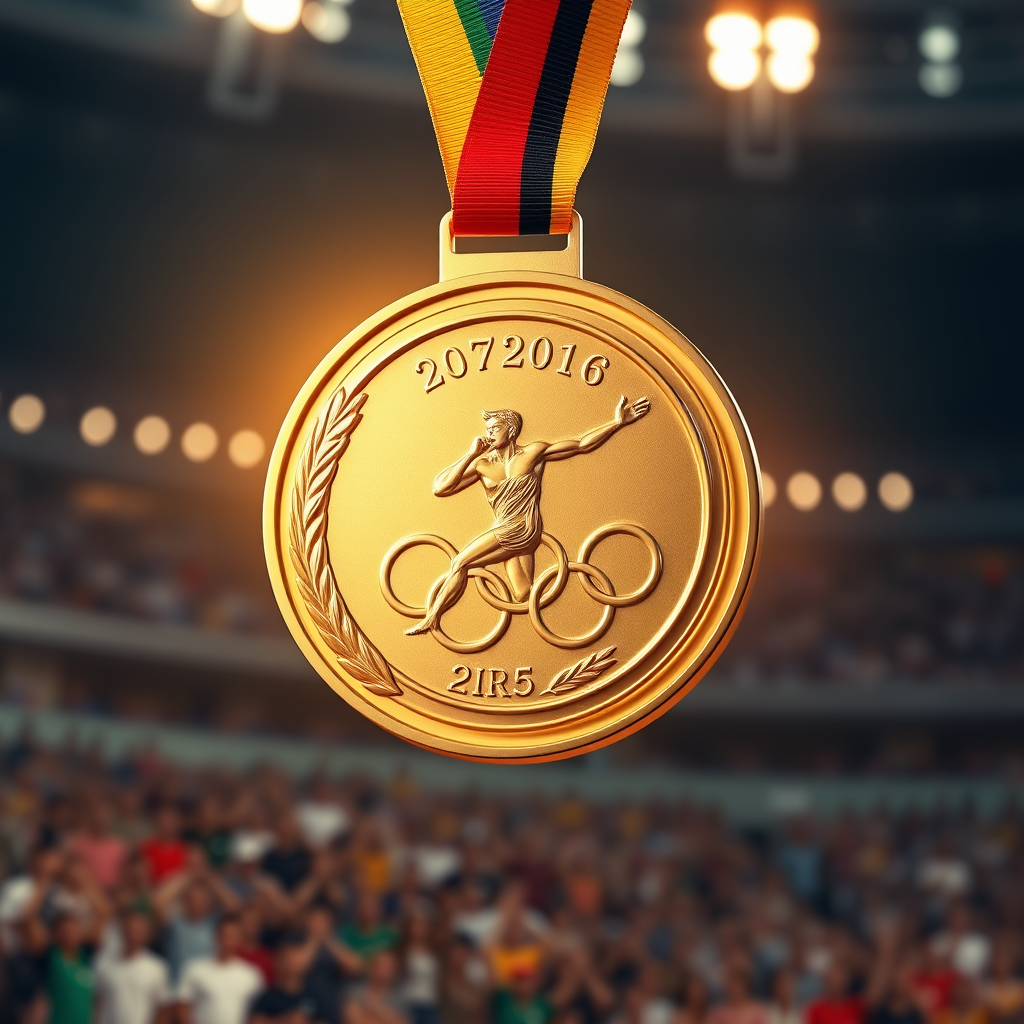
Create a high-resolution image of an Olympic medal, showcasing a circular design with a diameter of 5 inches, crafted from polished gold with intricate engravings. The front features a dynamic depiction of an athlete in motion, framed by laurel leaves, symbolizing victory. The reverse side displays the Olympic rings, elegantly embossed. The medal is suspended from a vibrant ribbon, 2 inches wide, adorned with the colors of the Olympic flag: blue, yellow, black, green, and red, seamlessly blending into a gradient. Illuminate the scene with soft, warm lighting to enhance the medal's shine, set against a blurred background of a cheering crowd in a stadium. Capture the medal from a slightly elevated angle, emphasizing its grandeur and the intricate details of both the medal and ribbon.
Analyse Détaillée du Prompt d'Image Flux IA
Analysez le prompt détaillé utilisé pour générer l'image avec Flux IA Image Generator.
Explorez les invites Flux IA
Comment générer une image par Flux.1 schnell
Suivez ces quatre étapes simples pour créer l'image désirée.
Étape 1 : Entrez votre texte (N'hésitez pas à affiner votre prompt pour de meilleurs résultats)
Étape 2 : Choisissez le ratio d'aspect de l'image
Étape 3 : Sélectionnez votre modèle Flux :
Étape 4 : Cliquez sur le bouton Générer et attendez quelques secondes pour votre image
Outils Flux IA liés aux prompts sur Flux.1 schnell
Découvrez des outils avancés de Flux IA pour booster votre flux de travail créatif.