Glitching street lamps reveal hidden surveillance cameras - Flux.1 dev
Invite
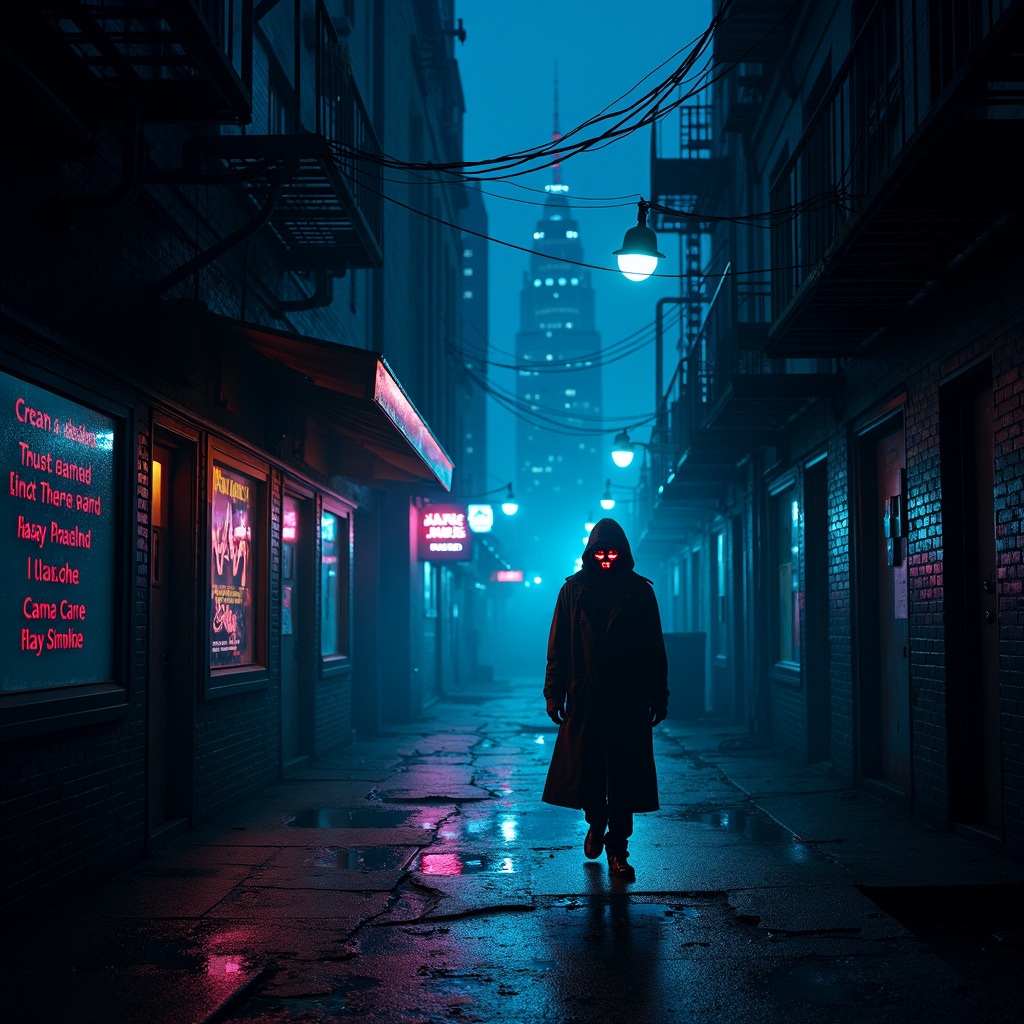
A neon-drenched cyberpunk alleyway at night, where flickering street lamps cast erratic, glitching shadows across rain-slicked pavement. The lamps stutter between dim pulses and blinding bursts of electric blue, revealing sleek, hidden surveillance cameras embedded within their frames—tiny red lenses blinking ominously. The air hums with static, and holographic graffiti flickers on crumbling brick walls, their fragmented messages hinting at rebellion. A lone figure in a reflective trench coat strides through the scene, their face obscured by a shifting digital mask, while distant skyscrapers loom like jagged monoliths, their windows glowing with data streams. Puddles reflect the distorted glow of neon signs advertising cryptic corporate logos, and wisps of fog curl around rusted fire escapes. The atmosphere is thick with tension, a blend of technological decay and unseen watchers, where every shadow feels alive with hidden intent.
Analyse Détaillée du Prompt d'Image Flux IA
Analysez le prompt détaillé utilisé pour générer l'image avec Flux IA Image Generator.
Explorez les invites Flux IA
Comment générer une image par Flux.1 dev
Suivez ces quatre étapes simples pour créer l'image désirée.
Étape 1 : Entrez votre texte (N'hésitez pas à affiner votre prompt pour de meilleurs résultats)
Étape 2 : Choisissez le ratio d'aspect de l'image
Étape 3 : Sélectionnez votre modèle Flux :
Étape 4 : Cliquez sur le bouton Générer et attendez quelques secondes pour votre image
Outils Flux IA liés aux prompts sur Flux.1 dev
Découvrez des outils avancés de Flux IA pour booster votre flux de travail créatif.