Bad Luck Brian Ugly Sweater - Flux.1 dev
Invite
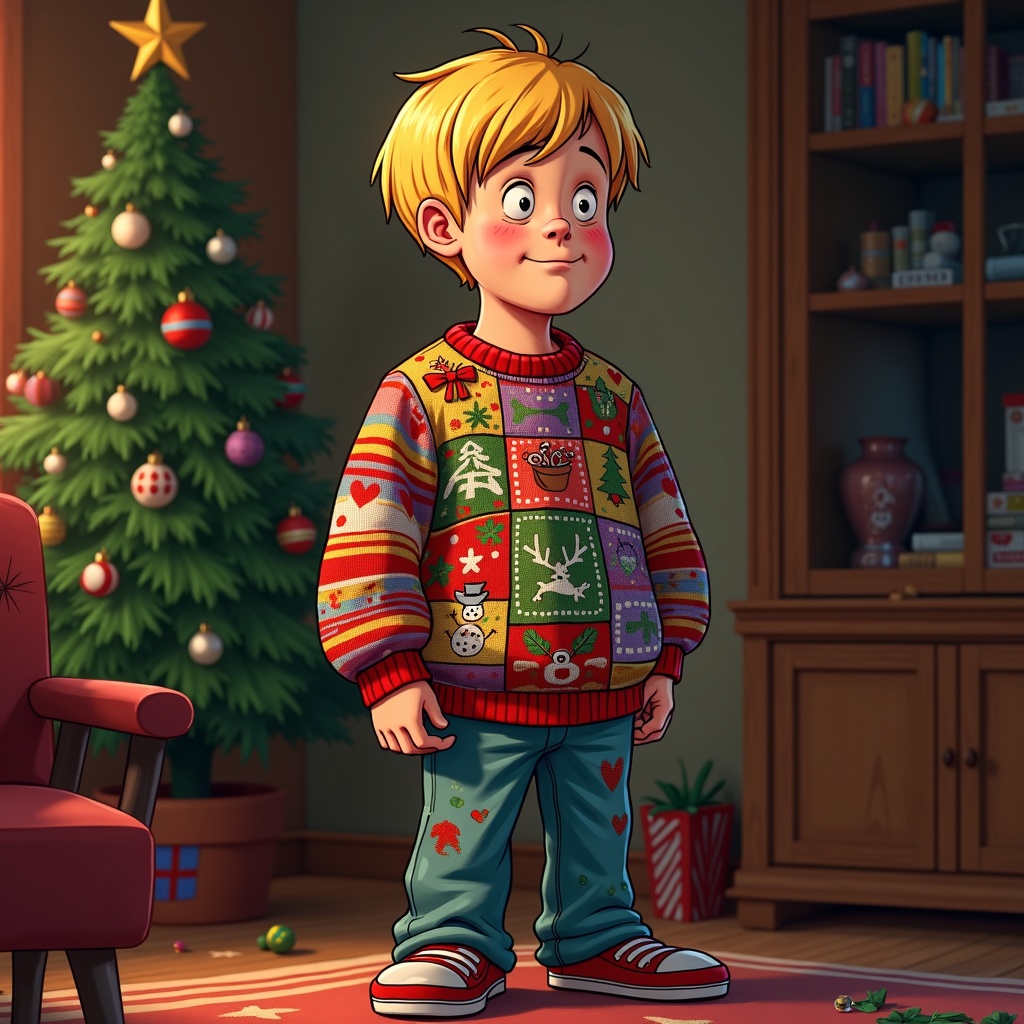
**Image Generation Prompt:** "Generate a humorous, high-detail digital illustration of 'Bad Luck Brian' wearing an outrageously ugly holiday sweater. The sweater should be garishly colorful, covered in chaotic patterns like mismatched stripes, polka dots, and tacky holiday motifs (e.g., crooked snowflakes, lopsided reindeer, or melting snowmen). Brian’s expression should be a mix of awkwardness and resignation, his blond bowl-cut hair slightly messy. The background is a cozy yet slightly shabby living room with a sad-looking Christmas tree in the corner, one broken ornament on the floor. Warm but uneven lighting casts subtle shadows, enhancing the comically unfortunate vibe. Render in a semi-realistic cartoon style with exaggerated textures—think thick knit wool, glossy plastic ornaments, and soft fabric folds—to emphasize the sweater’s absurdity. Keep the colors vibrant yet slightly muted for a nostalgic, early-2000s meme aesthetic.
Analyse Détaillée du Prompt d'Image Flux IA
Analysez le prompt détaillé utilisé pour générer l'image avec Flux IA Image Generator.
Explorez les invites Flux IA
Comment générer une image par Flux.1 dev
Suivez ces quatre étapes simples pour créer l'image désirée.
Étape 1 : Entrez votre texte (N'hésitez pas à affiner votre prompt pour de meilleurs résultats)
Étape 2 : Choisissez le ratio d'aspect de l'image
Étape 3 : Sélectionnez votre modèle Flux :
Étape 4 : Cliquez sur le bouton Générer et attendez quelques secondes pour votre image
Outils Flux IA liés aux prompts sur Flux.1 dev
Découvrez des outils avancés de Flux IA pour booster votre flux de travail créatif.