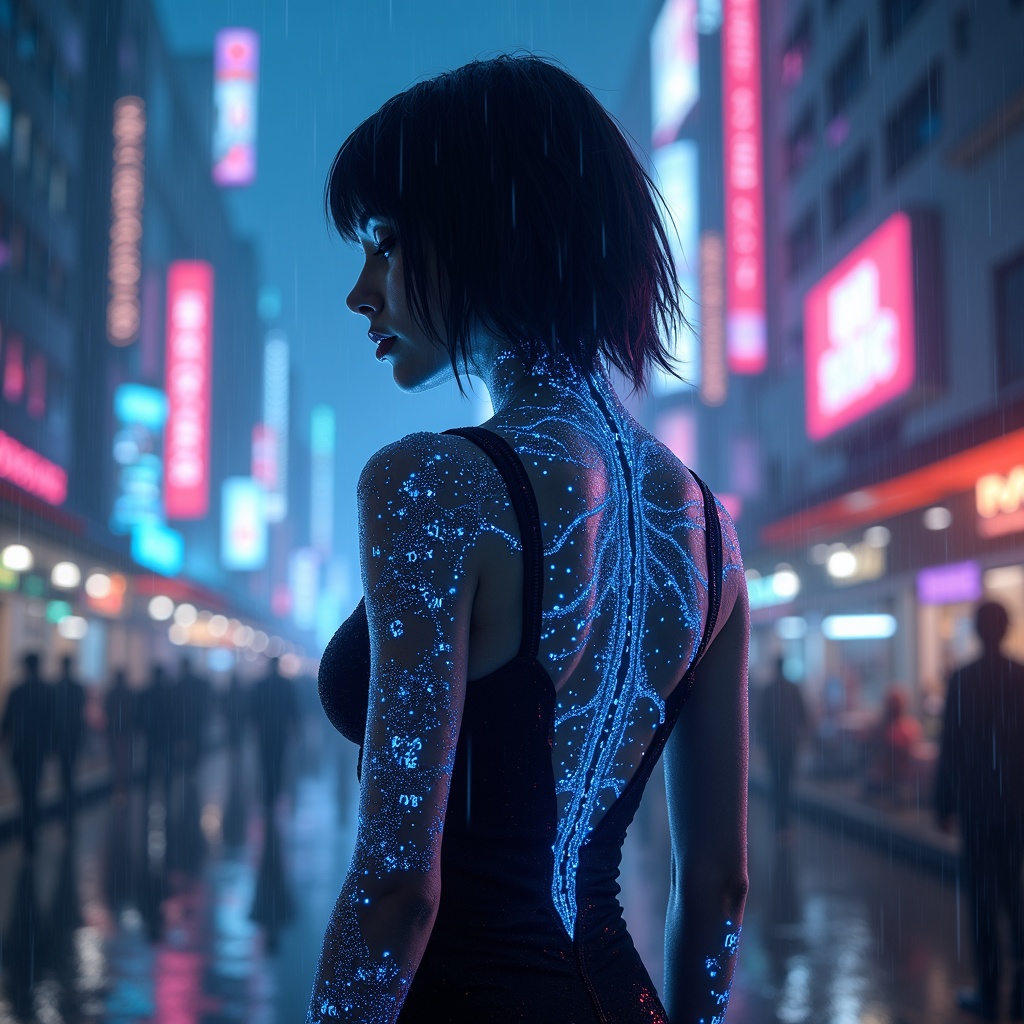
Glowing nano-tattoos display real-time crypto values - Flux.1 dev
Invite
Imagine a cyberpunk nightscape where a sleek, androgynous figure stands bathed in the neon glow of a rain-slicked city, their skin adorned with intricate, glowing nano-tattoos that pulse with real-time crypto values. The tattoos form a mesmerizing network of delicate circuits, shimmering in vibrant hues of electric blue, neon pink, and holographic gold, their luminescence shifting as numbers flicker and update like a live ticker. The ambient light from towering skyscrapers and holographic billboards reflects off their chrome-plated cybernetic arm, casting a kaleidoscope of colors across their sharp, high-tech attire—a form-fitting bodysuit with subtle LED accents. Raindrops glisten on their skin, each droplet catching the glow of the tattoos, while the misty air hums with the distant buzz of hovercars and the murmur of a crowded underground market. The backdrop is a labyrinth of futuristic alleyways, bathed in the eerie glow of augmented reality ads, with a faint, ghostly projection of a blockchain diagram hovering in the air nearby. The scene is a perfect fusion of human and machine, where finance and body art merge in a dazzling display of cutting-edge technology and cybernetic elegance.
Analyse Détaillée du Prompt d'Image Flux IA
Analysez le prompt détaillé utilisé pour générer l'image avec Flux IA Image Generator.
Explorez les invites Flux IA
Comment générer une image par Flux.1 dev
Suivez ces quatre étapes simples pour créer l'image désirée.
Étape 1 : Entrez votre texte (N'hésitez pas à affiner votre prompt pour de meilleurs résultats)
Étape 2 : Choisissez le ratio d'aspect de l'image
Étape 3 : Sélectionnez votre modèle Flux :
Étape 4 : Cliquez sur le bouton Générer et attendez quelques secondes pour votre image
Outils Flux IA liés aux prompts sur Flux.1 dev
Découvrez des outils avancés de Flux IA pour booster votre flux de travail créatif.