Counterfeit oxygen meters manipulate air quality stats - Flux.1 schnell
Invite
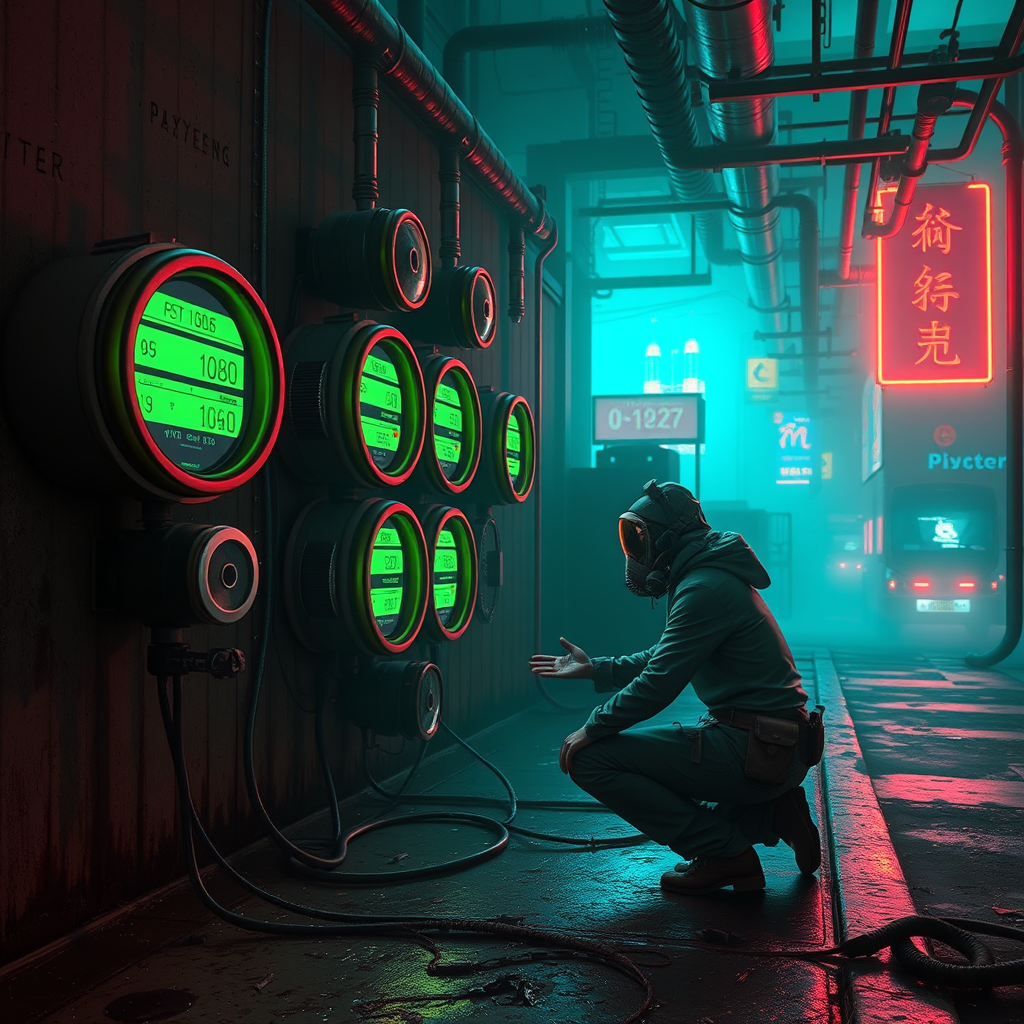
In a neon-drenched cyberpunk dystopia, the air thick with smog and the hum of hidden machinery, a cluster of counterfeit oxygen meters glow ominously on a corroded metal wall, their sleek, tampered interfaces flickering with manipulated data. The scene is bathed in the sickly green and electric blue of flickering holographic ads, casting jagged shadows across the damp, grime-streaked alley. A lone figure in a tattered, high-tech respirator kneels beside the devices, their fingers dancing over exposed wires, their face obscured by a reflection of distorted air quality stats scrolling across a cracked visor. Pipes hiss overhead, leaking vaporous trails of artificial oxygen, while the distant skyline pulses with the faint red glow of corporate towers. The atmosphere is heavy with tension, the air itself feeling counterfeit, as if the very act of breathing is a lie sold to the masses. Every surface gleams with a veneer of technological deceit, from the rusted bolts holding the meters in place to the glitchy, too-perfect numbers flashing on their screens.
Analyse Détaillée du Prompt d'Image Flux IA
Analysez le prompt détaillé utilisé pour générer l'image avec Flux IA Image Generator.
Explorez les invites Flux IA
Comment générer une image par Flux.1 schnell
Suivez ces quatre étapes simples pour créer l'image désirée.
Étape 1 : Entrez votre texte (N'hésitez pas à affiner votre prompt pour de meilleurs résultats)
Étape 2 : Choisissez le ratio d'aspect de l'image
Étape 3 : Sélectionnez votre modèle Flux :
Étape 4 : Cliquez sur le bouton Générer et attendez quelques secondes pour votre image
Outils Flux IA liés aux prompts sur Flux.1 schnell
Découvrez des outils avancés de Flux IA pour booster votre flux de travail créatif.