Neon Shadows: Rogue Medic's Fight - Flux.1 schnell
prompt
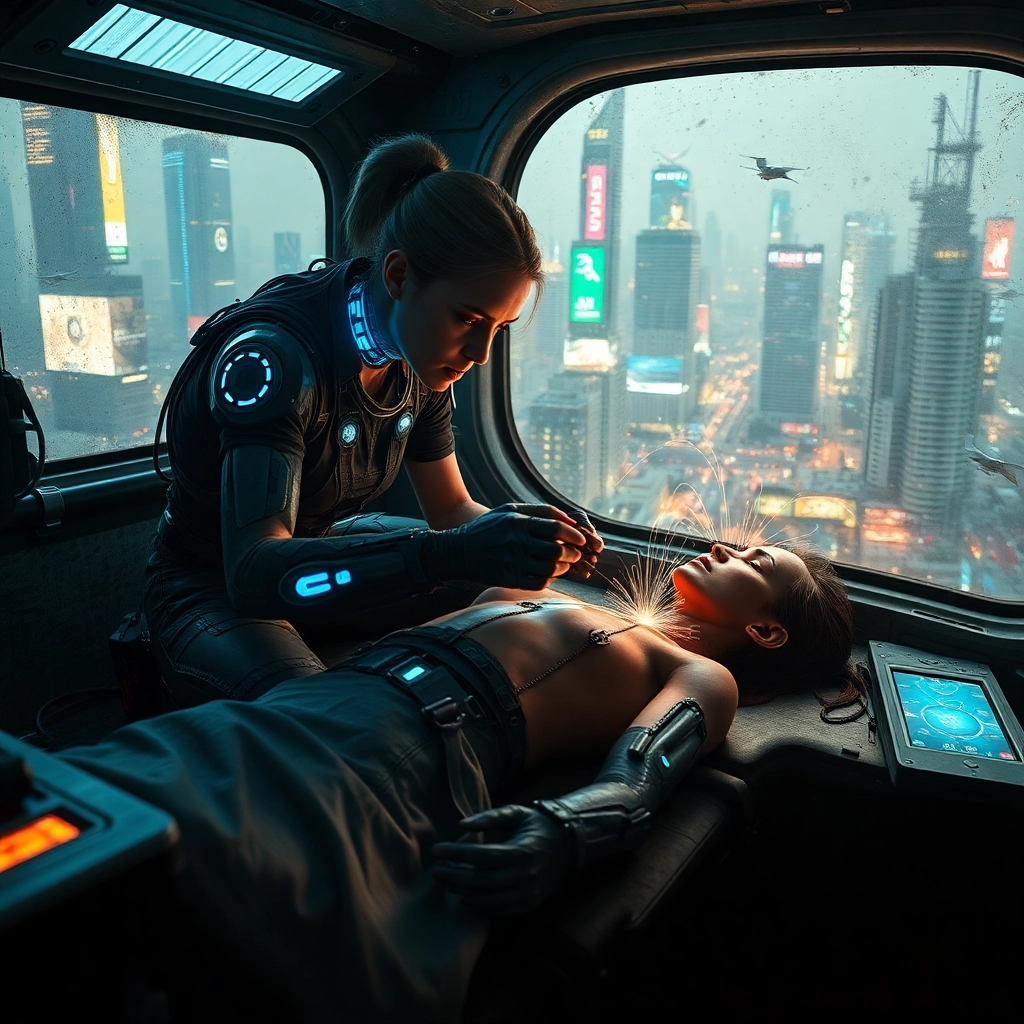
A rogue medic, her face illuminated by the harsh glow of neon-blue cybernetic implants, crouches in the cramped confines of a dilapidated hover-ambulance. Her gloved hands, adorned with intricate circuitry, deftly manipulate a array of holographic displays and surgical tools. The patient, a unconscious figure with exposed circuitry and pulsing, iridescent veins, lies on a makeshift operating table. Through the grimy windows, a dystopian cityscape of towering skyscrapers and holographic billboards rushes by, casting ever-shifting shadows across the interior. Sparks fly from malfunctioning equipment as the medic extracts a sleek, obsidian augmentation from a secured case. The air is thick with tension and the acrid smell of burning electronics. Floating nanobots swirl in the air, their microscopic forms catching the light like a swarm of bioluminescent fireflies. The ambulance interior is a chaotic blend of advanced technology and jury-rigged solutions, with cables snaking across surfaces and discarded augments littering the floor.
Analisis Terperinci Prompt Gambar Flux AI
Analisis prompt terperinci yang digunakan untuk menghasilkan gambar dengan Generator Gambar Flux AI.
Jelajahi Prompt Flux untuk Generator Gambar AI Flux
Cara menghasilkan gambar dengan Flux.1 schnell
Ikuti empat langkah sederhana ini untuk membuat gambar yang Anda inginkan.
Langkah 1: Masukkan Teks Anda (Silakan sempurnakan prompt untuk hasil yang lebih baik)
Langkah 2: Pilih Rasio Aspek Gambar
Langkah 3: Pilih Model Flux Anda:
Langkah 4: Klik Tombol Buat dan Tunggu Beberapa Detik untuk Gambar Anda
Alat Flux AI terkait untuk prompt tentang Flux.1 schnell
Temukan alat-alat canggih dari Flux AI untuk meningkatkan alur kerja kreatif Anda.