Stonehenge - Flux.1 dev
prompt
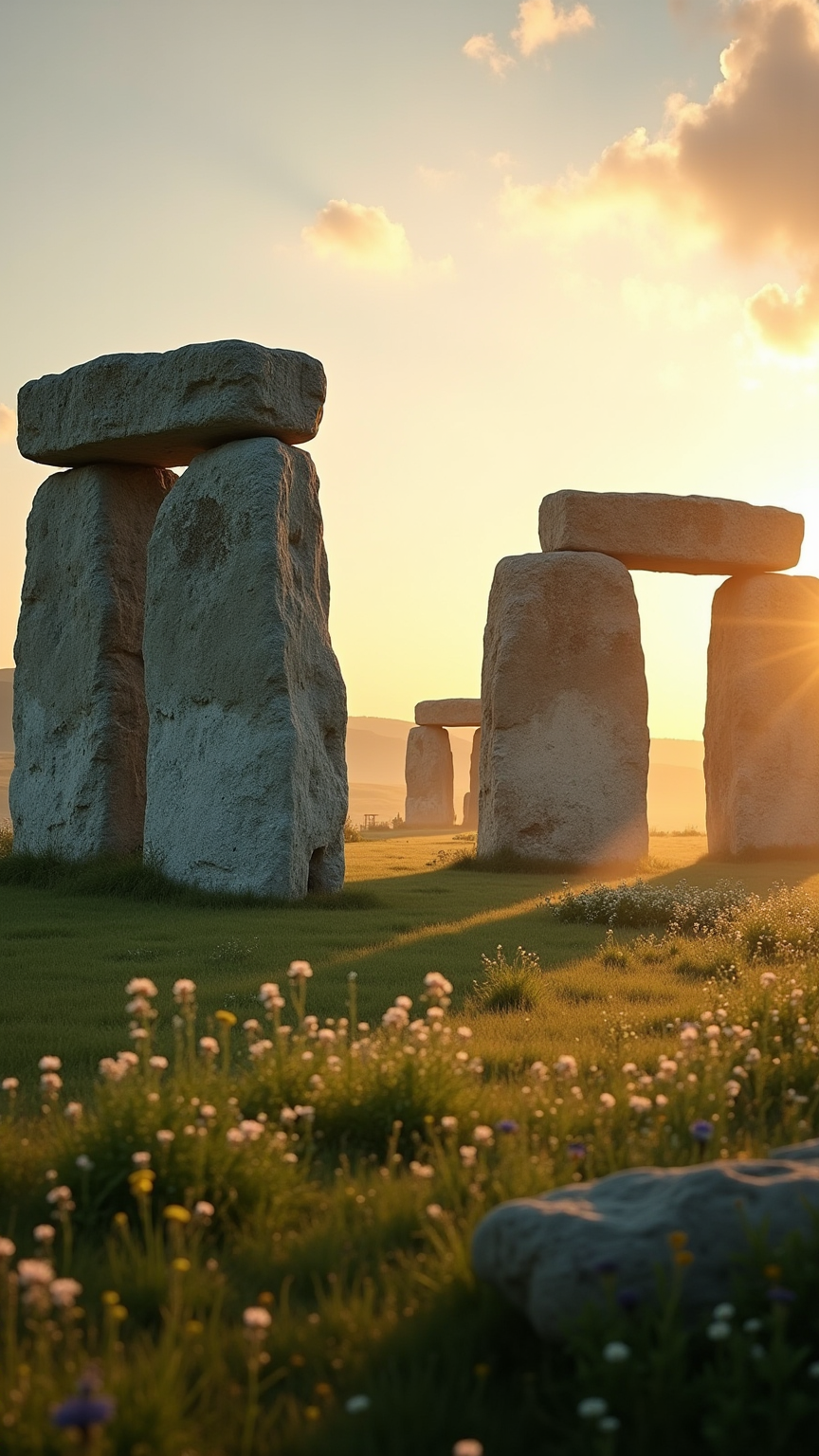
Create a captivating scene of Stonehenge at dawn, with the first light of day casting a warm golden hue across the ancient stones. The massive sarsen and bluestone monoliths rise dramatically against a soft pastel sky, their rugged textures and weathered surfaces reflecting centuries of history. Surrounding the monument, lush green grass and wildflowers add vibrant splashes of color, while distant rolling hills create a serene backdrop. Wisps of morning mist weave through the stones, enhancing the mystical atmosphere. Capture the scene in a wide-angle perspective, emphasizing the scale and grandeur of the structure. Use a soft focus to evoke a dreamlike quality, highlighting Stonehenge's cultural significance as a prehistoric ceremonial site, steeped in mystery and alignment with celestial events.
Analisis Terperinci Prompt Gambar Flux AI
Analisis prompt terperinci yang digunakan untuk menghasilkan gambar dengan Generator Gambar Flux AI.
Jelajahi Prompt Flux untuk Generator Gambar AI Flux
Cara menghasilkan gambar dengan Flux.1 dev
Ikuti empat langkah sederhana ini untuk membuat gambar yang Anda inginkan.
Langkah 1: Masukkan Teks Anda (Silakan sempurnakan prompt untuk hasil yang lebih baik)
Langkah 2: Pilih Rasio Aspek Gambar
Langkah 3: Pilih Model Flux Anda:
Langkah 4: Klik Tombol Buat dan Tunggu Beberapa Detik untuk Gambar Anda
Alat Flux AI terkait untuk prompt tentang Flux.1 dev
Temukan alat-alat canggih dari Flux AI untuk meningkatkan alur kerja kreatif Anda.