Chili - Flux.1.1 pro
prompt
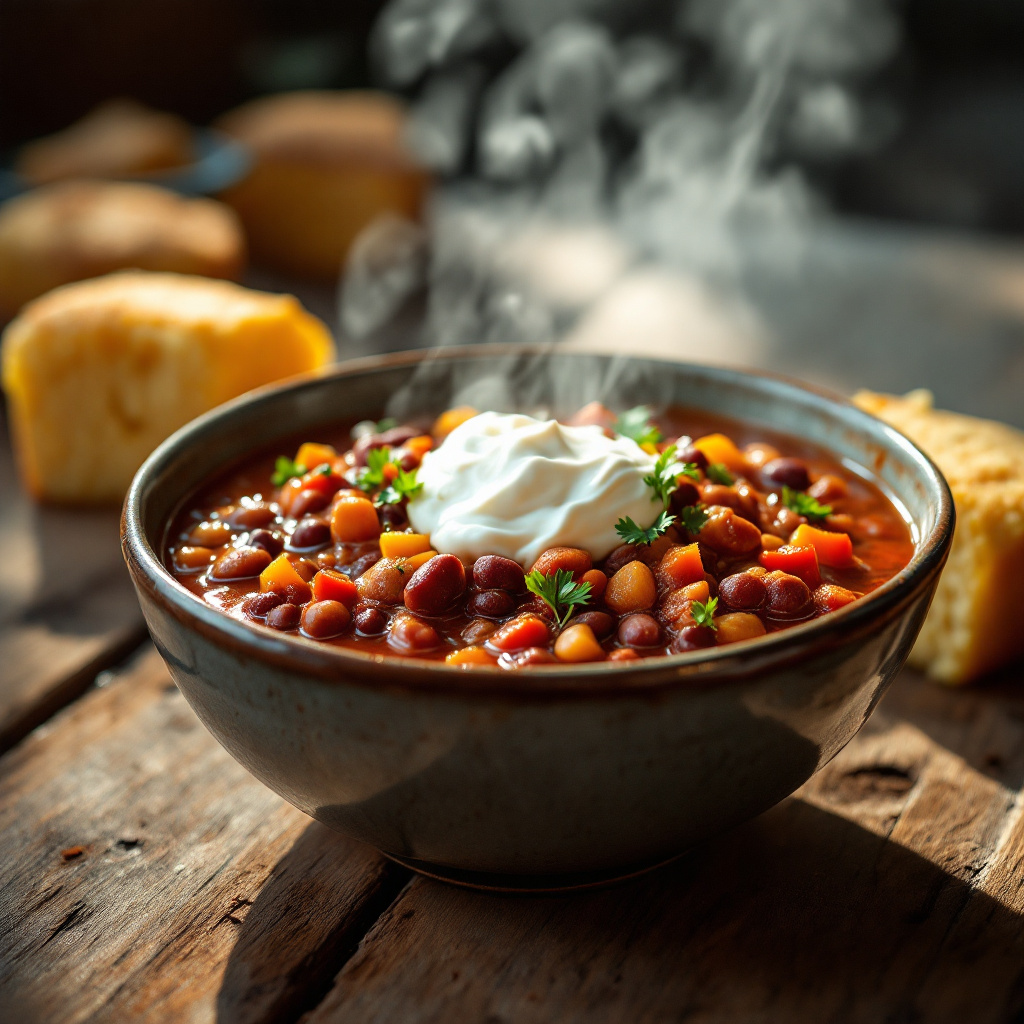
A steaming bowl of chili sits at the center of a rustic wooden table, its vibrant colors swirling together: deep red tomatoes, earthy brown beans, and flecks of green cilantro. The chili’s surface glistens with a rich, spicy sauce, dotted with bright orange and yellow bell peppers, and crowned with a dollop of creamy sour cream that slowly melts into the warmth. Soft, fluffy cornbread peeks out from the side, its golden crust inviting. The scene is bathed in warm, golden hour light, casting gentle shadows that enhance the textures of the chili and the wooden table. A close-up macro photography style captures the steam rising from the bowl, the aroma almost palpable, inviting the viewer to savor the rich, spiced scent and the comforting warmth of this hearty dish.
Analisis Terperinci Prompt Gambar Flux AI
Analisis prompt terperinci yang digunakan untuk menghasilkan gambar dengan Generator Gambar Flux AI.
Jelajahi Prompt Flux untuk Generator Gambar AI Flux
Cara menghasilkan gambar dengan Flux.1.1 pro
Ikuti empat langkah sederhana ini untuk membuat gambar yang Anda inginkan.
Langkah 1: Masukkan Teks Anda (Silakan sempurnakan prompt untuk hasil yang lebih baik)
Langkah 2: Pilih Rasio Aspek Gambar
Langkah 3: Pilih Model Flux Anda:
Langkah 4: Klik Tombol Buat dan Tunggu Beberapa Detik untuk Gambar Anda
Alat Flux AI terkait untuk prompt tentang Flux.1.1 pro
Temukan alat-alat canggih dari Flux AI untuk meningkatkan alur kerja kreatif Anda.