The World Games - Flux.1.1 pro
prompt
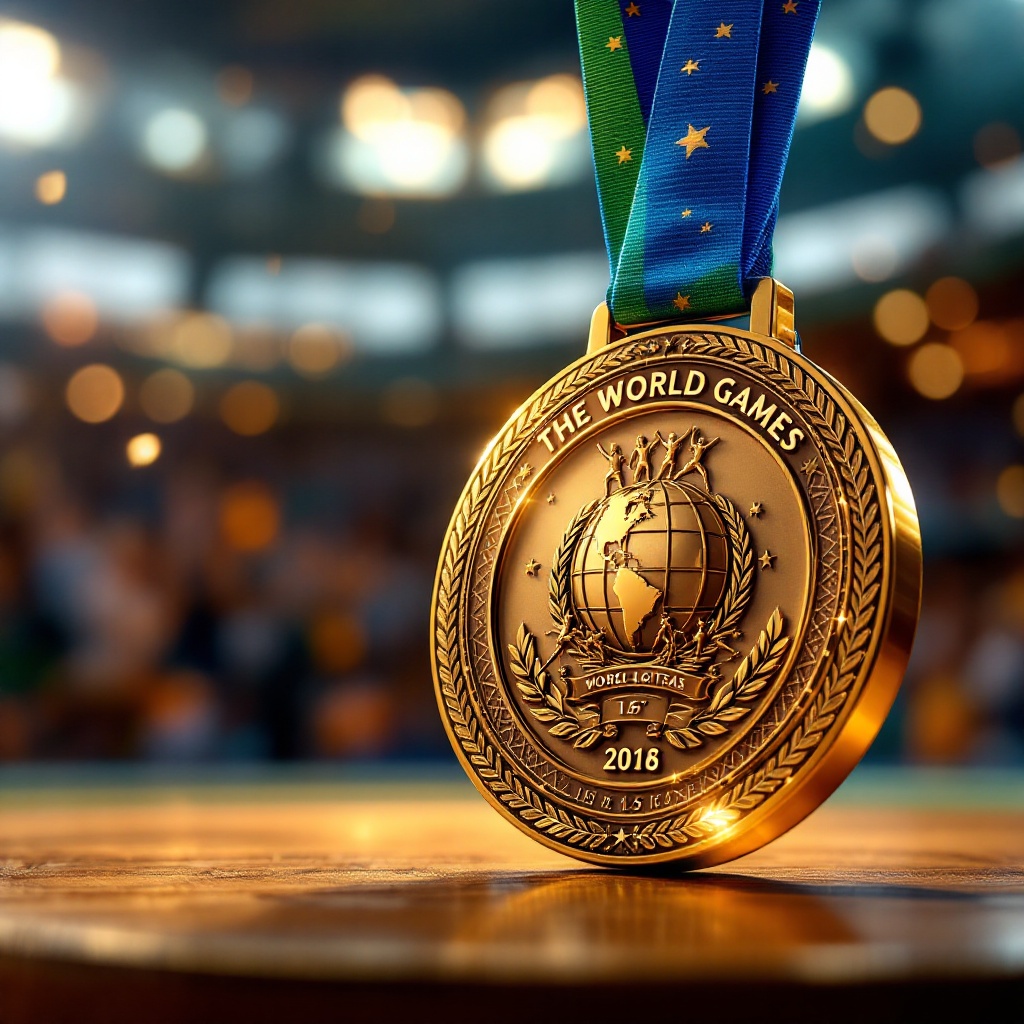
Create an image of a prestigious medal for The World Games, featuring a circular design with a diameter of 3 inches, crafted from polished gold with intricate textured patterns. The medal's surface showcases a raised emblem of the globe surrounded by stylized athletes in motion, symbolizing unity and competition. A vibrant blue and green ribbon, 1.5 inches wide, flows gracefully from the top, adorned with subtle geometric patterns. The reverse side is engraved with "The World Games" and the year, surrounded by laurel leaves. Use a rich color palette of gold, blue, and green, with soft, dramatic lighting that highlights the medal's shine and details. Position the medal at a slight angle against a blurred background of a cheering crowd, capturing the excitement of sportsmanship and achievement.
Analisis Terperinci Prompt Gambar Flux AI
Analisis prompt terperinci yang digunakan untuk menghasilkan gambar dengan Generator Gambar Flux AI.
Jelajahi Prompt Flux untuk Generator Gambar AI Flux
Cara menghasilkan gambar dengan Flux.1.1 pro
Ikuti empat langkah sederhana ini untuk membuat gambar yang Anda inginkan.
Langkah 1: Masukkan Teks Anda (Silakan sempurnakan prompt untuk hasil yang lebih baik)
Langkah 2: Pilih Rasio Aspek Gambar
Langkah 3: Pilih Model Flux Anda:
Langkah 4: Klik Tombol Buat dan Tunggu Beberapa Detik untuk Gambar Anda
Alat Flux AI terkait untuk prompt tentang Flux.1.1 pro
Temukan alat-alat canggih dari Flux AI untuk meningkatkan alur kerja kreatif Anda.