The Commonwealth Games - Flux.1.1 pro
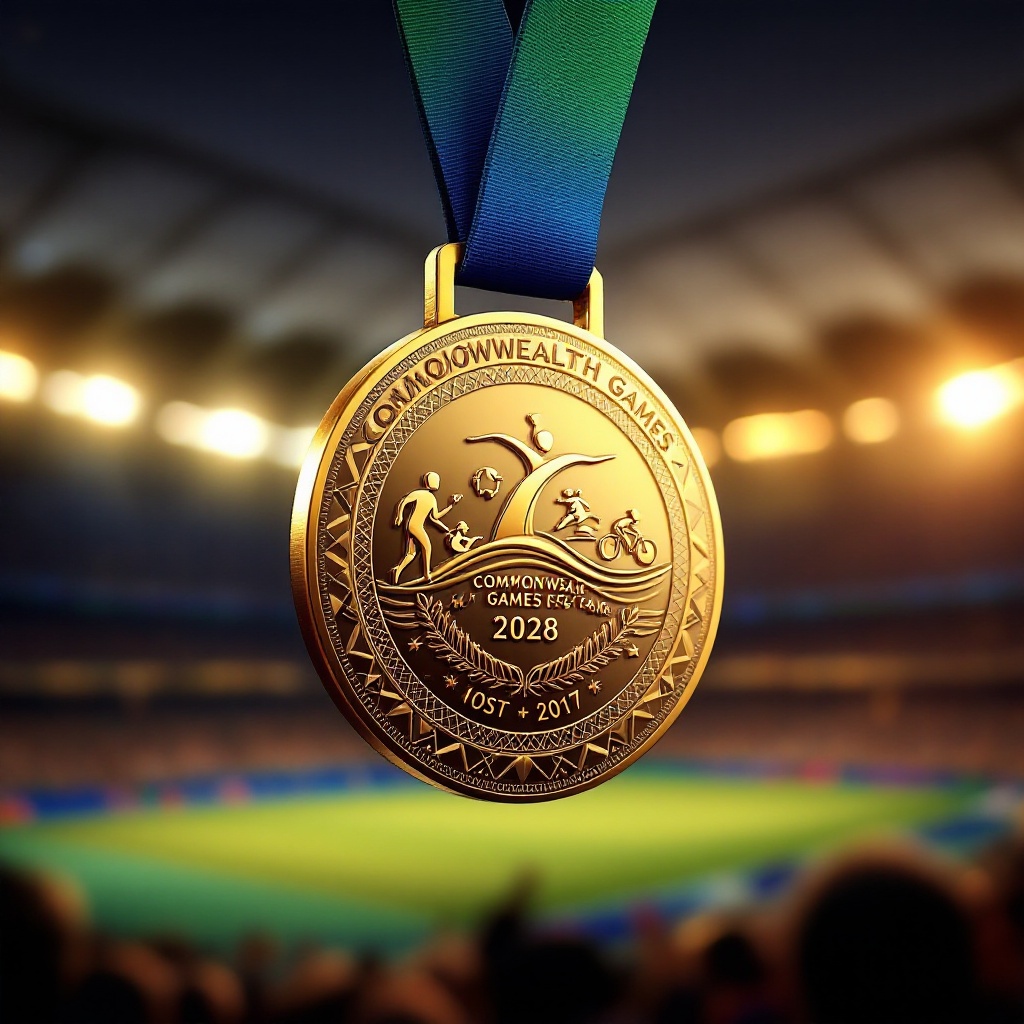
prompt
Create a stunning image of a Commonwealth Games medal featuring a circular design, approximately 3 inches in diameter, crafted from polished gold with intricate patterns symbolizing unity and sportsmanship. The medal hangs from a vibrant, silk ribbon in deep blue and green, representing the colors of the Commonwealth flag, adorned with subtle geometric motifs. On the front, emboss the Commonwealth Games logo surrounded by symbols of various sports like a runner, swimmer, and cyclist, each delicately engraved. The reverse side showcases the year and host city in elegant script. Illuminate the scene with soft, warm lighting that highlights the medal's shine, set against a blurred background of cheering crowds and a stadium, capturing the excitement of the games. Present the medal at a slight angle, emphasizing its depth and craftsmanship, with a focus on the intricate details of the engraving and the texture of the ribbon.
Analisis Terperinci Prompt Gambar Flux AI
Analisis prompt terperinci yang digunakan untuk menghasilkan gambar dengan Generator Gambar Flux AI.
Jelajahi Prompt Flux untuk Generator Gambar AI Flux
Cara menghasilkan gambar dengan Flux.1.1 pro
Ikuti empat langkah sederhana ini untuk membuat gambar yang Anda inginkan.
Langkah 1: Masukkan Teks Anda (Silakan sempurnakan prompt untuk hasil yang lebih baik)
Langkah 2: Pilih Rasio Aspek Gambar
Langkah 3: Pilih Model Flux Anda:
Langkah 4: Klik Tombol Buat dan Tunggu Beberapa Detik untuk Gambar Anda
Alat Flux AI terkait untuk prompt tentang Flux.1.1 pro
Temukan alat-alat canggih dari Flux AI untuk meningkatkan alur kerja kreatif Anda.