Lake Geneva - Flux.1 dev
prompt
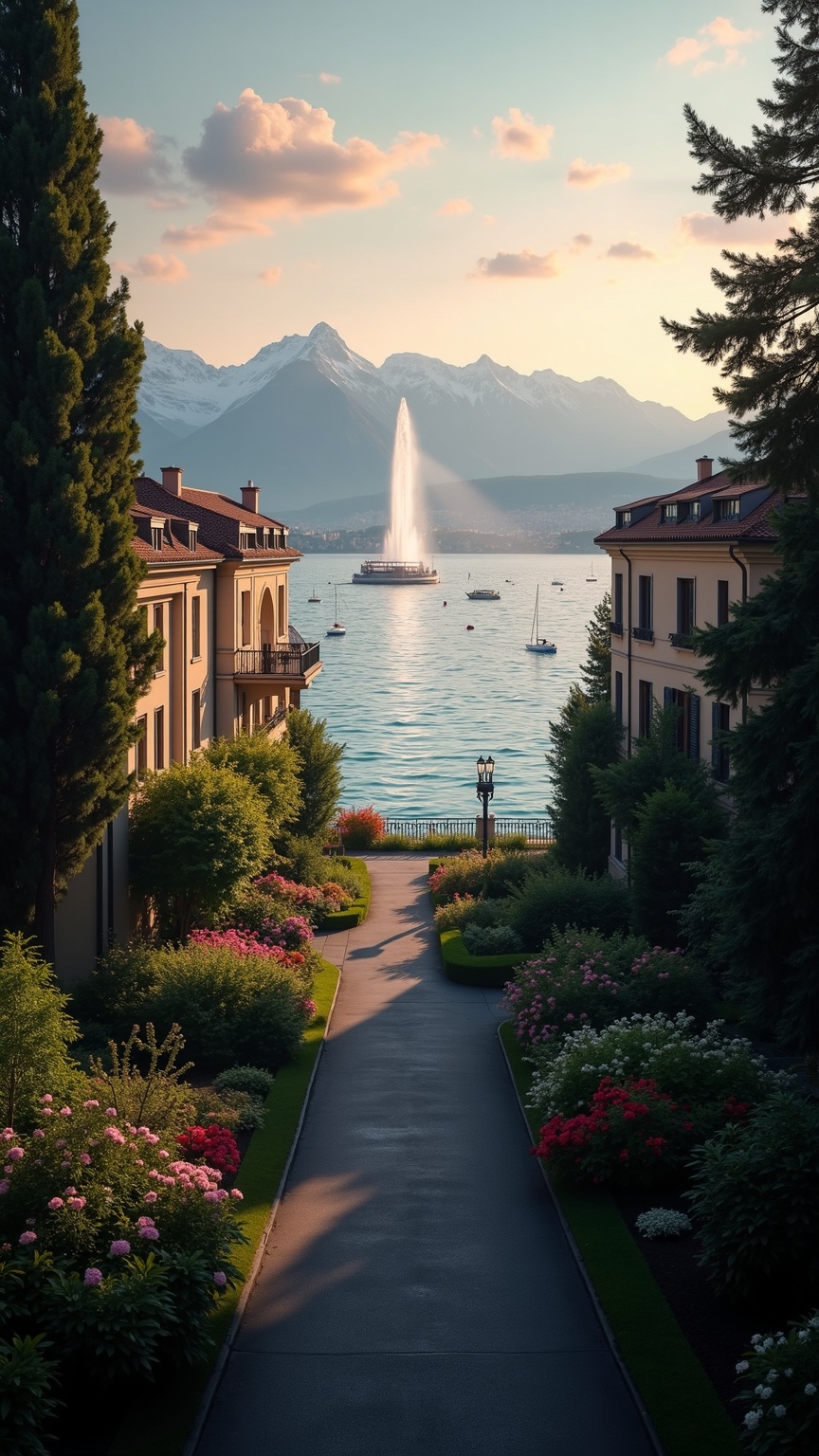
**Prompt:** "A serene view of Lake Geneva at golden hour, with the iconic Jet d'Eau fountain soaring against a pastel-hued sky. The lake’s crystal-clear waters reflect the surrounding snow-capped Alps and the elegant Belle Époque architecture of lakeside villas, adorned with wrought-iron balconies and terracotta roofs. Lush parks and promenades frame the scene, dotted with vibrant flower beds and towering chestnut trees. The distant Mont Blanc glows softly in the twilight, while sailboats glide across the tranquil water. Captured in a high-detail, photorealistic style with warm, diffused lighting to emphasize the harmony of nature and refined urban beauty." (Characters: 696)
Analisis Terperinci Prompt Gambar Flux AI
Analisis prompt terperinci yang digunakan untuk menghasilkan gambar dengan Generator Gambar Flux AI.
Jelajahi Prompt Flux untuk Generator Gambar AI Flux
Cara menghasilkan gambar dengan Flux.1 dev
Ikuti empat langkah sederhana ini untuk membuat gambar yang Anda inginkan.
Langkah 1: Masukkan Teks Anda (Silakan sempurnakan prompt untuk hasil yang lebih baik)
Langkah 2: Pilih Rasio Aspek Gambar
Langkah 3: Pilih Model Flux Anda:
Langkah 4: Klik Tombol Buat dan Tunggu Beberapa Detik untuk Gambar Anda
Alat Flux AI terkait untuk prompt tentang Flux.1 dev
Temukan alat-alat canggih dari Flux AI untuk meningkatkan alur kerja kreatif Anda.