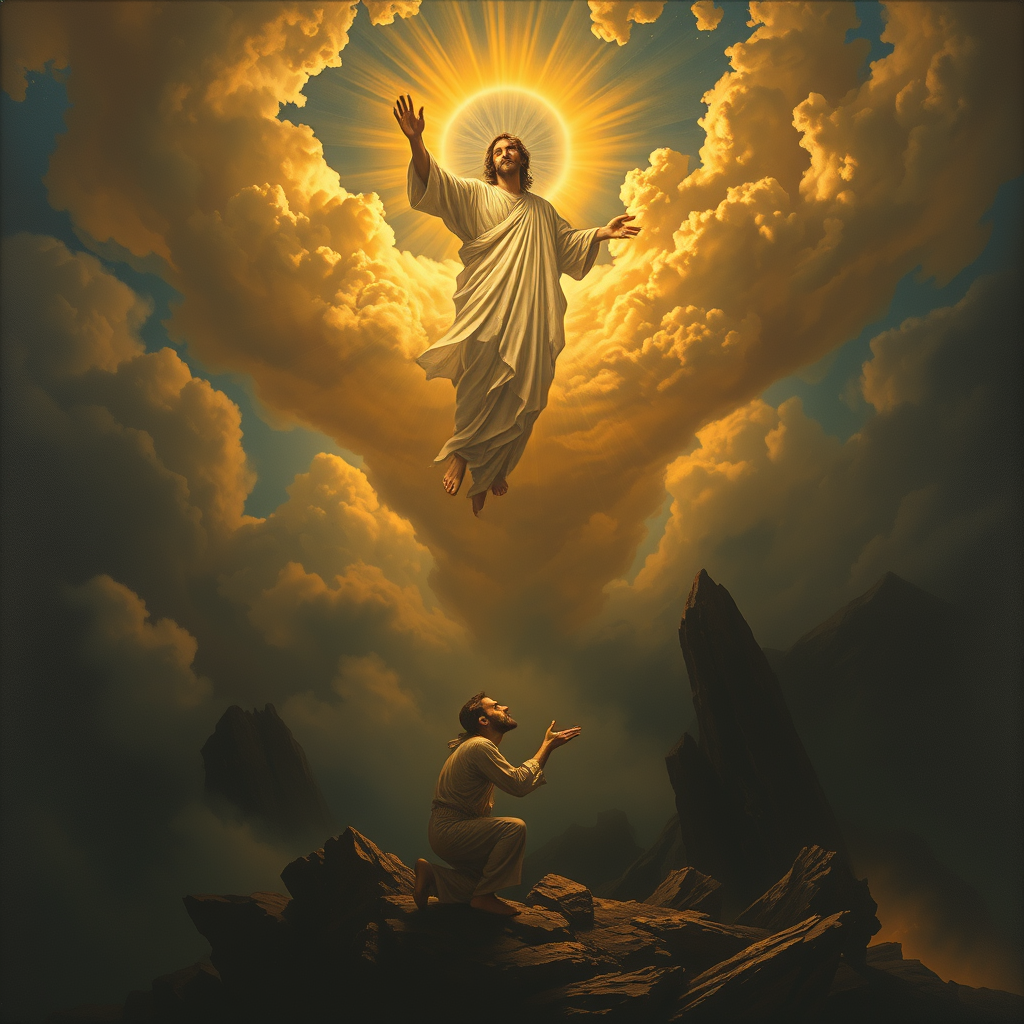
The Lord saves the righteous. - Flux.1 schnell
prompt
**Prompt:** "A dramatic, celestial scene where a radiant, divine figure (The Lord) descends from golden clouds, bathed in ethereal light, extending a hand to lift a humble, weary traveler (the righteous) from a shadowy valley below. The traveler kneels in prayer, their face illuminated with hope, while dark, chaotic forces—twisting shadows and jagged rocks—recede in the background. Style: Baroque-inspired with rich contrasts, dynamic composition, and intricate details reminiscent of Caravaggio’s chiaroscuro. Mood: triumphant yet serene, with a heavenly glow casting warm highlights against a stormy, muted landscape. Colors: deep blues, luminous golds, and soft whites, evoking divine intervention and salvation.
Analisis Terperinci Prompt Gambar Flux AI
Analisis prompt terperinci yang digunakan untuk menghasilkan gambar dengan Generator Gambar Flux AI.
Jelajahi Prompt Flux untuk Generator Gambar AI Flux
Cara menghasilkan gambar dengan Flux.1 schnell
Ikuti empat langkah sederhana ini untuk membuat gambar yang Anda inginkan.
Langkah 1: Masukkan Teks Anda (Silakan sempurnakan prompt untuk hasil yang lebih baik)
Langkah 2: Pilih Rasio Aspek Gambar
Langkah 3: Pilih Model Flux Anda:
Langkah 4: Klik Tombol Buat dan Tunggu Beberapa Detik untuk Gambar Anda
Alat Flux AI terkait untuk prompt tentang Flux.1 schnell
Temukan alat-alat canggih dari Flux AI untuk meningkatkan alur kerja kreatif Anda.