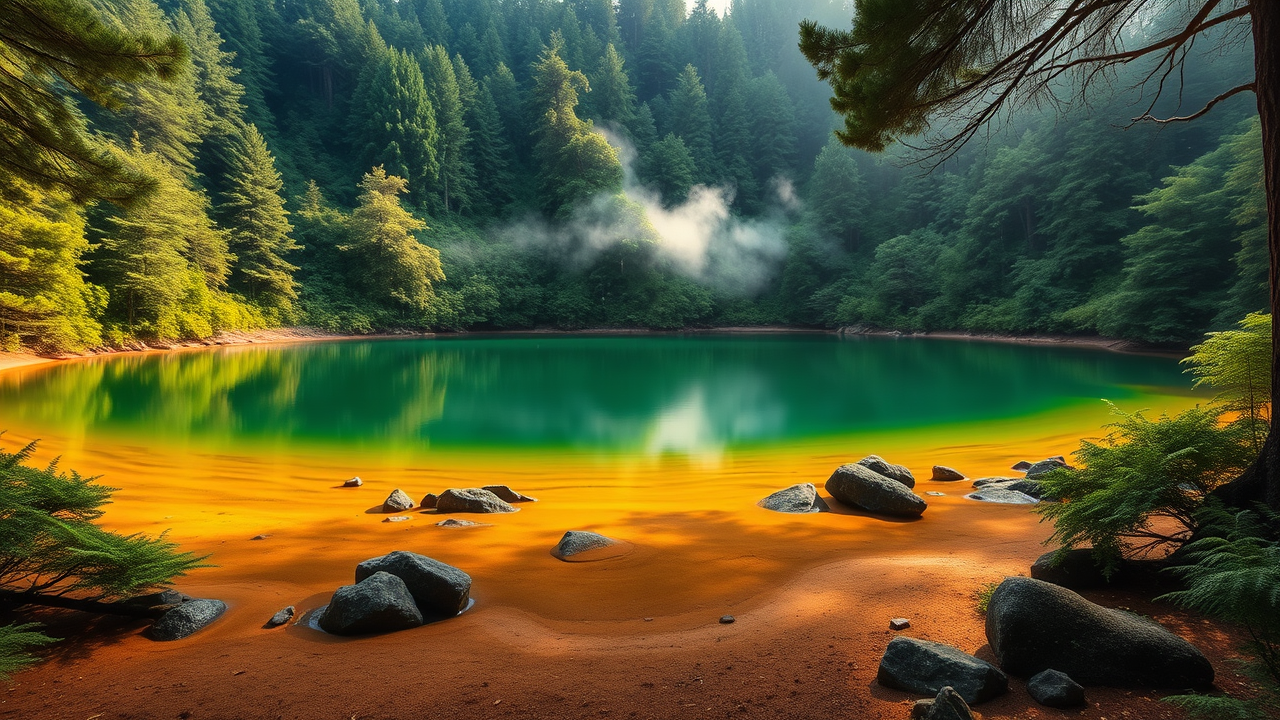
Lake Rotopounamu - Flux.1 schnell
prompt
**Prompt:** "A serene, emerald-green crater lake nestled in a lush native New Zealand forest, with dense ferns, rimu, and beech trees reflecting perfectly on the glassy water. The circular shoreline is lined with smooth volcanic rocks and golden sand, contrasting with the deep green hues. Mist lingers between the trees, softening the sunlight filtering through the canopy. Capture the scene at dawn, with soft pastel skies and a tranquil atmosphere, emphasizing the untouched wilderness. Use a photorealistic style with rich, vibrant colors and crisp details to highlight the interplay of light, water, and foliage—evoking the sacred, almost mystical essence of this secluded volcanic gem." (Characters: 685)
Analisis Terperinci Prompt Gambar Flux AI
Analisis prompt terperinci yang digunakan untuk menghasilkan gambar dengan Generator Gambar Flux AI.
Jelajahi Prompt Flux untuk Generator Gambar AI Flux
Cara menghasilkan gambar dengan Flux.1 schnell
Ikuti empat langkah sederhana ini untuk membuat gambar yang Anda inginkan.
Langkah 1: Masukkan Teks Anda (Silakan sempurnakan prompt untuk hasil yang lebih baik)
Langkah 2: Pilih Rasio Aspek Gambar
Langkah 3: Pilih Model Flux Anda:
Langkah 4: Klik Tombol Buat dan Tunggu Beberapa Detik untuk Gambar Anda
Alat Flux AI terkait untuk prompt tentang Flux.1 schnell
Temukan alat-alat canggih dari Flux AI untuk meningkatkan alur kerja kreatif Anda.