Tech Turmoil: A Home Office Odyssey - Flux.1 schnell
prompt
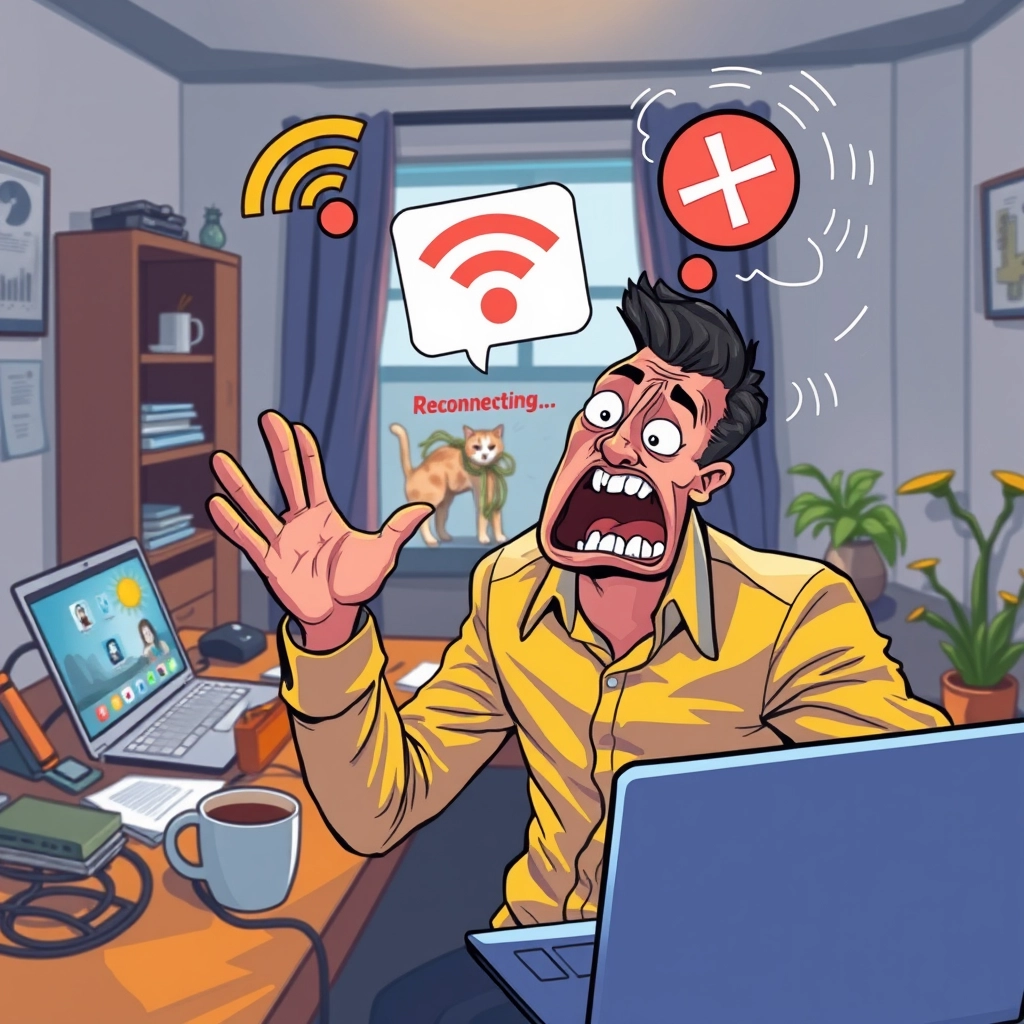
A frustrated professional in a home office, frozen mid-gesture with a panicked expression. The background shows a messy desk with scattered papers, coffee mug, and a laptop. The laptop screen displays a glitchy video call interface with pixelated faces and a prominent "Reconnecting..." message. A WiFi icon with a red "X" floats above the scene. The room's lighting flickers, casting dramatic shadows. Vibrant, contrasting colors emphasize the chaos: warm yellows and oranges for the subject, cool blues for the technology elements. Exaggerated, cartoon-like style with sharp lines and bold outlines. Dynamic composition with the subject slightly off-center, leaning towards the laptop. Swirling, Van Gogh-inspired brush strokes in the background suggest a sense of anxiety and motion. Small, humorous details like a cat tangled in computer cables or a house plant wilting add to the scene's frantic energy. Depth of field effect blurs the edges, focusing attention on the central action.
Analisi Dettagliata del Prompt Immagine Flux AI
Analizza il prompt dettagliato utilizzato per generare l'immagine con il Generatore Immagini Flux AI.
Esplora i Prompt Flux per il Generatore Immagini Flux AI
Come generare immagini con Flux.1 schnell
Segui questi quattro semplici passaggi per creare l'immagine desiderata.
Passaggio 1: Inserisci il Tuo Testo (Sentiti libero di perfezionare il prompt per risultati migliori)
Passaggio 2: Scegli le Proporzioni dell'Immagine
Passaggio 3: Seleziona il Tuo Modello Flux:
Passaggio 4: Clicca il Pulsante Genera e Attendi Alcuni Secondi per la Tua Immagine
Strumenti Flux AI correlati per prompt su Flux.1 schnell
Scopri strumenti avanzati di Flux AI per potenziare il tuo flusso di lavoro creativo.