Bioluminescent Echoes of the Abyss - Flux.1 dev
prompt
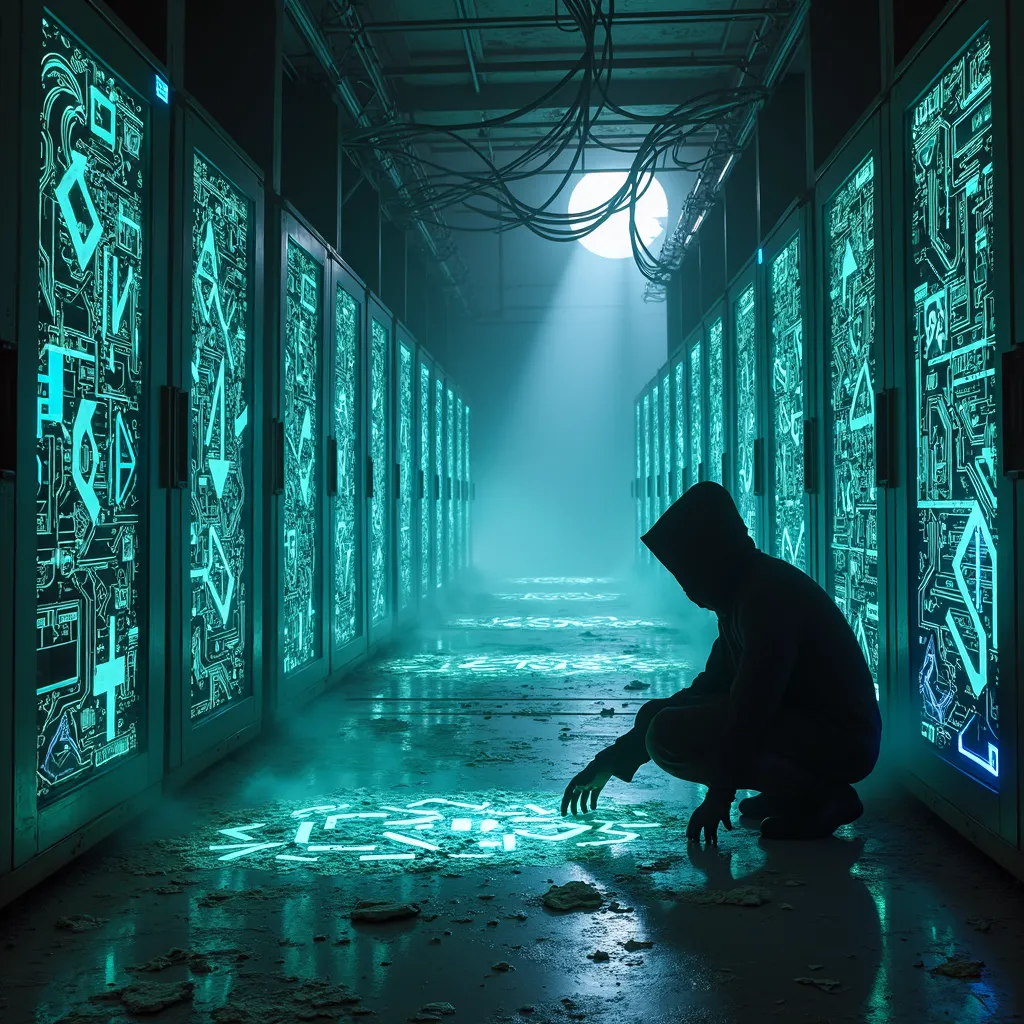
In a sprawling subterranean data center, abandoned servers tower like monoliths, their once-sleek surfaces now corroded and draped with tangled cables. Ethereal bioluminescent graffiti adorns the metallic walls, pulsing with vibrant cyan, electric blue, and acid green hues. The intricate designs flow seamlessly, forming arrows and arcane symbols that guide unseen wanderers through the labyrinthine corridors. Ghostly mist swirls at ankle level, diffusing the glow from the graffiti and creating an otherworldly atmosphere. Shafts of pale moonlight pierce through distant grates, casting long shadows that dance across the floor. In the foreground, a hooded figure crouches, their silhouette barely visible against the radiant artwork. Their outstretched hand traces the glowing patterns, leaving ephemeral trails of light in the air. Broken screens flicker sporadically, offering glimpses of fragmented data streams. The air is thick with the scent of ozone and decaying electronics, while the faint hum of dormant machinery echoes in the background. Dust motes float lazily in the air, catching the bioluminescent light and creating a galaxy of tiny, glowing particles.
Analisi Dettagliata del Prompt Immagine Flux AI
Analizza il prompt dettagliato utilizzato per generare l'immagine con il Generatore Immagini Flux AI.
Esplora i Prompt Flux per il Generatore Immagini Flux AI
Come generare immagini con Flux.1 dev
Segui questi quattro semplici passaggi per creare l'immagine desiderata.
Passaggio 1: Inserisci il Tuo Testo (Sentiti libero di perfezionare il prompt per risultati migliori)
Passaggio 2: Scegli le Proporzioni dell'Immagine
Passaggio 3: Seleziona il Tuo Modello Flux:
Passaggio 4: Clicca il Pulsante Genera e Attendi Alcuni Secondi per la Tua Immagine
Strumenti Flux AI correlati per prompt su Flux.1 dev
Scopri strumenti avanzati di Flux AI per potenziare il tuo flusso di lavoro creativo.