Neon Decay: Fungi & Future - Flux.1 dev
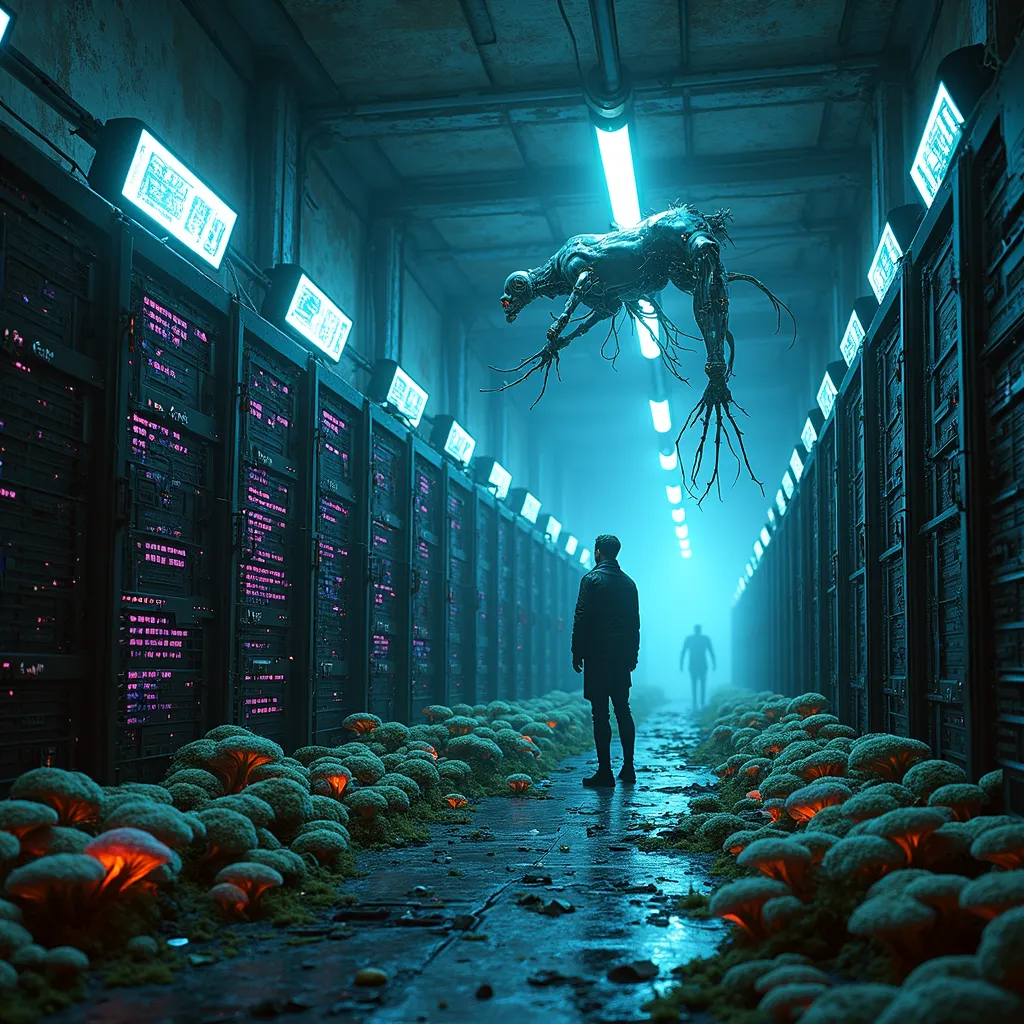
prompt
In a dimly lit subterranean chamber, bioluminescent fungi of electric blue and acid green creep across rows of obsolete server racks, their tendrils penetrating corroded circuitry. Holographic displays flicker with fragmented code as a sleek, chrome-plated AI construct hovers nearby, its fiber optic tentacles probing the decaying hardware. Neon pink data streams flow through translucent tubes, feeding into the AI's pulsating core. The air shimmers with a haze of digital artifacts and spores, casting an eerie glow on the damp, graffiti-covered walls. Discarded cybernetic implants litter the floor, their exposed wires sparking occasionally. A lone figure in a tattered neo-punk jacket stands at the chamber's entrance, silhouetted against the harsh glare of the neon-lit corridor beyond. The scene is bathed in a surreal mix of organic and synthetic light, highlighting the stark contrast between the thriving fungal ecosystem and the dying remnants of outdated technology.
Analisi Dettagliata del Prompt Immagine Flux AI
Analizza il prompt dettagliato utilizzato per generare l'immagine con il Generatore Immagini Flux AI.
Esplora i Prompt Flux per il Generatore Immagini Flux AI
Come generare immagini con Flux.1 dev
Segui questi quattro semplici passaggi per creare l'immagine desiderata.
Passaggio 1: Inserisci il Tuo Testo (Sentiti libero di perfezionare il prompt per risultati migliori)
Passaggio 2: Scegli le Proporzioni dell'Immagine
Passaggio 3: Seleziona il Tuo Modello Flux:
Passaggio 4: Clicca il Pulsante Genera e Attendi Alcuni Secondi per la Tua Immagine
Strumenti Flux AI correlati per prompt su Flux.1 dev
Scopri strumenti avanzati di Flux AI per potenziare il tuo flusso di lavoro creativo.