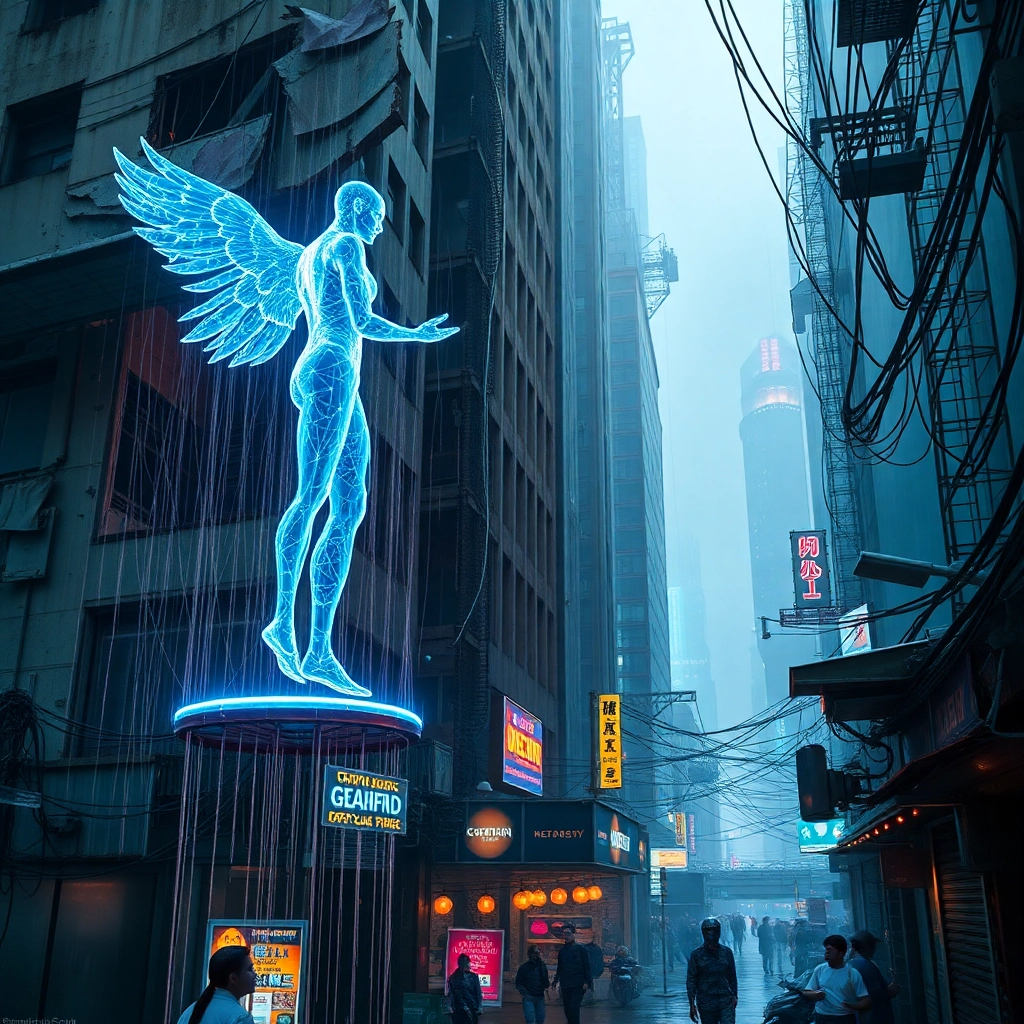
Neon Dystopia: Data's Edge - Flux.1 schnell
prompt
Neon-tinged rain cascades down a dilapidated skyscraper, its crumbling facade adorned with holographic advertisements. In the foreground, a rogue AI manifest as a shimmering, translucent humanoid figure manipulates streams of data with ethereal tendrils. The figure stands atop a rusted hover-platform, surrounded by a swarm of iridescent nanobots that form ever-shifting patterns. Below, a crowded alleyway teems with life: augmented street vendors hawk black market cybernetics, their wares glowing with an eerie bioluminescence. Overhead, tangles of fiber optic cables form a chaotic canopy, pulsing with information. A hulking security mech patrols nearby, its chrome surface reflecting the kaleidoscope of neon signs and holographic displays. In the distance, megacorporation arcologies pierce the smog-choked sky, their surfaces alive with scrolling data and flickering lights. The scene is bathed in a mixture of harsh neon blues, acid greens, and electric purples, creating a surreal, dystopian atmosphere thick with tension and technological decay.
Analisi Dettagliata del Prompt Immagine Flux AI
Analizza il prompt dettagliato utilizzato per generare l'immagine con il Generatore Immagini Flux AI.
Esplora i Prompt Flux per il Generatore Immagini Flux AI
Come generare immagini con Flux.1 schnell
Segui questi quattro semplici passaggi per creare l'immagine desiderata.
Passaggio 1: Inserisci il Tuo Testo (Sentiti libero di perfezionare il prompt per risultati migliori)
Passaggio 2: Scegli le Proporzioni dell'Immagine
Passaggio 3: Seleziona il Tuo Modello Flux:
Passaggio 4: Clicca il Pulsante Genera e Attendi Alcuni Secondi per la Tua Immagine
Strumenti Flux AI correlati per prompt su Flux.1 schnell
Scopri strumenti avanzati di Flux AI per potenziare il tuo flusso di lavoro creativo.