Lemur - Flux.1 dev
prompt
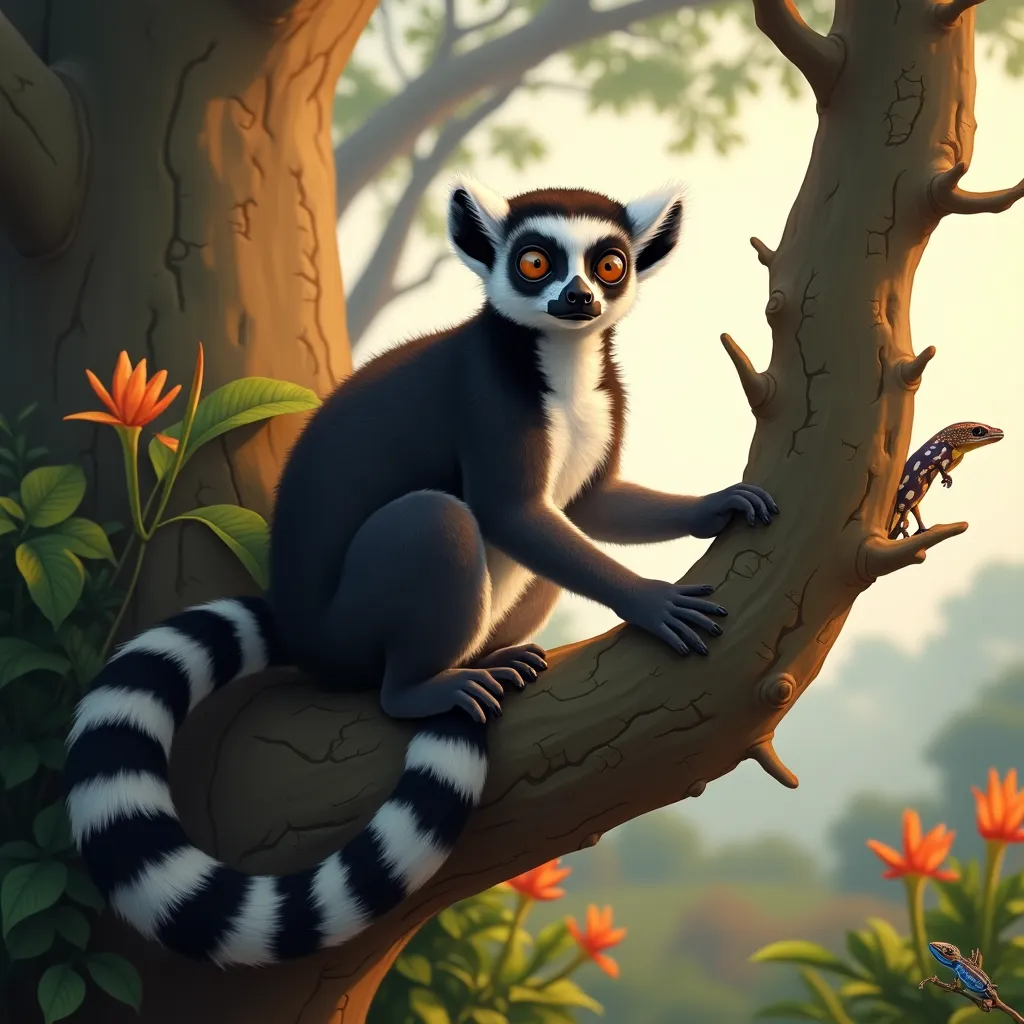
A curious ring-tailed lemur perches on a gnarled branch of an ancient baobab tree in Madagascar's spiny forest. Its distinctive black and white striped tail curls gracefully around the branch. The lemur's large, expressive amber eyes gaze directly at the viewer, filled with intelligence and wonder. Soft morning light filters through the canopy, casting dappled shadows on the lemur's fur and surrounding foliage. Artistic style: Hyper-realistic digital painting with meticulous attention to detail. Color palette: Rich earth tones of brown and green, contrasted with the lemur's striking black and white fur. Pops of vibrant orange and yellow from exotic flowers in the background. Lighting: Soft, golden morning light creating a warm, ethereal atmosphere. Camera angle: Close-up frontal view, slightly below eye level, emphasizing the lemur's facial features and curious expression. Composition: Rule of thirds, with the lemur occupying the left two-thirds of the frame, and the right third showcasing the intricate details of the baobab tree and distant forest. Additional elements: A colorful chameleon camouflaged among leaves in the lower right corner, and a flock of brightly-colored birds taking flight in the distant background.
Analisi Dettagliata del Prompt Immagine Flux AI
Analizza il prompt dettagliato utilizzato per generare l'immagine con il Generatore Immagini Flux AI.
Esplora i Prompt Flux per il Generatore Immagini Flux AI
Come generare immagini con Flux.1 dev
Segui questi quattro semplici passaggi per creare l'immagine desiderata.
Passaggio 1: Inserisci il Tuo Testo (Sentiti libero di perfezionare il prompt per risultati migliori)
Passaggio 2: Scegli le Proporzioni dell'Immagine
Passaggio 3: Seleziona il Tuo Modello Flux:
Passaggio 4: Clicca il Pulsante Genera e Attendi Alcuni Secondi per la Tua Immagine
Strumenti Flux AI correlati per prompt su Flux.1 dev
Scopri strumenti avanzati di Flux AI per potenziare il tuo flusso di lavoro creativo.