Neon Shadows: Code and Chaos - Flux.1 schnell
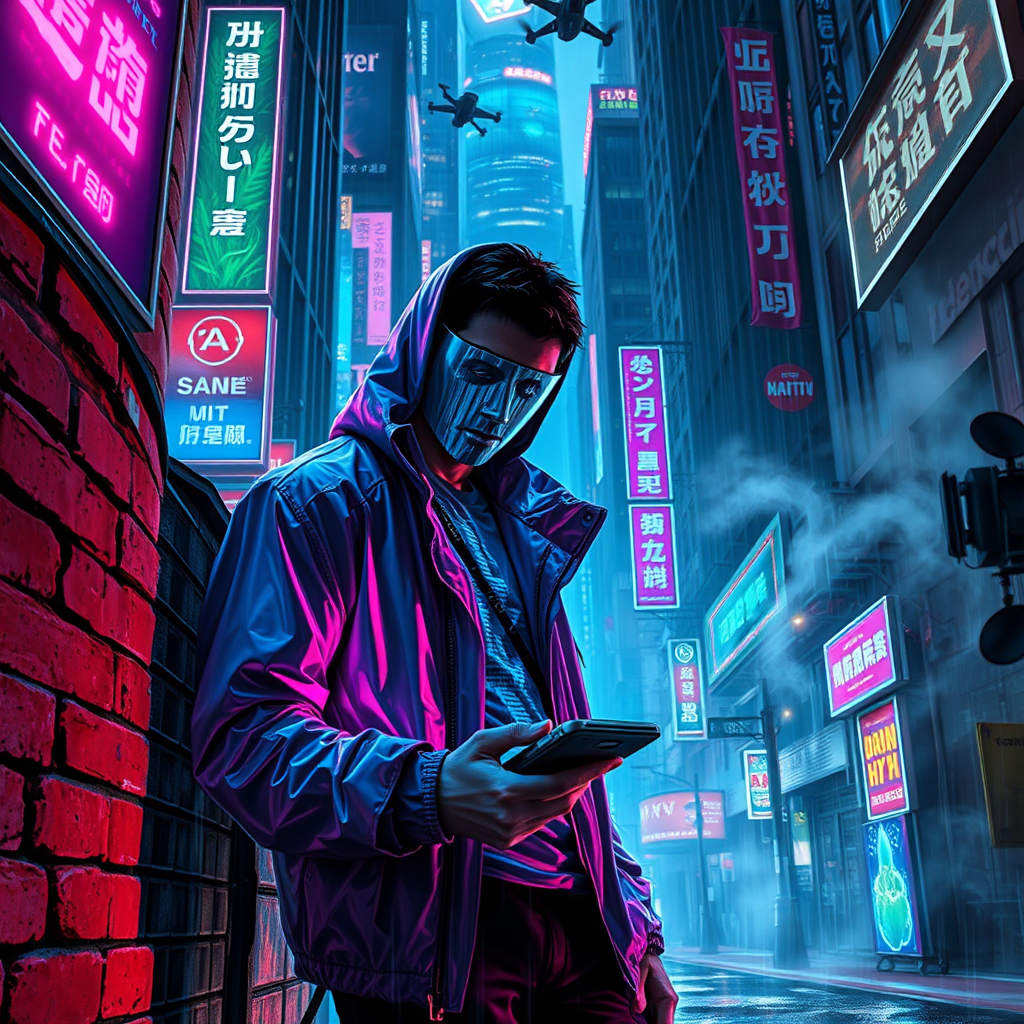
prompt
In a rain-soaked, neon-drenched alley of a sprawling cyberpunk metropolis, a rogue hacker clad in a tattered, holographic jacket leans against a crumbling brick wall, illuminated by flickering blue and magenta lights. His face, half-hidden by a sleek, translucent visor, reflects lines of cascading code streaming from a handheld device, casting an eerie glow on his focused expression. Above him, towering skyscrapers loom, their surfaces alive with pulsating advertisements and holograms of digital flora, while the faint hum of drones buzzes overhead. Shadows dance around him, shaped by the vibrant glow of neon signs in various languages, as tendrils of smoke curl from a nearby vent, mingling with the electric air. In the background, the city’s consciousness—a swirling mass of luminescent circuits and ethereal data streams—interacts with the hacker, forming a visual symphony of chaos and connection, embodying the pulse of a sentient urban landscape.
Analisi Dettagliata del Prompt Immagine Flux AI
Analizza il prompt dettagliato utilizzato per generare l'immagine con il Generatore Immagini Flux AI.
Esplora i Prompt Flux per il Generatore Immagini Flux AI
Come generare immagini con Flux.1 schnell
Segui questi quattro semplici passaggi per creare l'immagine desiderata.
Passaggio 1: Inserisci il Tuo Testo (Sentiti libero di perfezionare il prompt per risultati migliori)
Passaggio 2: Scegli le Proporzioni dell'Immagine
Passaggio 3: Seleziona il Tuo Modello Flux:
Passaggio 4: Clicca il Pulsante Genera e Attendi Alcuni Secondi per la Tua Immagine
Strumenti Flux AI correlati per prompt su Flux.1 schnell
Scopri strumenti avanzati di Flux AI per potenziare il tuo flusso di lavoro creativo.