Neon Oracle: Heartbeat of the City - Flux.1 pro
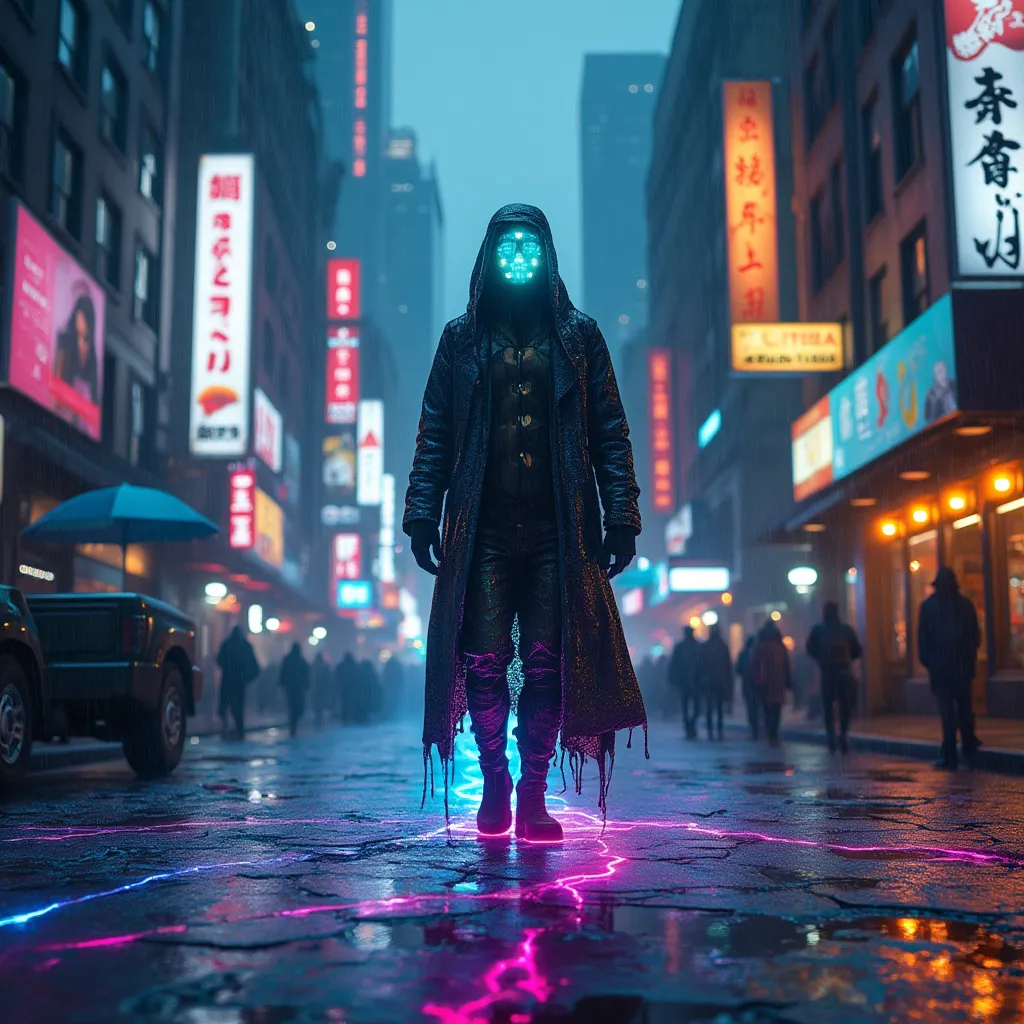
prompt
In a rain-soaked urban landscape, cracked asphalt glistens under the glow of neon lights, revealing pulsating veins of electric blue and vibrant magenta that throb like a heartbeat beneath the surface. Shadows dance as a figure, the street oracle, stands amidst the chaos, draped in tattered, holographic fabrics that shimmer with shifting colors. Their eyes, augmented with digital overlays, scan the air, reading the swirling auras of passersby—hazy shades of green, violet, and gold swirling like smoke. The backdrop is a labyrinth of towering skyscrapers adorned with flickering advertisements, casting a surreal glow over the scene. Wisps of steam rise from grates, mingling with the scent of rain and metal, while the distant hum of neon signs buzzes like a heartbeat in the night. The atmosphere is thick with mystery and anticipation, inviting the viewer to delve deeper into this cybernetic world where technology and humanity intertwine.
Analisi Dettagliata del Prompt Immagine Flux AI
Analizza il prompt dettagliato utilizzato per generare l'immagine con il Generatore Immagini Flux AI.
Esplora i Prompt Flux per il Generatore Immagini Flux AI
Come generare immagini con Flux.1 pro
Segui questi quattro semplici passaggi per creare l'immagine desiderata.
Passaggio 1: Inserisci il Tuo Testo (Sentiti libero di perfezionare il prompt per risultati migliori)
Passaggio 2: Scegli le Proporzioni dell'Immagine
Passaggio 3: Seleziona il Tuo Modello Flux:
Passaggio 4: Clicca il Pulsante Genera e Attendi Alcuni Secondi per la Tua Immagine
Strumenti Flux AI correlati per prompt su Flux.1 pro
Scopri strumenti avanzati di Flux AI per potenziare il tuo flusso di lavoro creativo.